Calc now supports Pivot Table Calculated Fields — a long-missing Excel-parity feature that lets you derive new values directly inside a pivot table. Define a formula once, reference existing fields by name, and a brand-new column appears in your pivot table without ever adding a column to the source data.
Originally requested in tdf#78486 back in 2014, Calculated Fields have been one of the most-asked-for pivot-table gaps for over a decade. They’re now available in Collabora Office Classic / Collabora Office / Collabora Online 26.04.
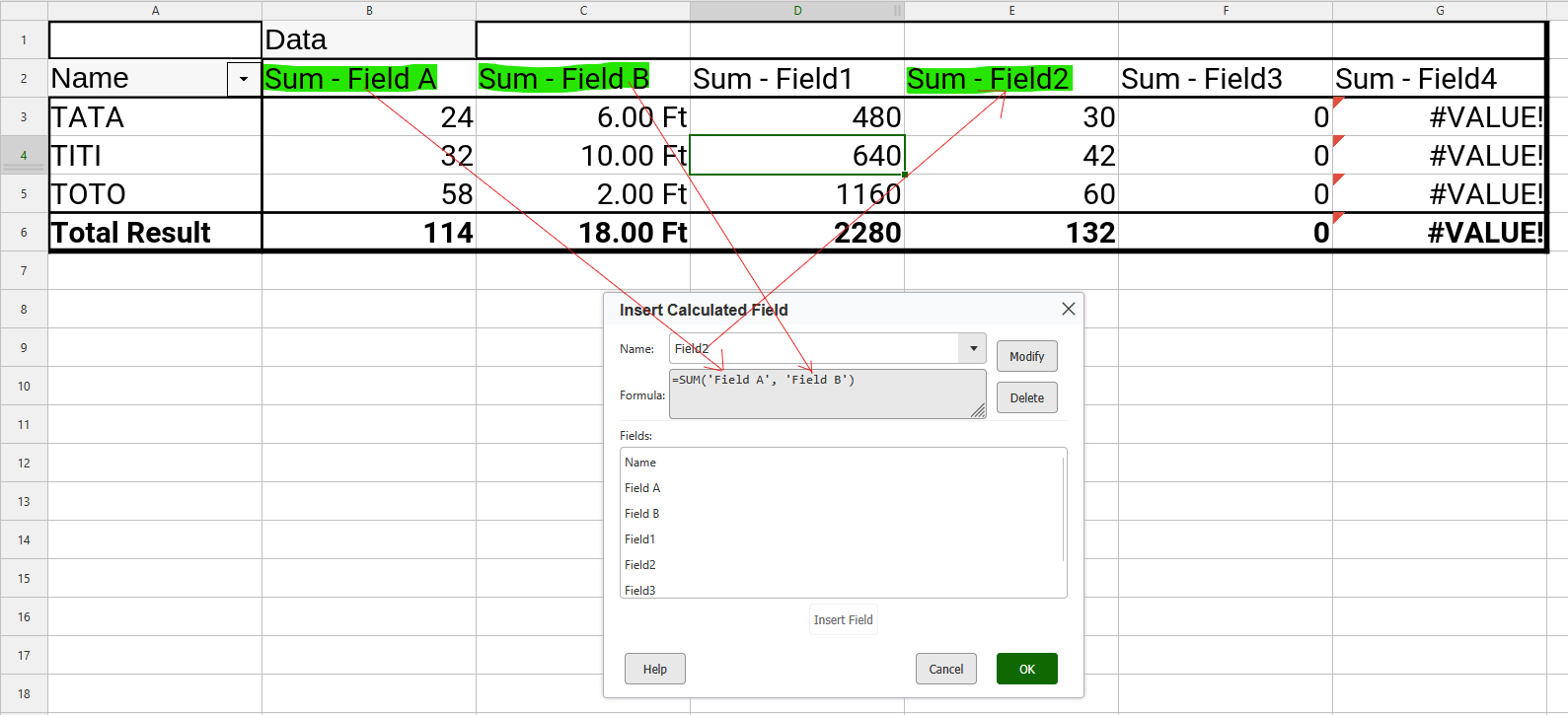
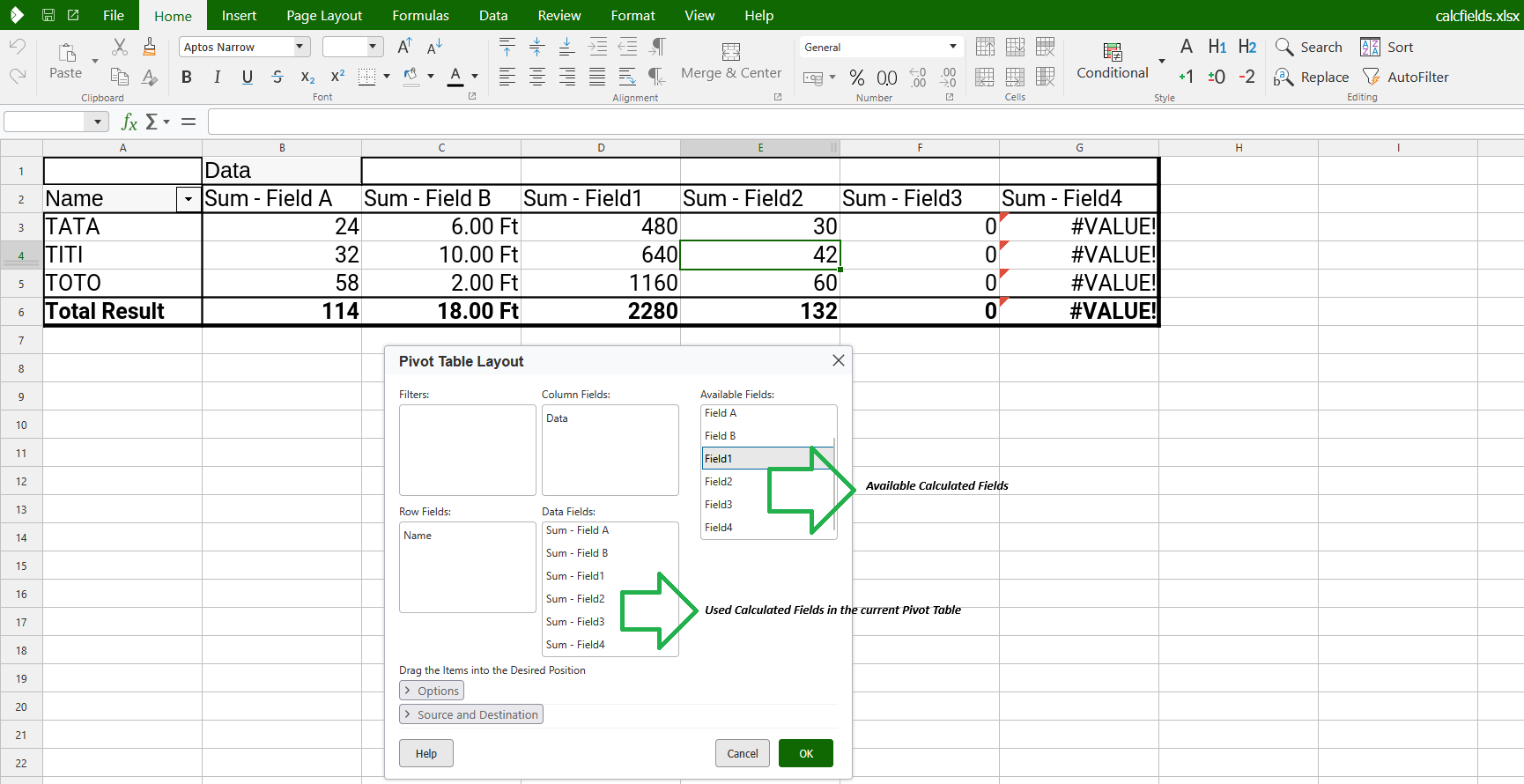
A calculated field added to a pivot table — the source data is untouched.
What is a Calculated Field?
Think of a calculated field as a virtual column in your pivot table. It appears in the field list, behaves like any other measure, and updates as you pivot, filter, or refresh — but it lives entirely inside the pivot definition.
Popular examples include:
Unit Price = Sales / Quantity
Profit = Revenue – Cost
Bonus = 0.03 × Sales
Variance = Actual – Budget
Total = SUM( Cost ; Revenue )
How to use it?
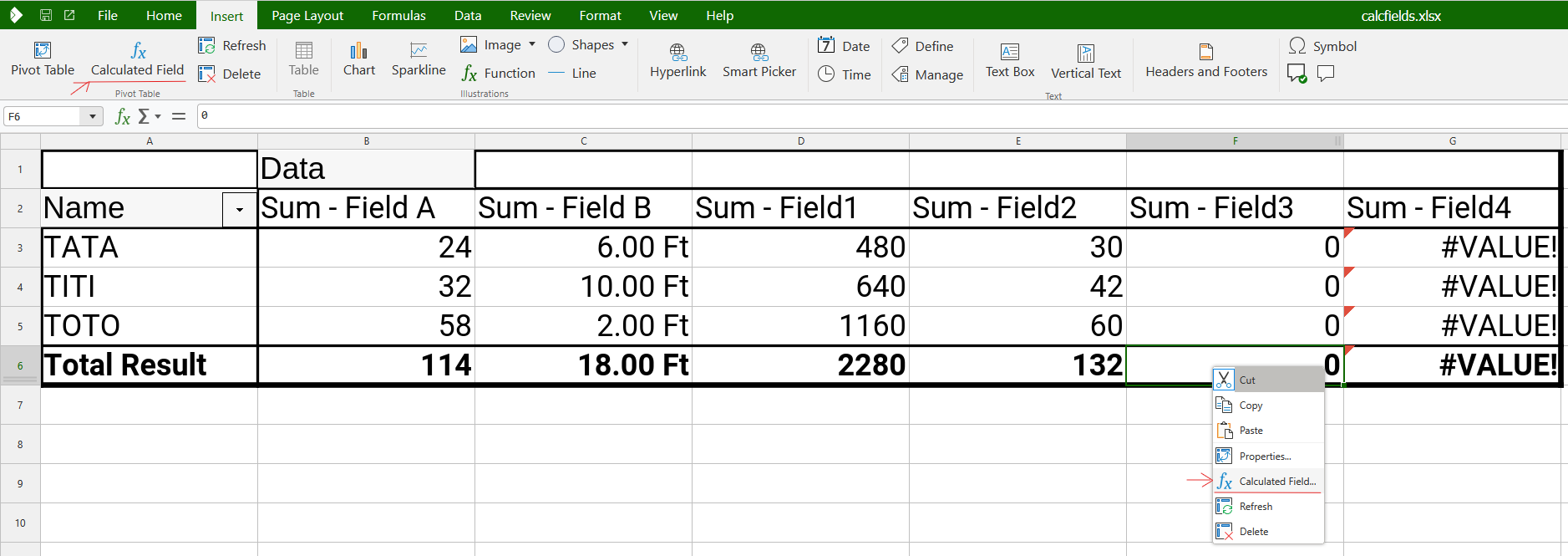
With a pivot table selected, open Insert ▸ Calculated Field… (also available from the pivot-table context menu). Give the new field a name, type a formula that references other field names, and click OK — the new column appears instantly.
The new menu entry — available from the Insert menu and the pivot-table context menu.
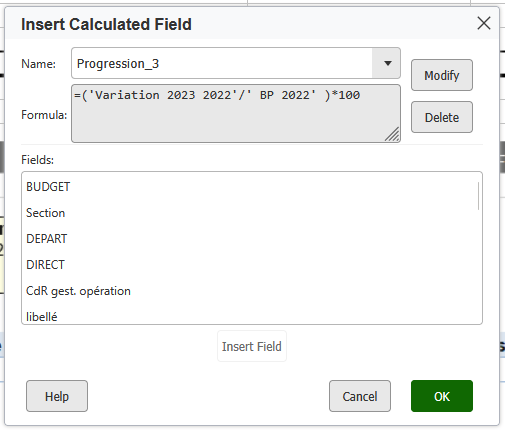
Insert Calculated Field dialog — define the name and formula, then Add.
Why it matters?
Excel-compatible round-trip. Calculated fields survive save/open cycles in .xlsx, .xlsb and .ods — no more losing formulas when moving files between Calc and Excel.
Non-destructive analytics. No helper columns in the source; the formula lives with the pivot table where it belongs.
Excel-matching semantics. Operands are always aggregated with SUM (as Excel does), so results match cell-for-cell across applications.
Robust on refresh. Formulas are recompiled against the latest pivot cache; missing references resolve to `#NAME!`.