Familiar, powerful, and built to handle heavy data workflows.
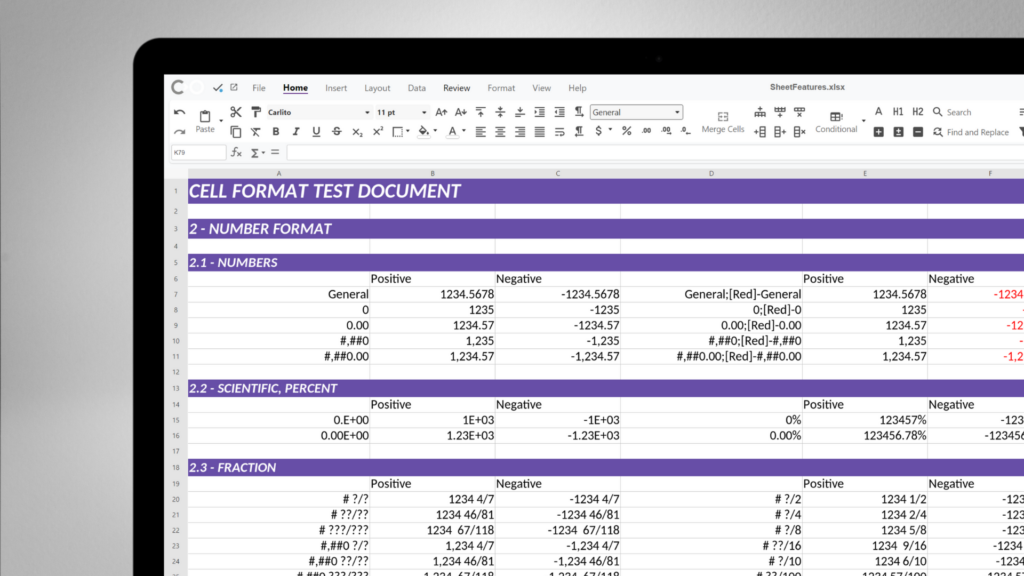
From simple spreadsheets and calculations, to advanced formulas, Calc can do it all. Create giant spreadsheets with up to 16k columns, add charts, sparklines and hyperlinks. Benefit from conditional formatting or data validation with online cooperation. With powerful multi-column sort and filter options, you can make your data work for you.
Seamlessly view and edit XLSX, XLS, ODS, and CSV, or export your final sheets straight to PDF.
Utilise table styles, named ranges, and complex formulas to structure and analyse your data with precision.
Create, edit, and execute Macros to eliminate repetitive manual tasks and automate your core workflows.
Frictionless collaboration
Work together on complex data without stepping on each other’s rows. Apply per-user sheet views to filter, sort and manipulate data simultaneously with colleagues without disrupting their view.
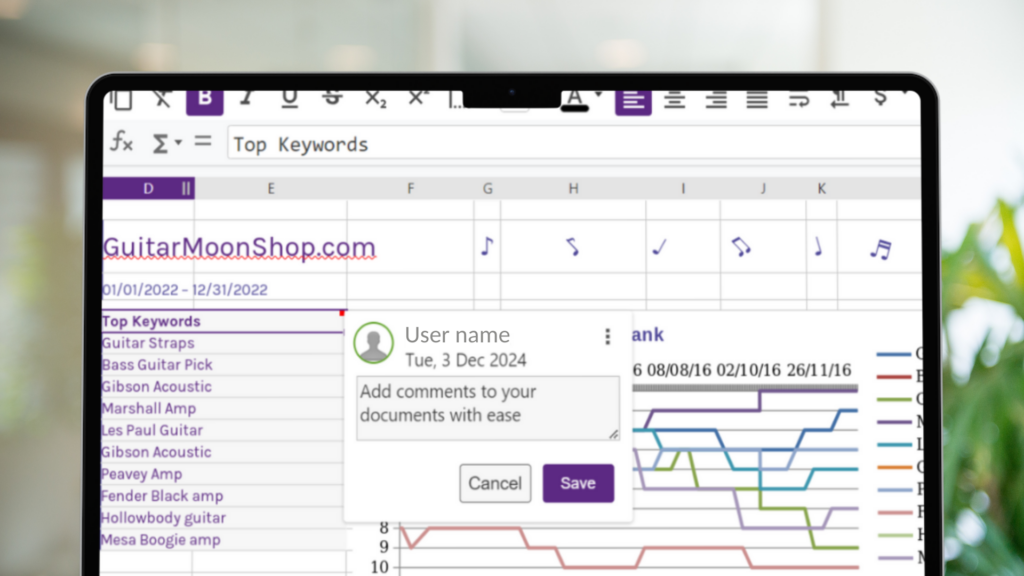
Leave context-rich feedback exactly where it matters by attaching comments directly to specific cells.
Track changes over time with a complete version history, allowing you to preview and restore previous file states instantly.
Visual data analysis
Transform raw numbers into clear, actionable insights.
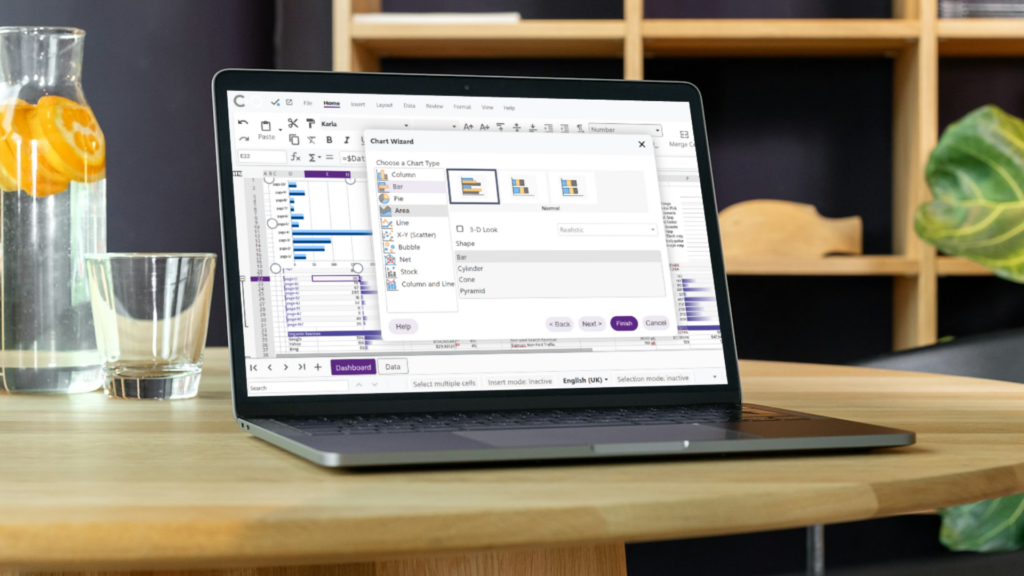
Bring your data to life using a rich library of chart types and inline Sparklines for quick trend analysis.
Slice and dice massive datasets with Pivot tables and filters to find hidden trends and answers. Apply conditional formatting to visually highlight key metrics, anomalies, or milestones automatically.
Enterprise-grade protection
Take full control of your spreadsheets, with granular access controls, enforced at the server.
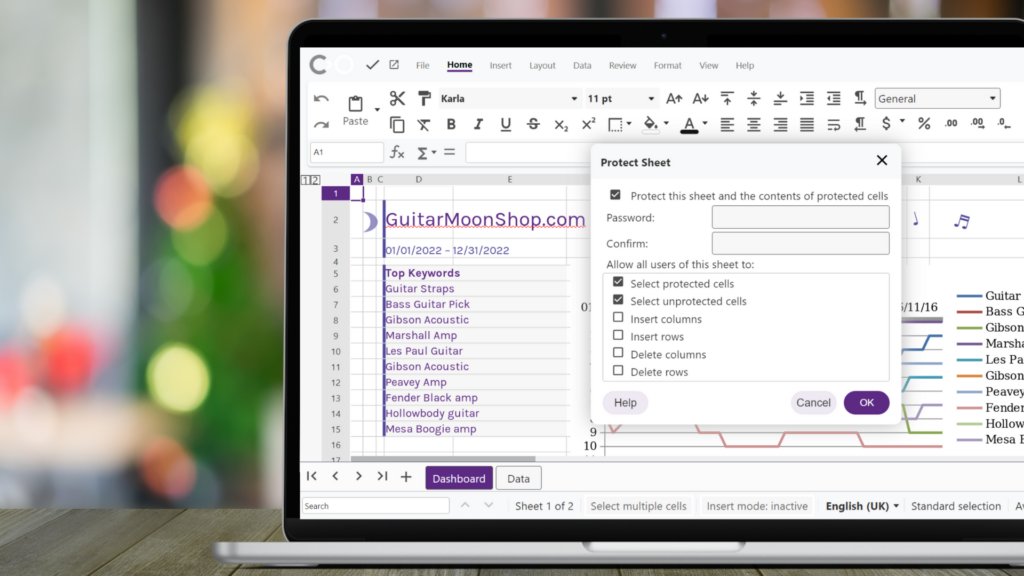
Toggle between view and edit modes, set custom user permissions, and lock specific cells or entire sheets on a per-user basis.
Privacy-First AI Assistant
An intelligent co-pilot for your data – completely on your terms.
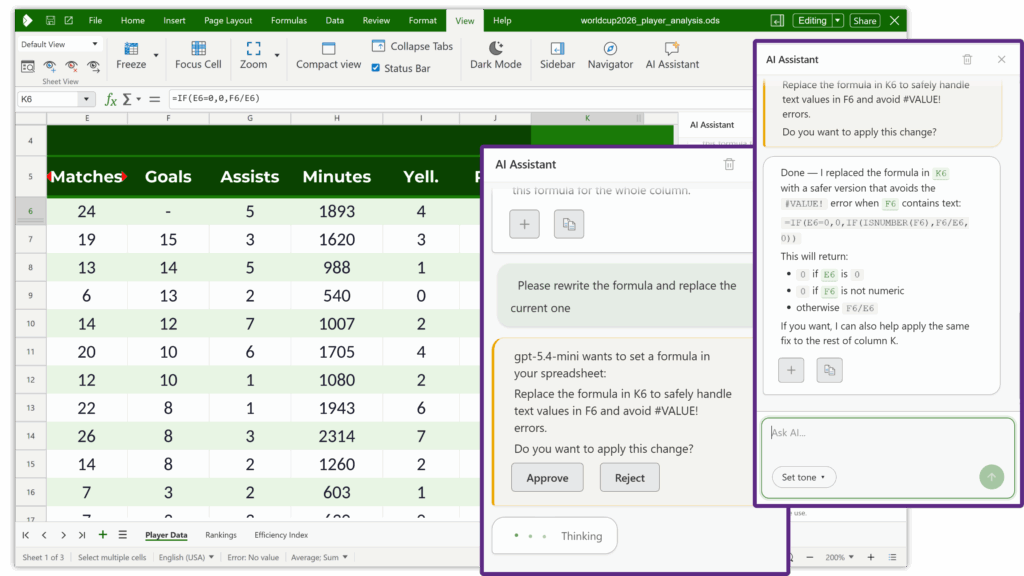
Instantly debug complex calculation errors and get suggestions for the right functions. Let AI help summarise trends, surface insights, and generate logic based on your selections.
The AI is off by default. Your document content is only shared when you actively choose to.
Get in Touch
Get in touch for a quote, ask a question or sign up to the newsletter so you don’t miss out on all the latest news.
"Office suites are super complicated to develop, so it would be impossible to do this without a partner like Collabora Online."
“The ability to collaboratively edit documents, spreadsheets, presentations in a browser is the core for an alternative to Microsoft 365. We feel Collabora is a very supportive, very flexible, very open partner which is fun to work with.”
“The beauty is that you can grow, you can extend, you can even add other functionalities to it and you're not the user only, you can also be a creator as well”
“To us, Collabora Online is a really big part of our product, it’s the centre part of it.”
“The people working on the product are at a very high level.”
“We chose to work with Collabora Online because there are so many good people at the company and all of the developers are super friendly and helpful. I felt immediately this is something I want to support “
"It simply works. And it is reliable. That is crucial for us. It works wonderfully and is very performant.”
“The University is really aiming at facilitating open standards across the whole campus. Students especially come from different IT cultures and use so many different office tools and software products, that it made sense, and became crucial, to put a common solution at their disposal. And following our benchmark, Collabora Online fits in perfectly.”
“Collabora Online is the solution for uncomplicated use of documents in a
public authority environment, which fits seamlessly into the existing
environment and can be flexibly extended with required extras, such as the
Duden Korrektor.”
“Collabora understood our problem immediately,
and implemented a great, open-source solution for us to improve customer training”
"For me the experience of integrating Collabora Online was pretty straightforward, you have everything you need so I don't see why would you use something else, something proprietary when you already have something so good in the open source world."
"Collabora Online was very easy to deploy, and came with helpful documentation, and Collabora’s support is very responsive when we have issues."
"As a Collabora partner, Arawa really enjoys integrating Collabora Online within various solutions and being an active member of the open source community. Collabora Online offers a smooth user-experience and helps our customers achieve their productivity and collaboration goals."
"Collabora were very responsive and flexible to work with; they exceeded our expectations."
"The biggest advantage for anyone using Collabora is the ability to have greater control over your own software and where the data is going. That was a big attraction for us."
“It’s very well integrated, it’s really easy to adapt the API’s.”
Product Comparisons
Collabora Online vs Microsoft 365
Collabora Online vs Google Workspace
Collabora Online vs OnlyOffice
Collabora Office Products
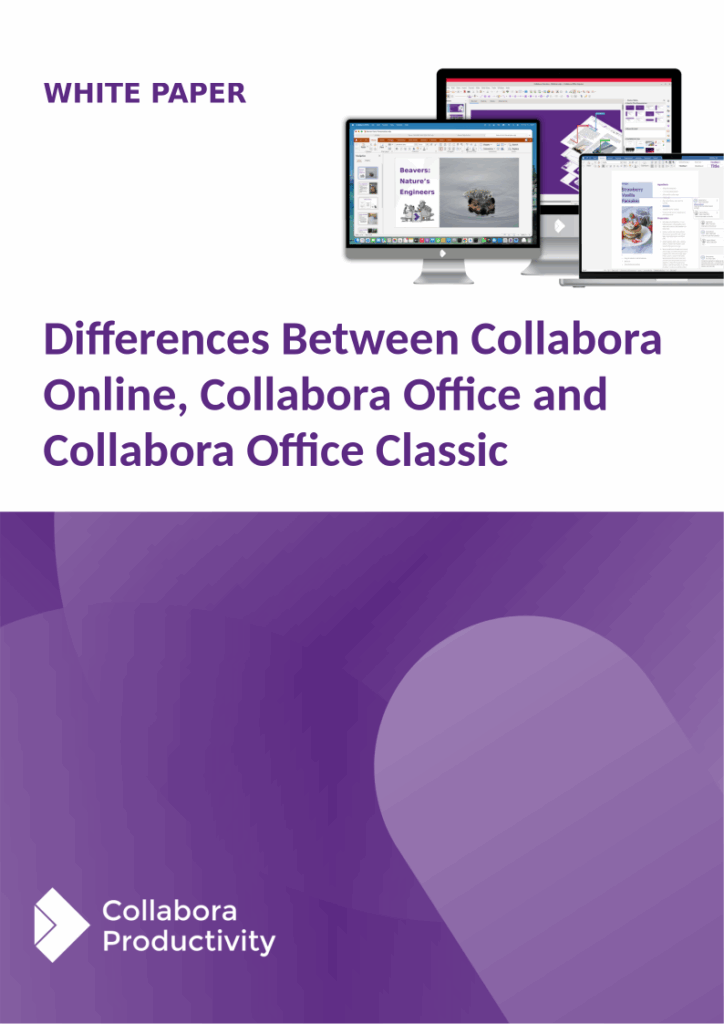
Download our white papers to learn the key differences between our products.
Take back control of your documents today!
Chat to one of our experts to help you find the best solution for your digital sovereignty.