Familiar, intuitive and built for modern workflows.
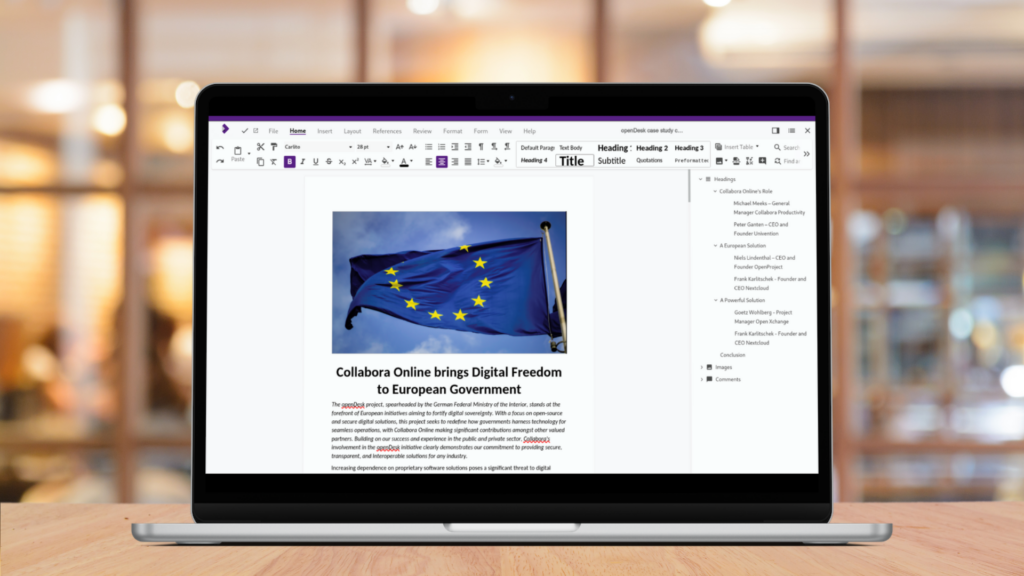
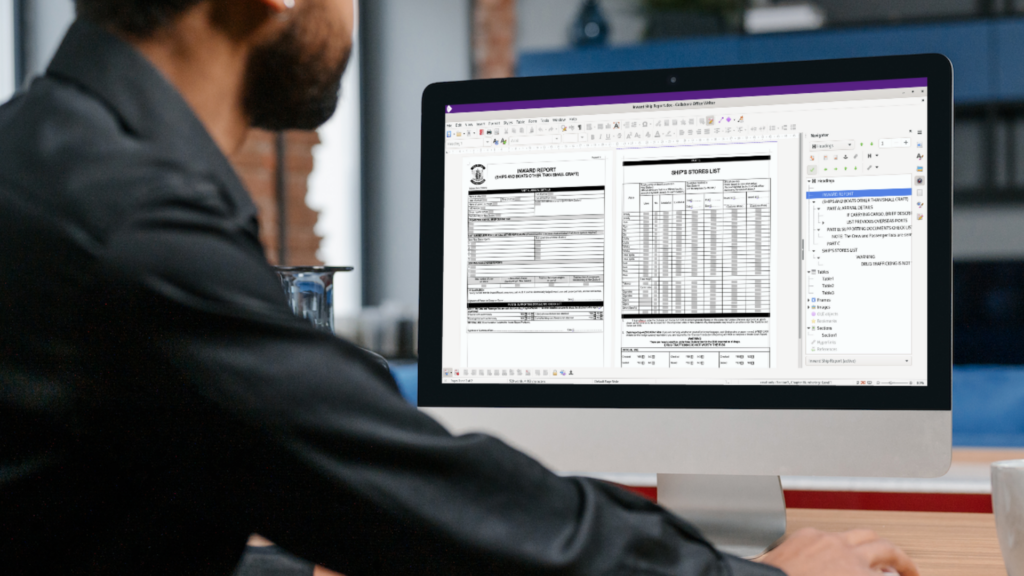
Collabora Online’s text document editor provides a true WYSIWYG editing experience, making visualising your document layout incredibly easy. Open any document, add comments and track changes from anywhere, with anyone. Format and style your pages with endless options.
Everything you need is just a click away with intuitive, contextual toolbars and smart, on-selection formatting popups.
Work with documents in multiple formats: view and edit DOCX, DOC, ODT, Markdown and export your final work to PDF.
Insert forms, fields, tables of contents, bibliographies, graphics and more.
Flexible formatting
Take total control of your text with flexible font management, custom styles and deep paragraph formatting.
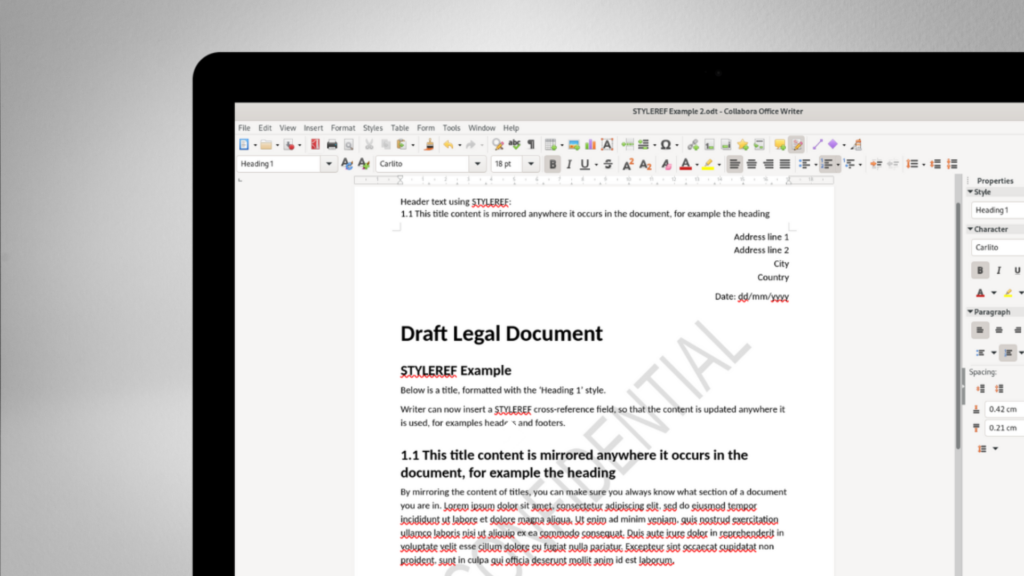
Advanced page layouts; customise margins, create dynamic headers and footers, specify sections and watermark your documents for maximum document security.
Designed for collaboration
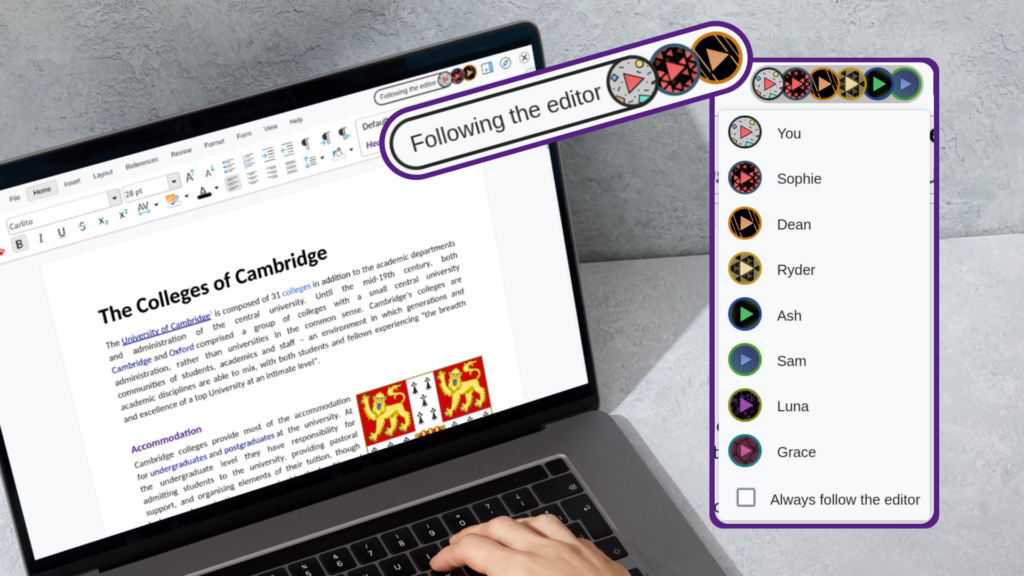
Work together, anywhere – collaborate on text documents with your team in real-time.
Leave, resolve and reply to comments in a dedicated sidebar to keep discussions organised. Stay in control with clear version history. Preview differences between two documents side-by-side, and revert to previous versions instantly.
Monitor every edit with change tracking, ‘Review’ mode and redlining. Accept or reject changes in bulk, or inspect them one by one.
Dynamic visuals and forms
Effortlessly add and edit images, tables, shapes, SmartArt, and dynamic charts using contextual editing tools.
From simple comparison layouts to complex, lengthy floating tables, structure your data exactly how you need it.
Accessibility and customisation
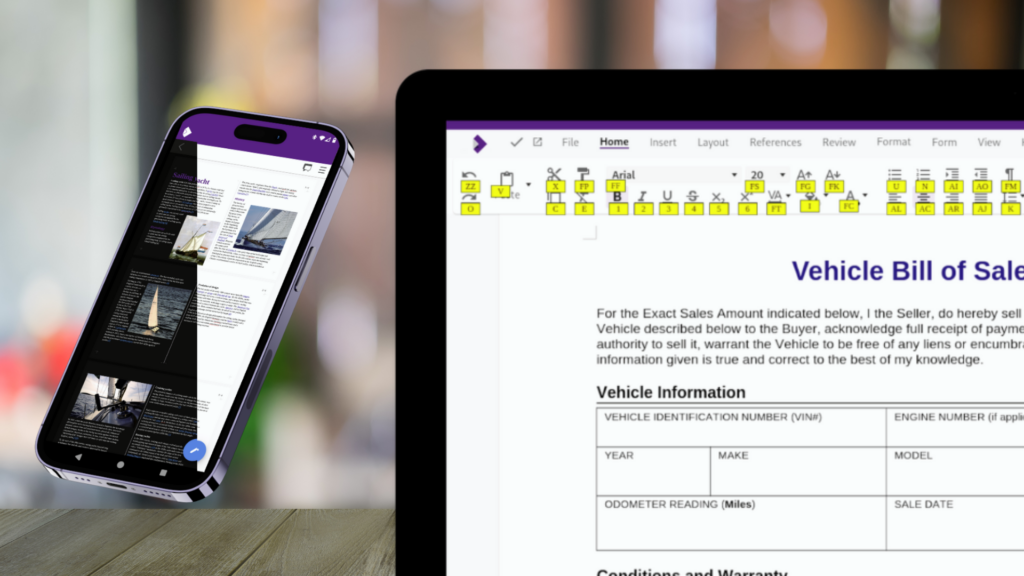
Navigate the interface seamlessly with comprehensive accessibility keyboard shortcuts.
Switch easily between Multi-Page view, Light Mode, and Dark Mode to match your environment.
Privacy-First AI Assistant
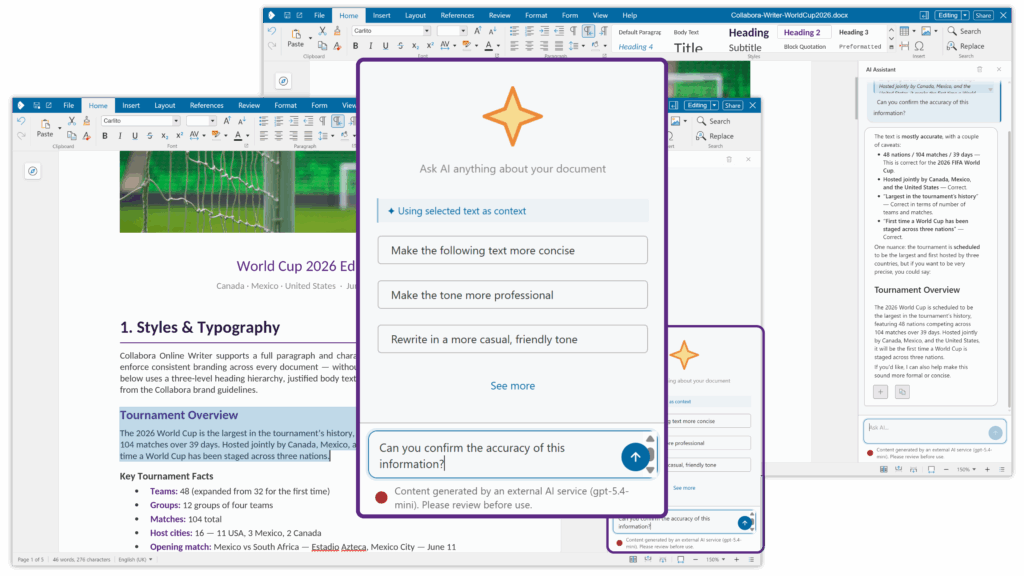
Boost your productivity with an AI companion that respects your privacy. Enable any AI model you prefer to help write text, brainstorm ideas, or generate images.
The AI is off by default. Your document content is only shared when you actively choose to.
Get in Touch
Get in touch for a quote, ask a question or sign up to the newsletter so you don’t miss out on all the latest news.
"Office suites are super complicated to develop, so it would be impossible to do this without a partner like Collabora Online."
“The ability to collaboratively edit documents, spreadsheets, presentations in a browser is the core for an alternative to Microsoft 365. We feel Collabora is a very supportive, very flexible, very open partner which is fun to work with.”
“The beauty is that you can grow, you can extend, you can even add other functionalities to it and you're not the user only, you can also be a creator as well”
“To us, Collabora Online is a really big part of our product, it’s the centre part of it.”
“The people working on the product are at a very high level.”
“We chose to work with Collabora Online because there are so many good people at the company and all of the developers are super friendly and helpful. I felt immediately this is something I want to support “
"It simply works. And it is reliable. That is crucial for us. It works wonderfully and is very performant.”
“The University is really aiming at facilitating open standards across the whole campus. Students especially come from different IT cultures and use so many different office tools and software products, that it made sense, and became crucial, to put a common solution at their disposal. And following our benchmark, Collabora Online fits in perfectly.”
“Collabora Online is the solution for uncomplicated use of documents in a
public authority environment, which fits seamlessly into the existing
environment and can be flexibly extended with required extras, such as the
Duden Korrektor.”
“Collabora understood our problem immediately,
and implemented a great, open-source solution for us to improve customer training”
"For me the experience of integrating Collabora Online was pretty straightforward, you have everything you need so I don't see why would you use something else, something proprietary when you already have something so good in the open source world."
"Collabora Online was very easy to deploy, and came with helpful documentation, and Collabora’s support is very responsive when we have issues."
"As a Collabora partner, Arawa really enjoys integrating Collabora Online within various solutions and being an active member of the open source community. Collabora Online offers a smooth user-experience and helps our customers achieve their productivity and collaboration goals."
"Collabora were very responsive and flexible to work with; they exceeded our expectations."
"The biggest advantage for anyone using Collabora is the ability to have greater control over your own software and where the data is going. That was a big attraction for us."
“It’s very well integrated, it’s really easy to adapt the API’s.”
Product Comparisons
Collabora Online vs Microsoft 365
Collabora Online vs Google Workspace
Collabora Online vs OnlyOffice
Collabora Office Products
Download our white papers to learn the key differences between our products.
Take back control of your documents today!
Chat to one of our experts to help you find the best solution for your digital sovereignty.