Sahil Gautam
Writer recently gained a new feature called Smart Zoom, which automatically adjusts the initial document zoom based on the window size so the page is fully visible when it opens. Alongside this, we added a Zoom to Fit Page Width button to the status bar, allowing users to recalculate the zoom after resizing the window.
We’ve now brought Smart Zoom to Impress as well. 🎉 The goal remains the same: make the best use of the available document area by choosing a zoom level that keeps the entire slide visible while minimizing the empty space around it.
The implementation differs slightly, however. In Writer, Smart Zoom is applied only when the document is opened, and users can manually recompute the zoom using the Zoom to Fit Page Width button after resizing the window. In Impress, Smart Zoom is also triggered whenever the window is resized, eliminating the need for users to manually press the Zoom to Fit Slide button.
This provides a better user experience for Impress. Unlike a Writer document, where multiple pages may be visible simultaneously, an Impress slide is a self-contained unit and only one slide is shown at a time. Automatically recomputing the zoom as the window changes size keeps the slide optimally framed at all times.
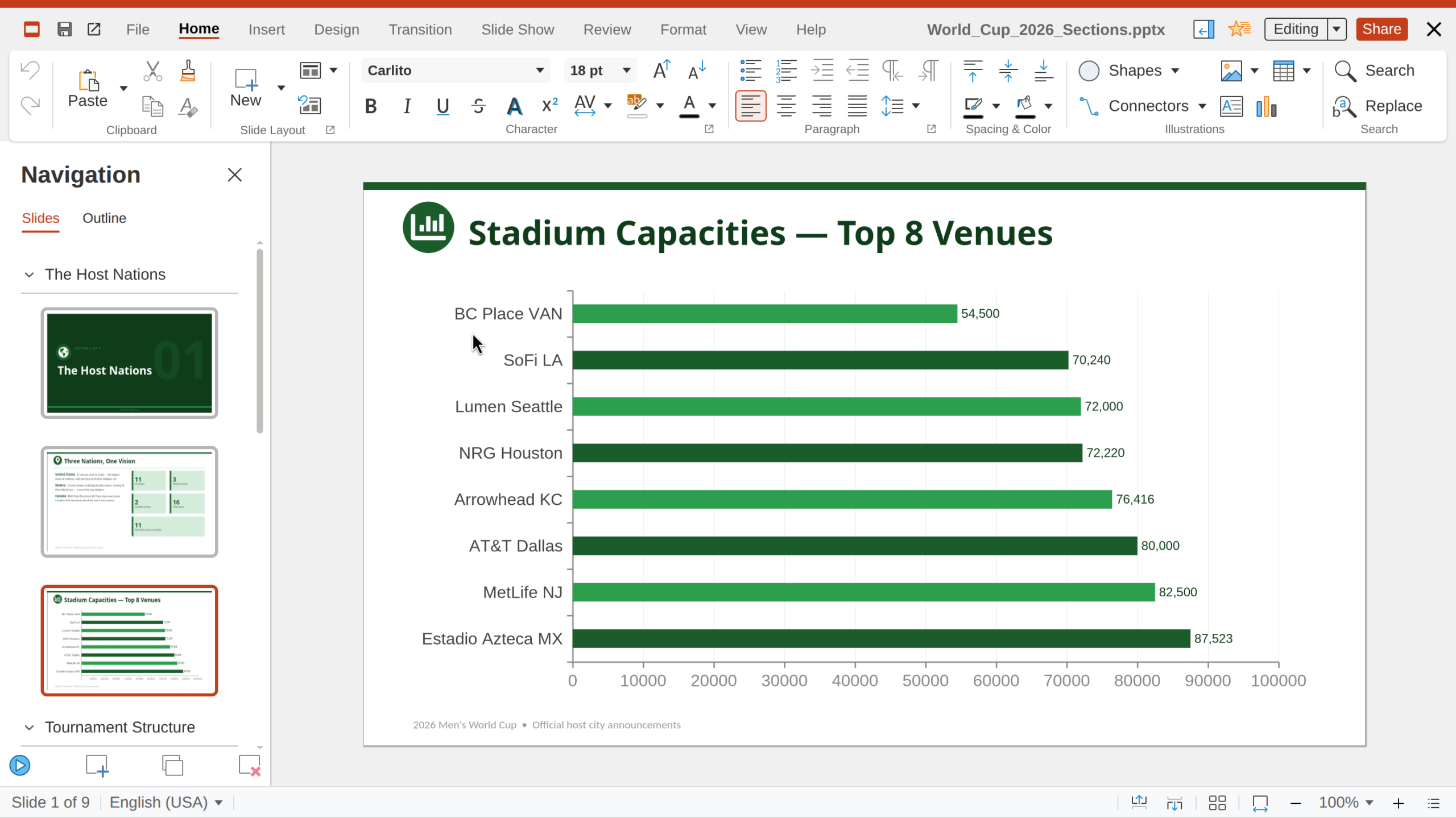
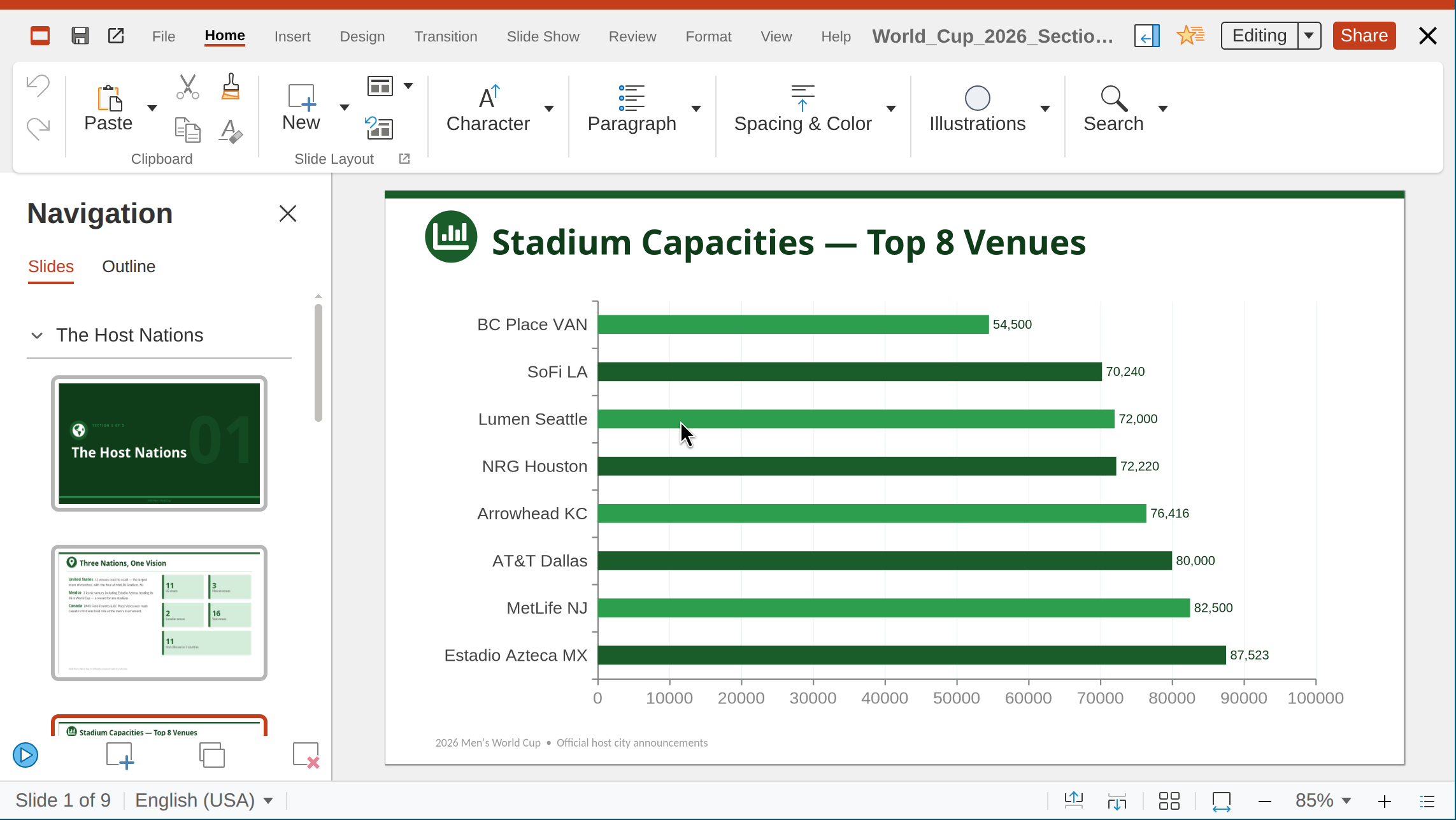
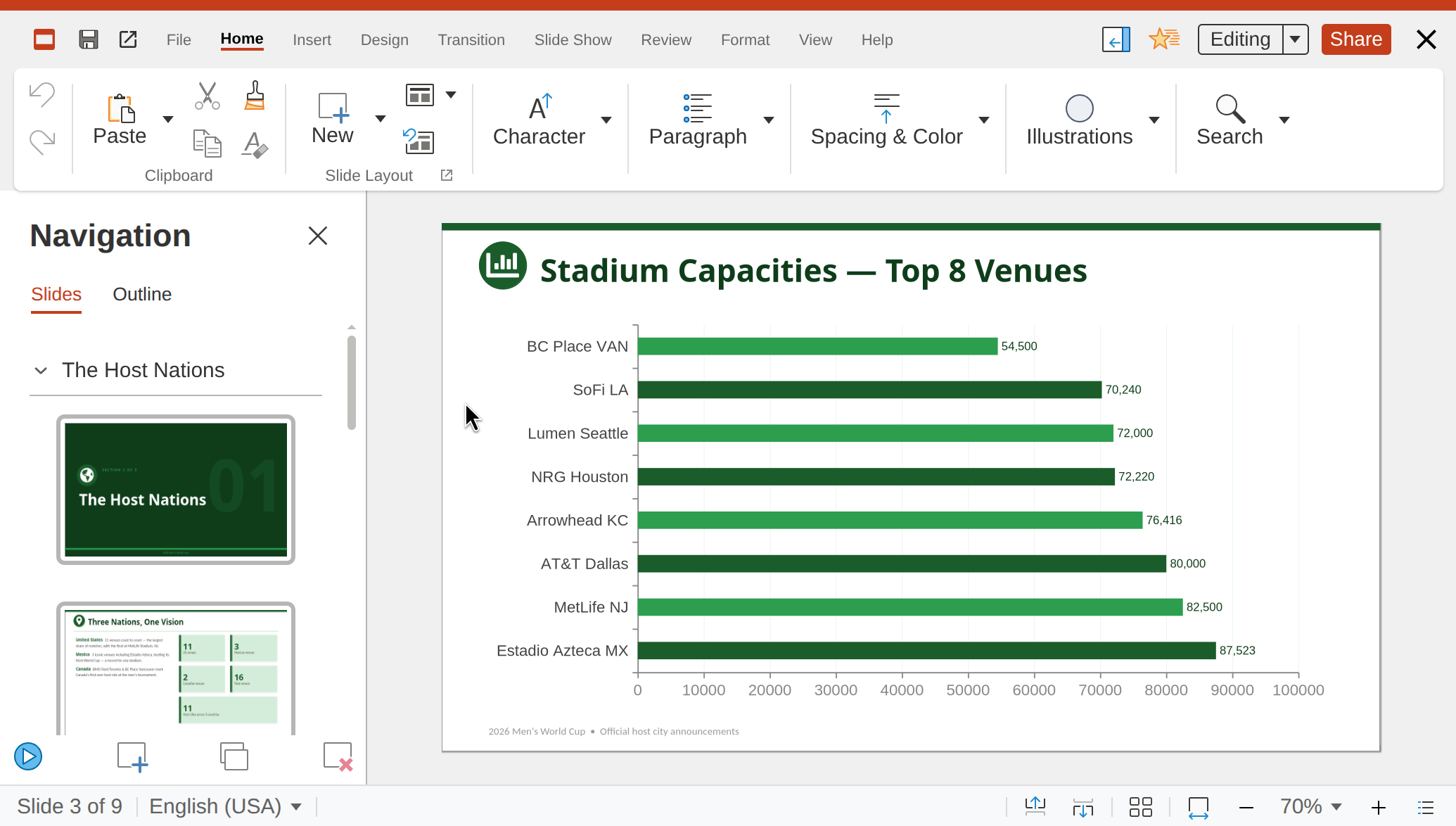
Note the changing zoom level for the window. As the window size changes, the slide zoom level adjusts automatically to fill the screen (click to expand images)