Integrated AI on your terms. Far more native on Windows, macOS and Linux. And everything CODE 26.04 brings.
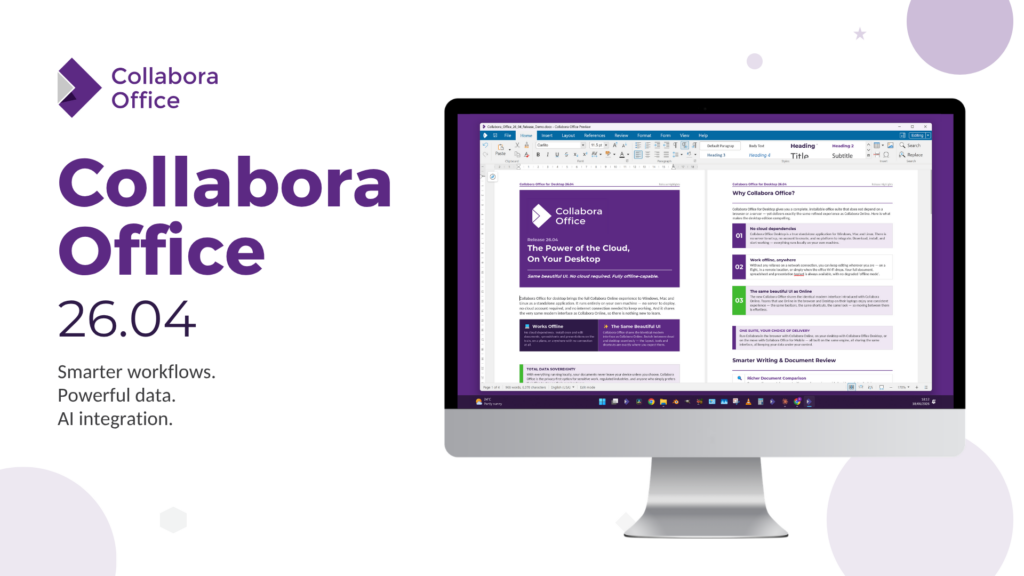
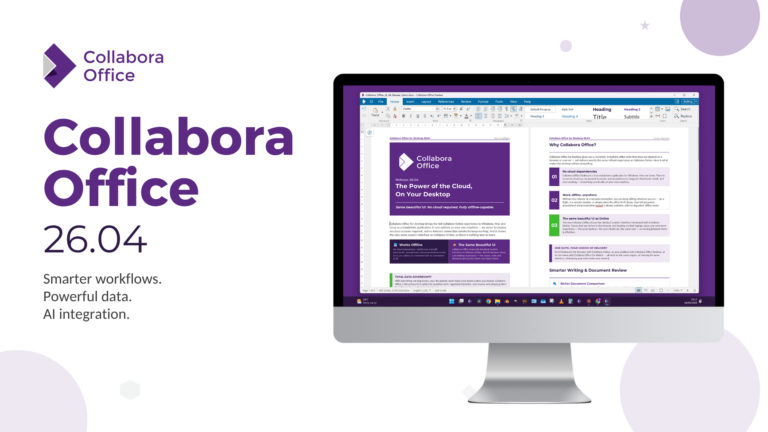
Back in November we shared the very first release of the new Collabora Office for desktop – the beautiful, familiar, powerful Collabora Online experience, running locally on Windows, macOS and Linux. We said it was a first step, not a final destination, and we’re now ready with the next step: the first of the Collabora Office 26.04 release series.
Building on the recent CODE 26.04 release, the desktop apps have had an enormous amount of work poured into them. But this isn’t just “the online features, now on your desktop” (though it is that too) – the desktop apps are now far more native, behaving like proper citizens of each operating system, with an optional integrated AI (disabled by default) that runs entirely on your terms.
Let’s dive in.
One codebase, everything you already love
If you’ve used Collabora Online, you already know your way around – that’s the whole point. Collabora Office for desktop shares the same code DNA as Collabora Online – one rendering engine, one front end, one user experience. What you know and love in one transfers straight to the other.
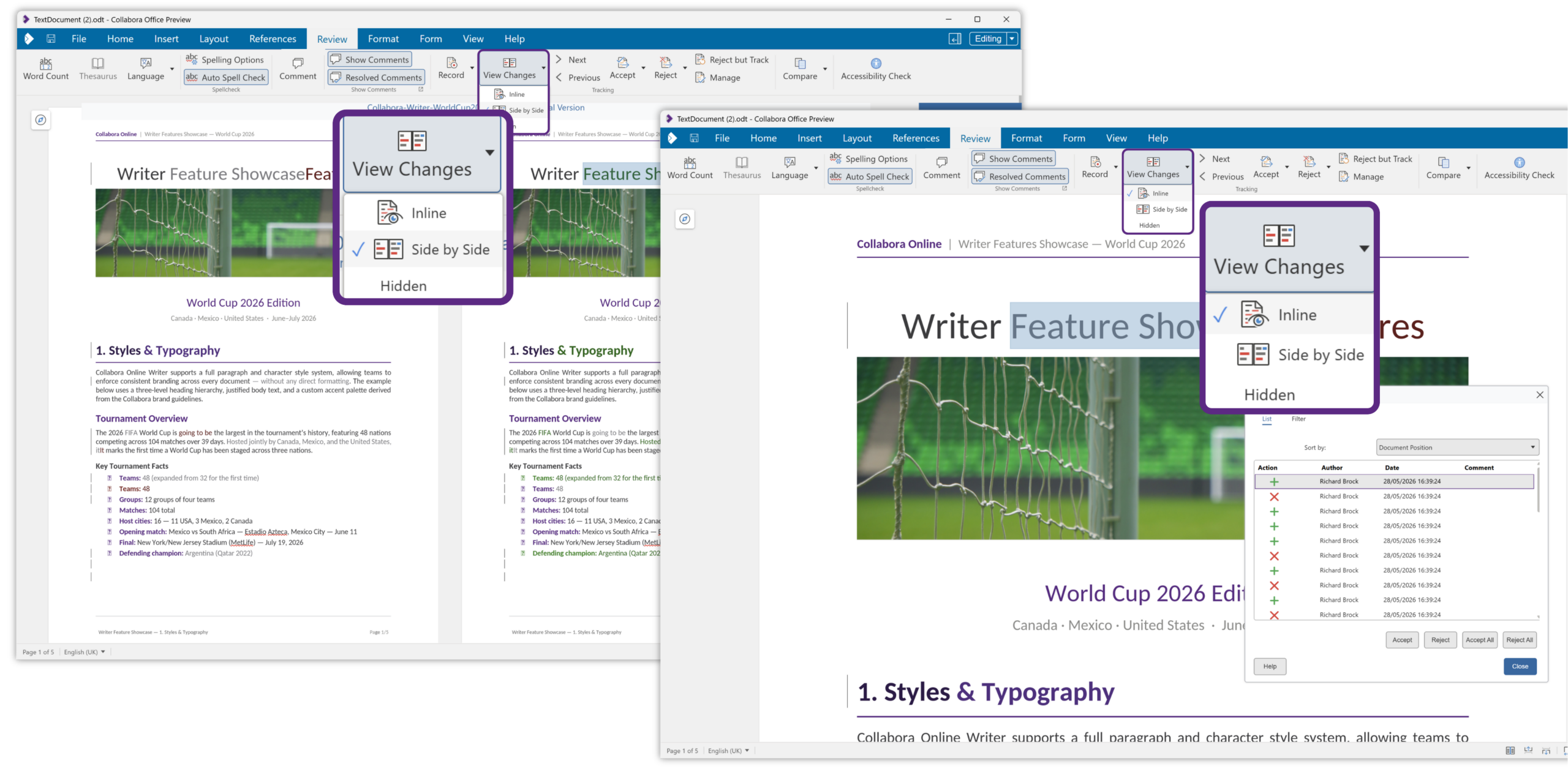
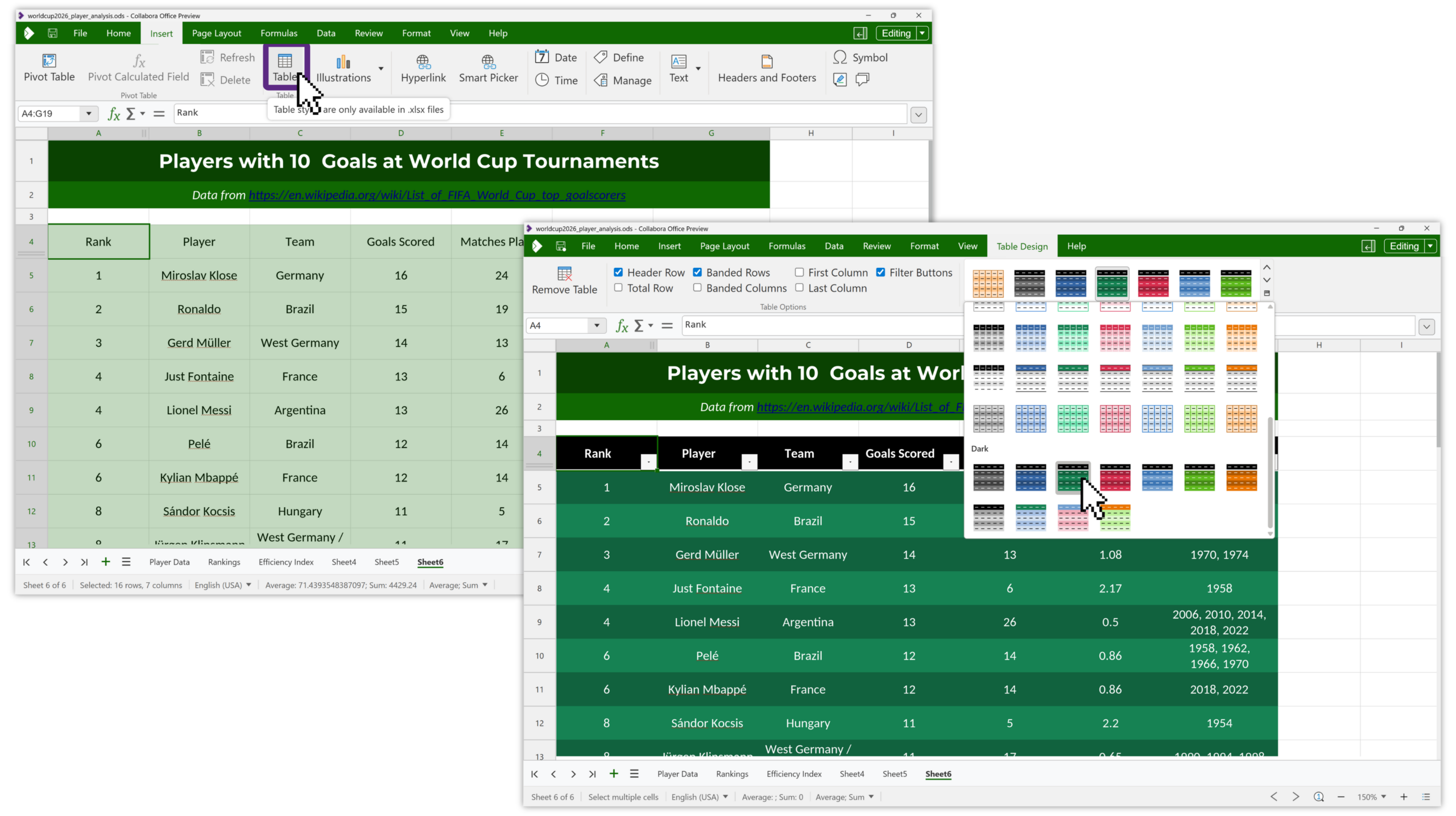
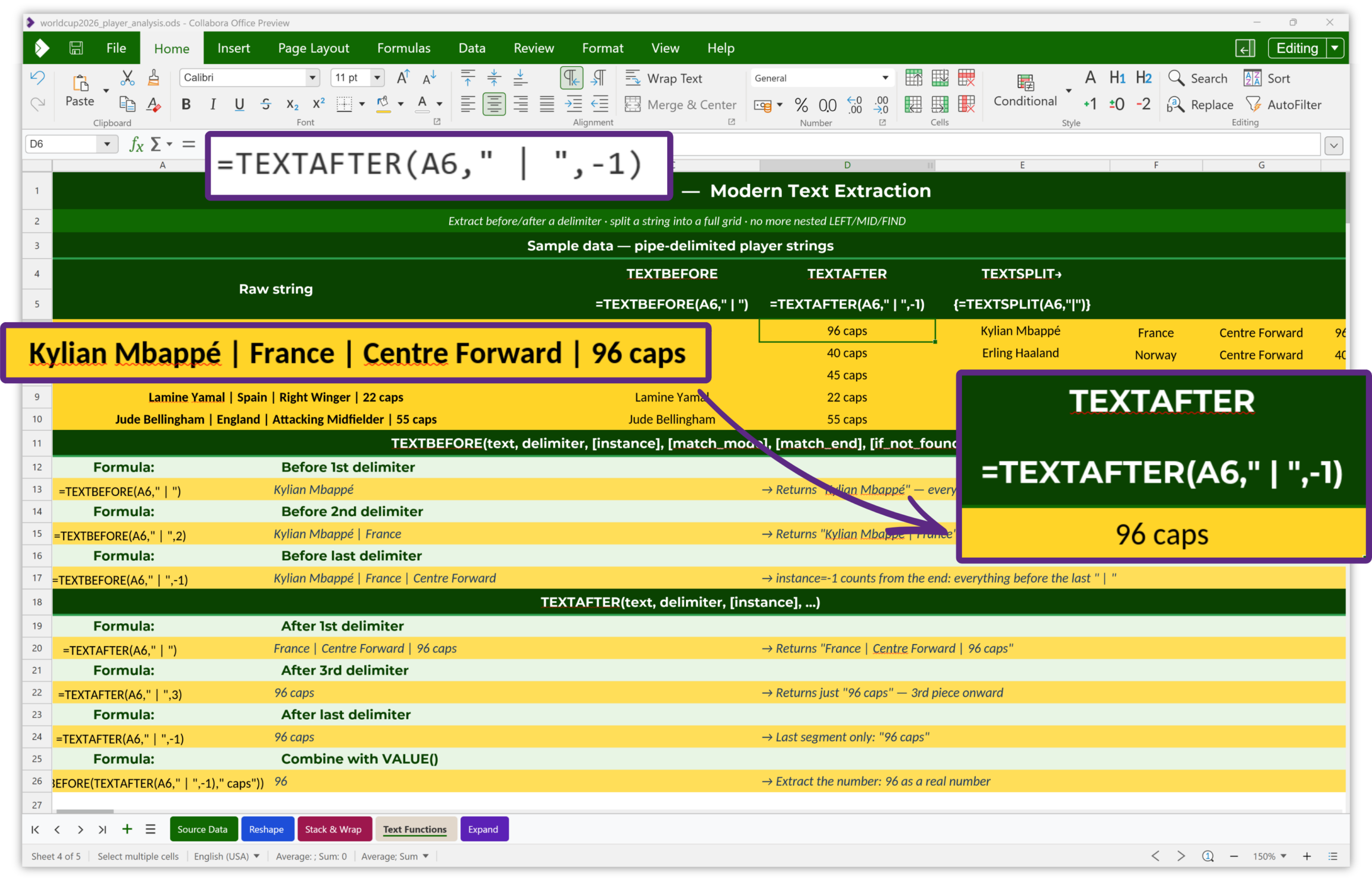
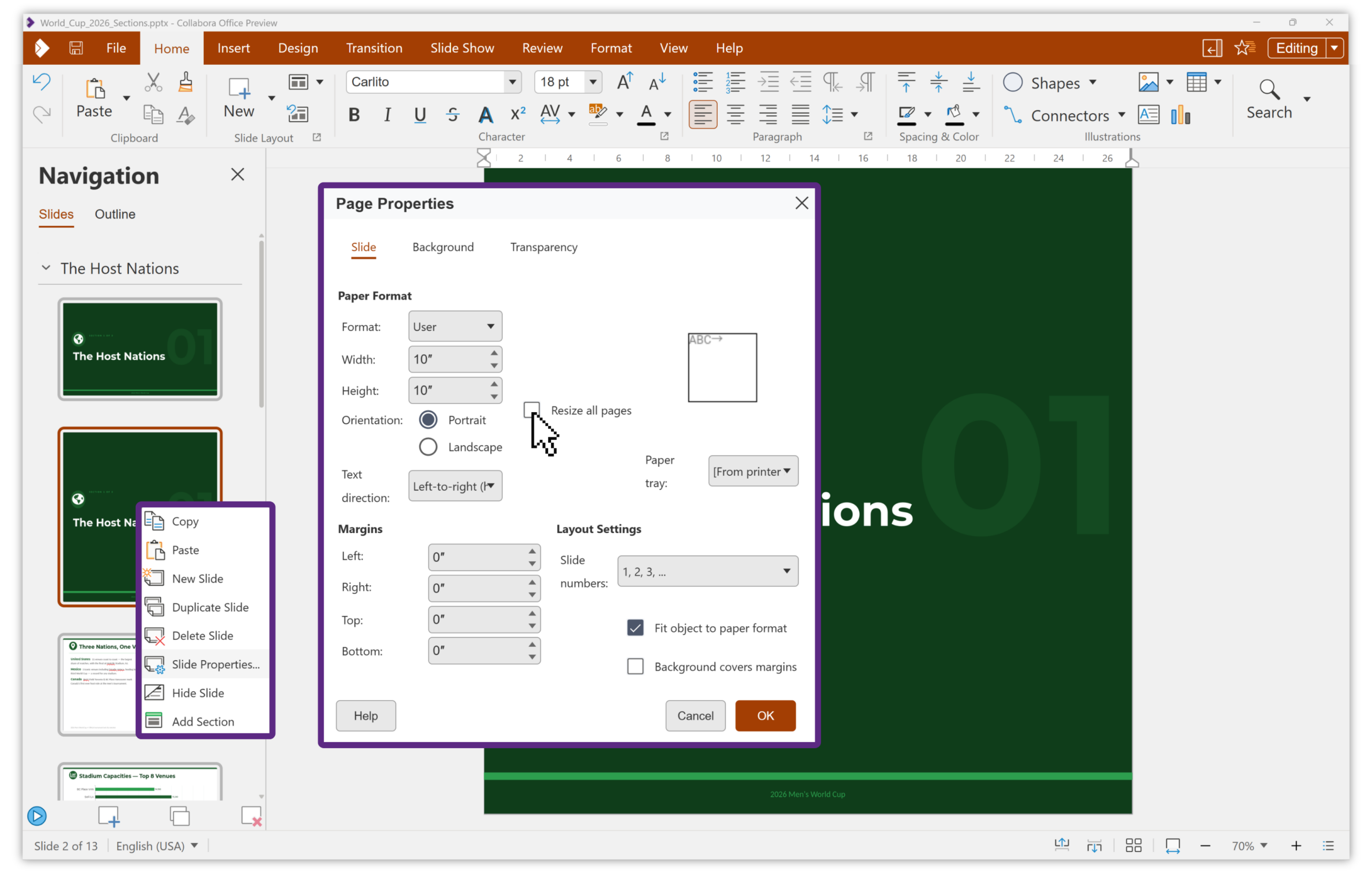
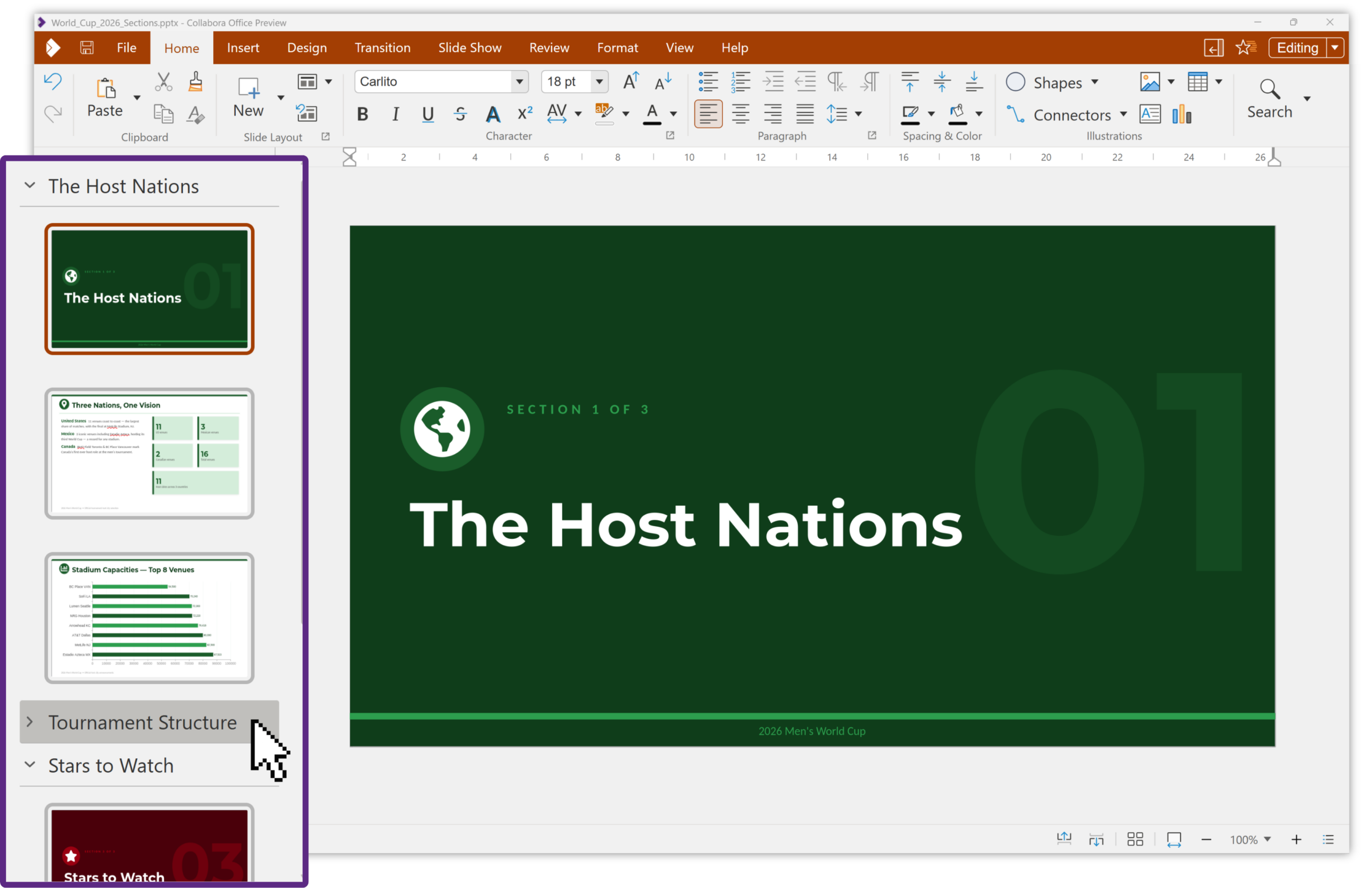
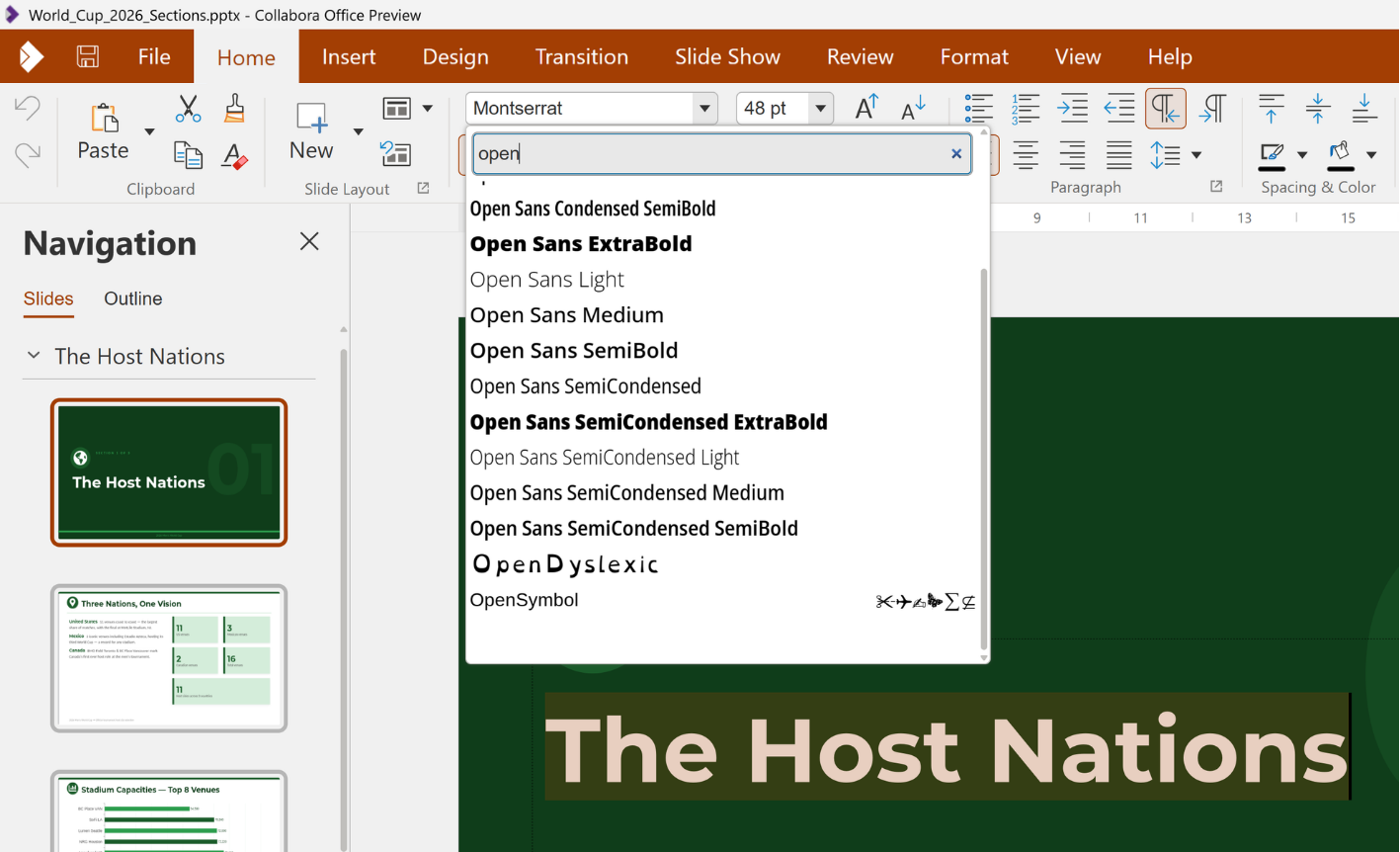
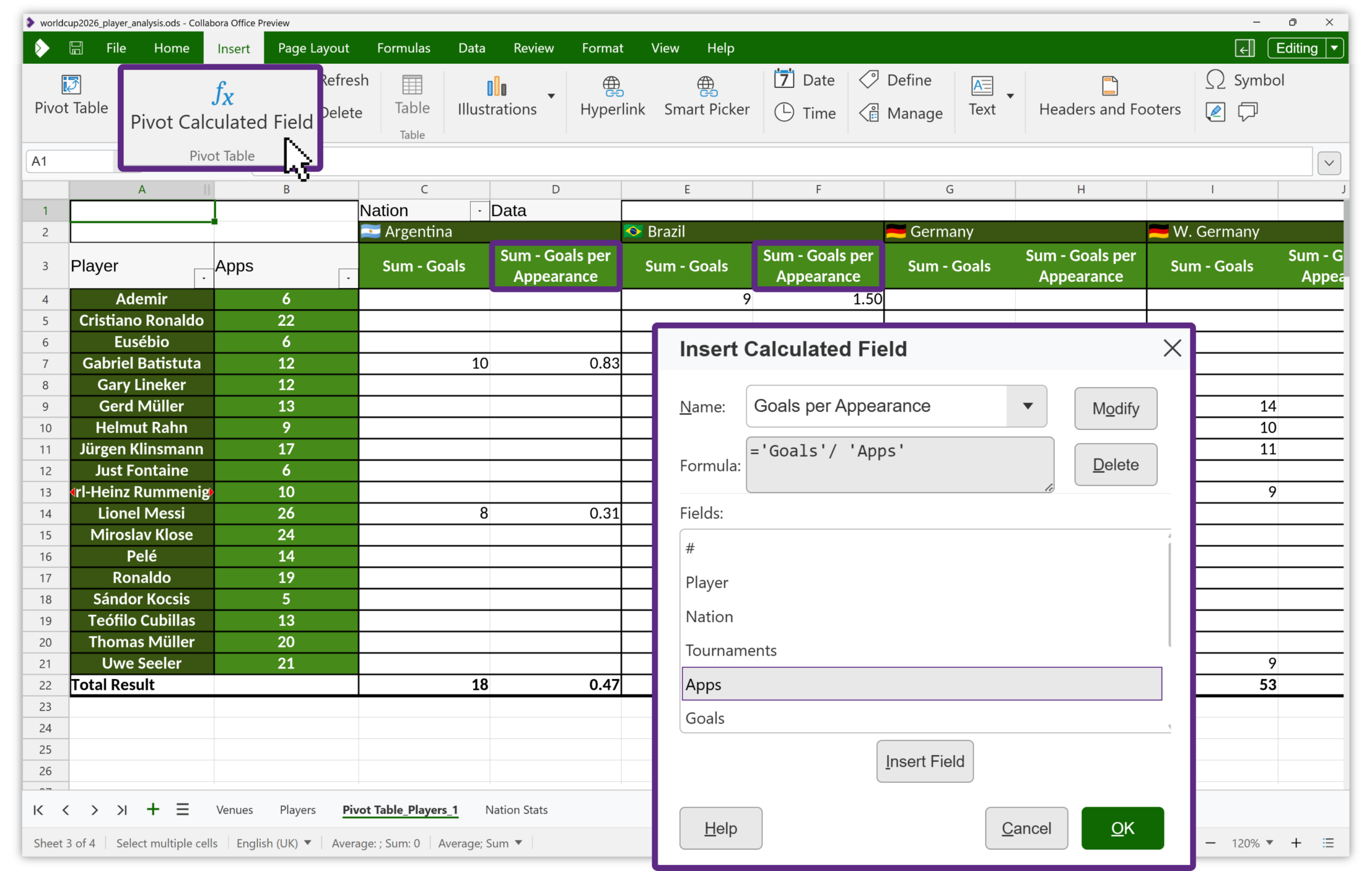
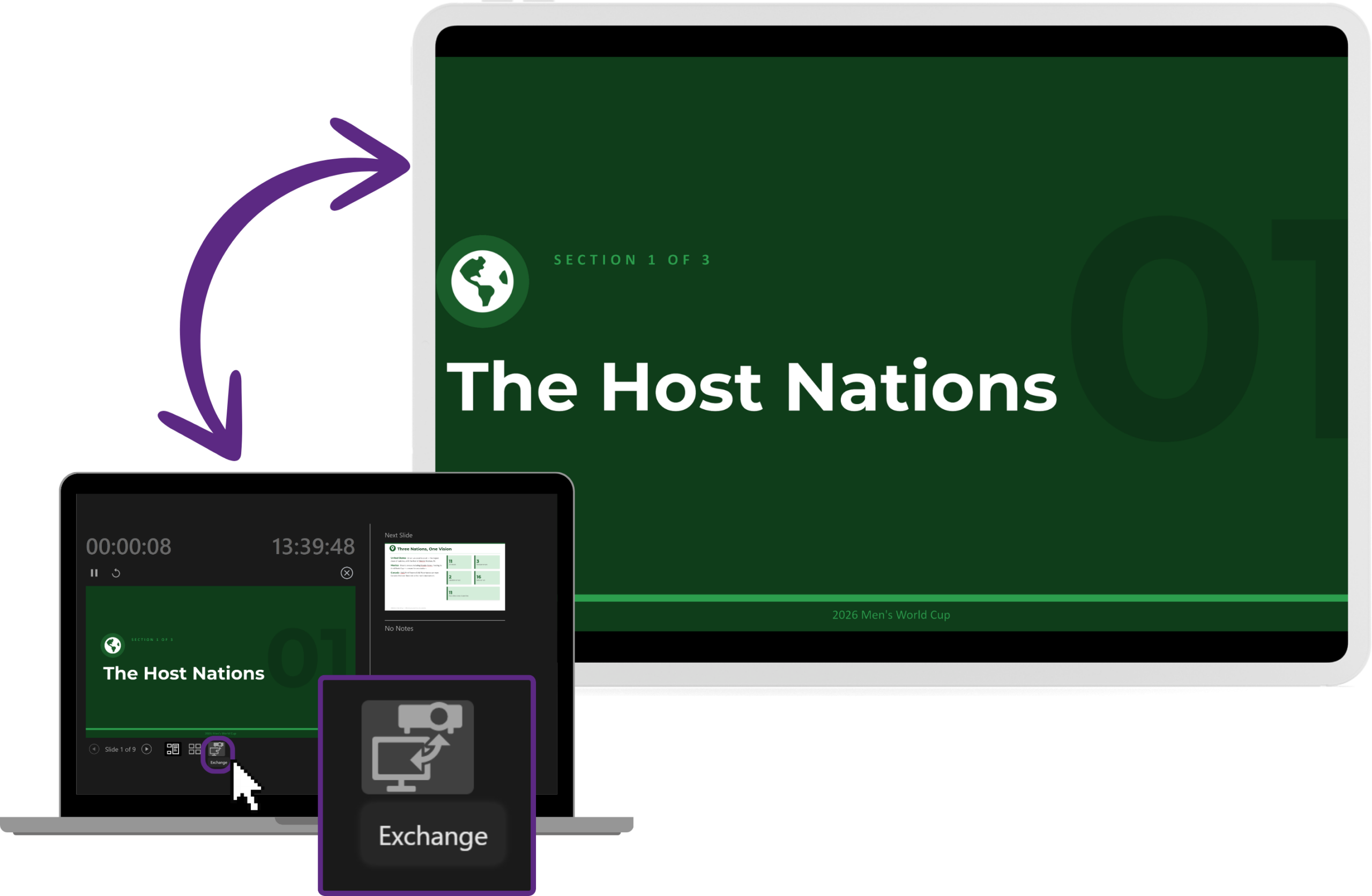
The happy consequence: all the goodness of the recent CODE 26.04 release is now on your desktop too. Some of the updates now in Collabora Office 26.04 (since the initial release in November last year) include new document comparison tools and multi-page view in Writer, a new table design tab for table styles and calculated pivot table fields in Calc, and improved multi-monitor support, Follow-Me collaborative presenting and slide sections in Impress.
You’ll also find all the fruits of our excellent and ever-improving OOXML interoperability. It’s all there, because it’s all one codebase. For the full tour of the latest features, head over to the CODE 26.04 release post.
But there’s one feature that deserves the spotlight all to itself…
AI ready in your documents - not in another app
Everyone is talking about AI, and for good reason. The difference with Collabora Office 26.04 is how we’ve done it: AI assistance is built right into Writer, Calc and Impress – not as a separate chatbot you copy and paste in and out of.
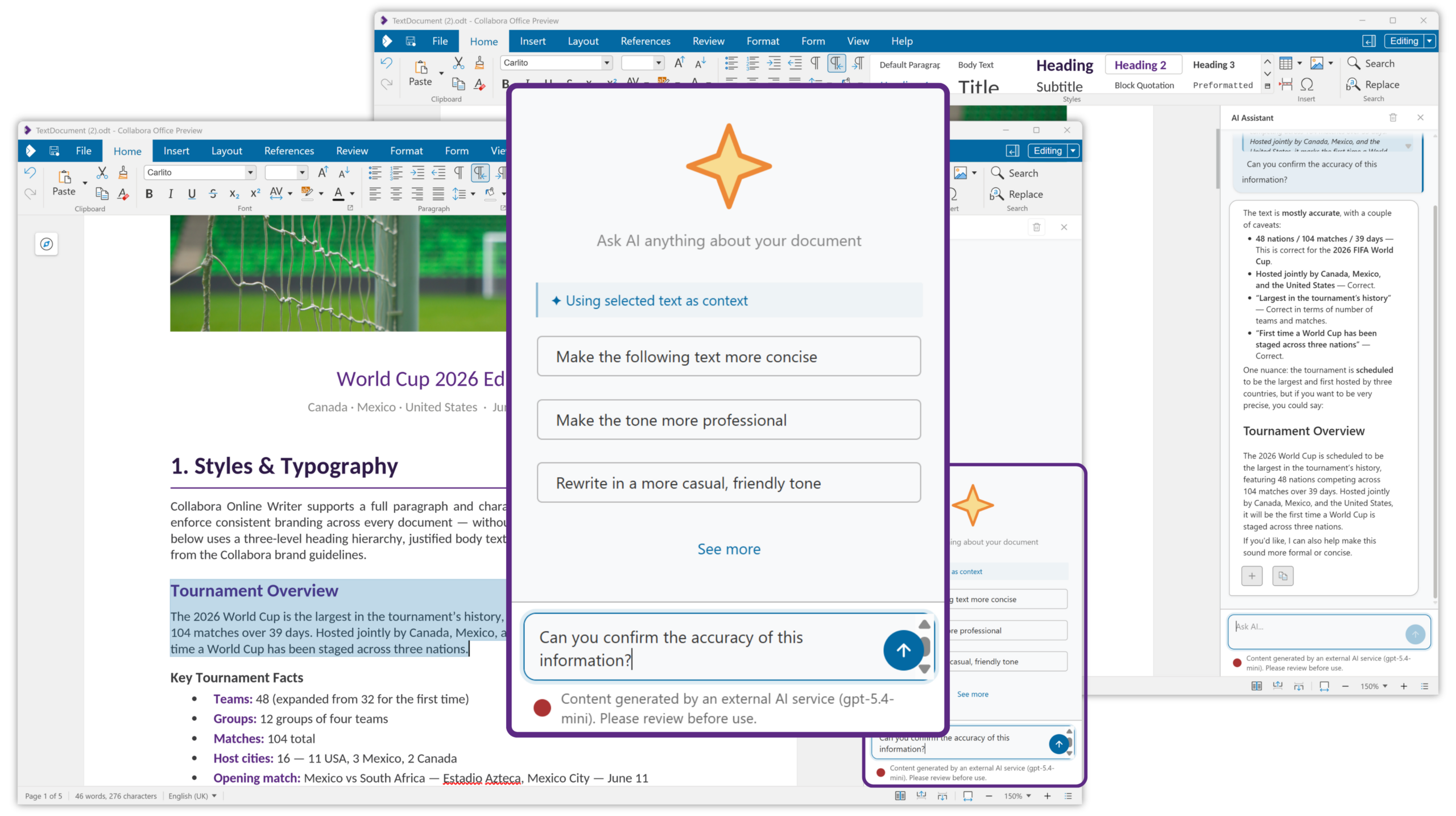
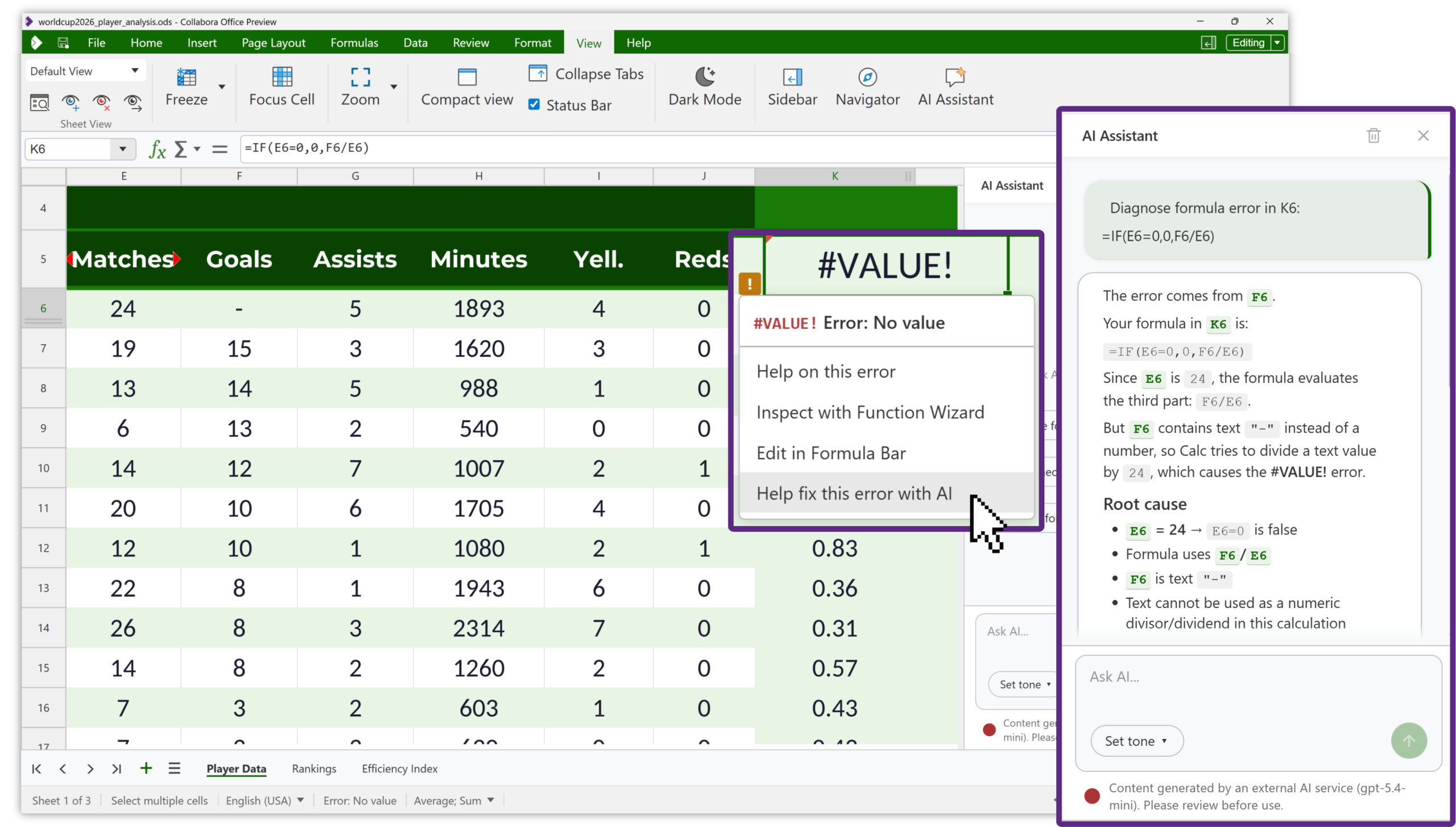
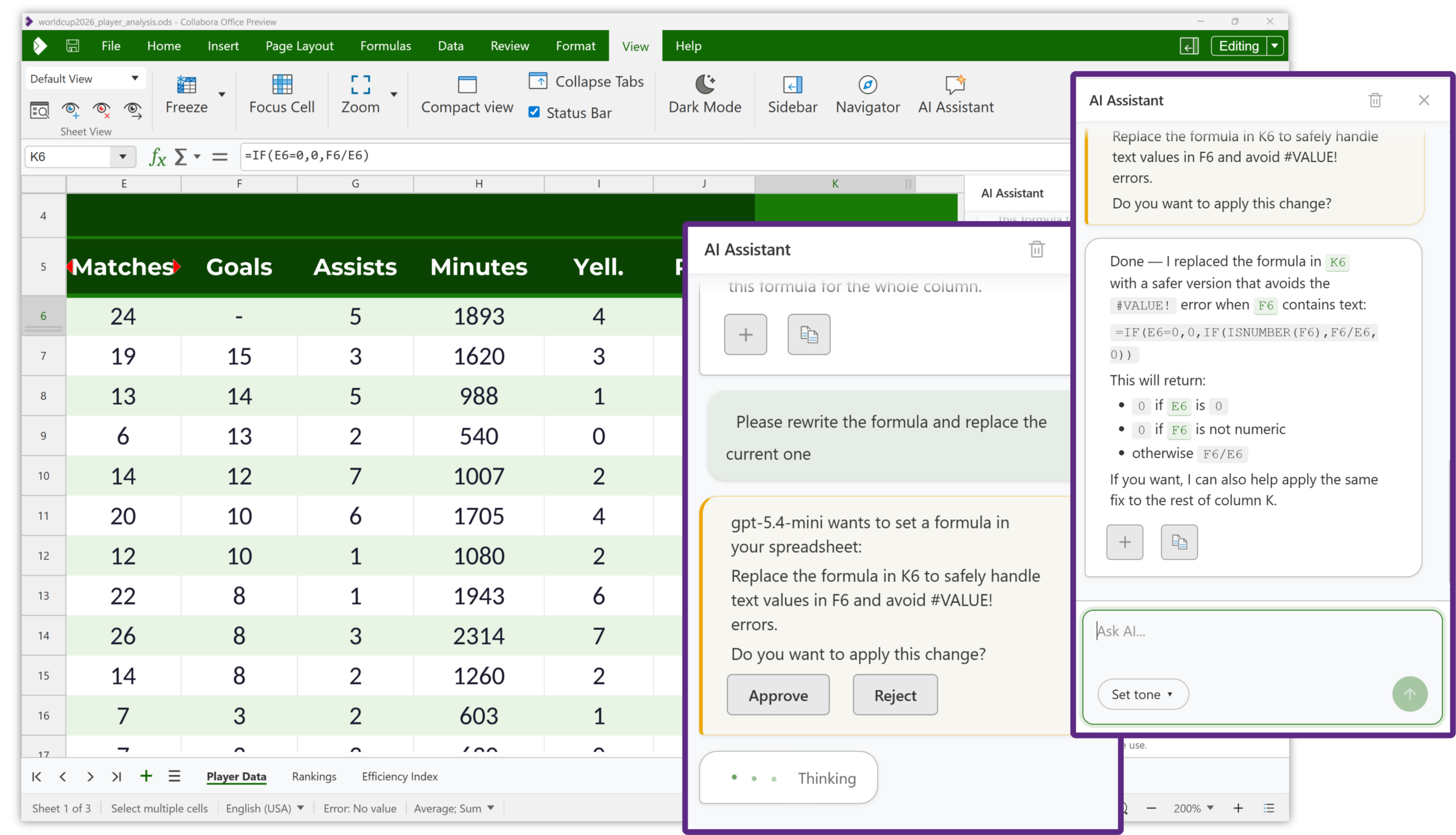
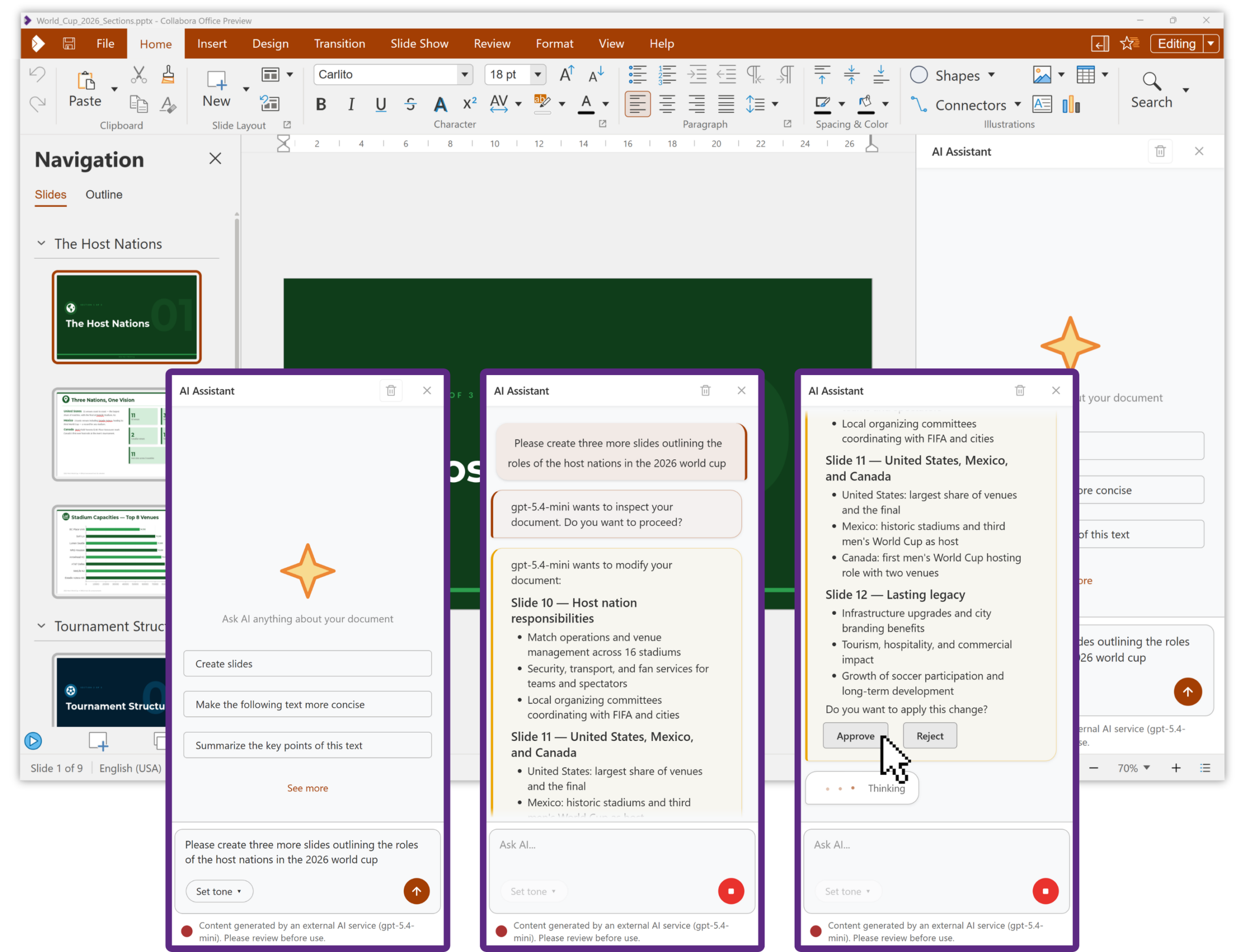
The AI sidebar works on the document you’re actually in. It can draft and refine text in Writer, build and troubleshoot formulas in Calc (there’s even a help button right on cells with formula errors), turn rough notes or long source material into structured slides in Impress, generate images, and summarise long documents, all without leaving your work.
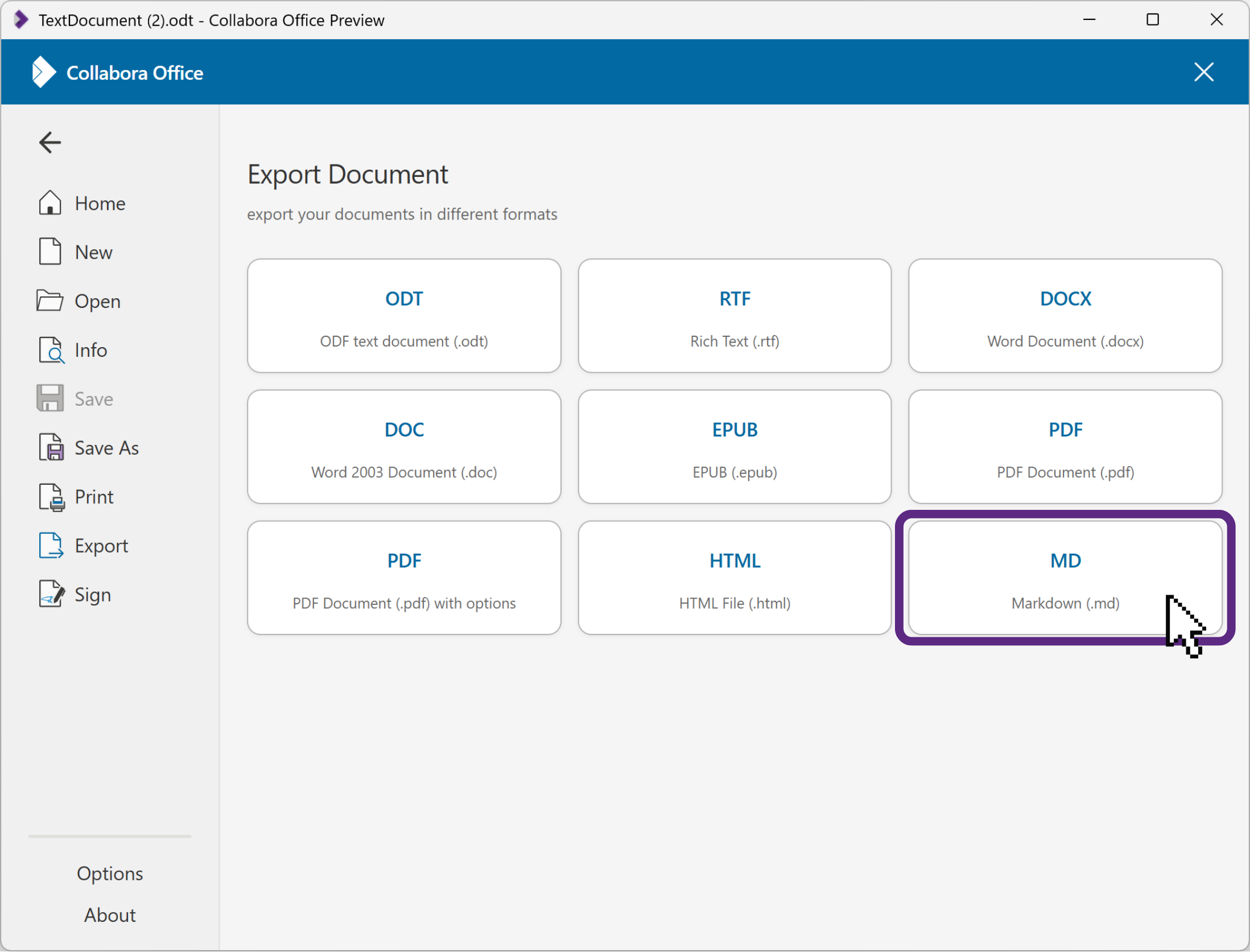
Because it can access the document (more on this below), you skip the tedious copy/paste dance with another AI app, followed by the inevitable tidying up of document formatting (but did we tell you we now also support .md import and export, turning ### into proper document styling?) Prompt chips like “Summarise text” or “Sanity check data” get you moving quickly, or type your own custom prompts, and the AI assistant has baked-in approval steps for actually reading or writing anything to/from the document. There’s even a tone-of-voice picker.
And crucially – your data stays yours
Here’s the part we care about most. In Collabora Office (as with Collabora Online) the choice is entirely yours about whether to enable AI assistance, along with which AI provider you use and how it is hosted. You configure your own model and credentials, and the app talks to that provider directly. Your documents and your prompts go to the model you choose, on the terms you set. We are not in the middle, and as always, we are not collecting your data.
Additionally, the AI assistant has no access to any of your document data, even when open in that document, unless you specifically choose to share part, or all of a document with it.
That’s privacy-by-design applied to AI:
-
Disabled by default – no-one is forced into using AI without conscious choice
-
You choose the provider – a major model, a provider you already trust, or your own self-hosted endpoint.
-
No middleman – the conversation is between your machine and your chosen model, full stop.
-
Zero document access by default – only share what you choose.
-
Open source, all the way down – no hidden executables, nothing phoning home.
-
Responsible by default – 26.04 surfaces an EU AI Act transparency notice and an Ethical AI Rating badge, and filters the model list by what each provider can actually do (eg. image-capable models for image tasks).
More at home: three apps, one engine
The other big story is how much more native the desktop apps have become. Since we first brought Collabora Online to the desktop last year, the three apps have grown from a local wrapper around our web interface into applications that behave like proper citizens of each platform.
Platform highlights
Windows. A Win32 / WebView2 software that runs the engine in-process and serves the UI locally. Native menu bar, live dark mode across windows and DPI awareness. Native document signing via the Windows certificate store, and packaging as APPX/MSIX for the Microsoft Store.
macOS. A native macOS app wrapping the UI in a WKWebView, with a proper tabbed document interface and a nice “+” New button, a native main menu, and high-fidelity clipboard interop with many local apps. Presenter console with reliable multi-monitor rearranging, a HiDPI sharpness fix, and a hardened runtime.
Linux. A native Qt6 WebEngine app distributed now as both Flatpak and Snap. Frameless welcome slideshow, dark-mode detection via the desktop portal, WebView zoom that respects your GNOME font-scaling setting, single-instance document routing over DBus, embedded media, and a pruned, leaner dependency set.
Behind the scenes, the document engine and the online code now live together in a single unified monorepo, which makes the whole thing easier to build, test and move forward in lockstep. The upshot for you is the desktop and browser apps stay beautifully in sync.
A proper desktop home
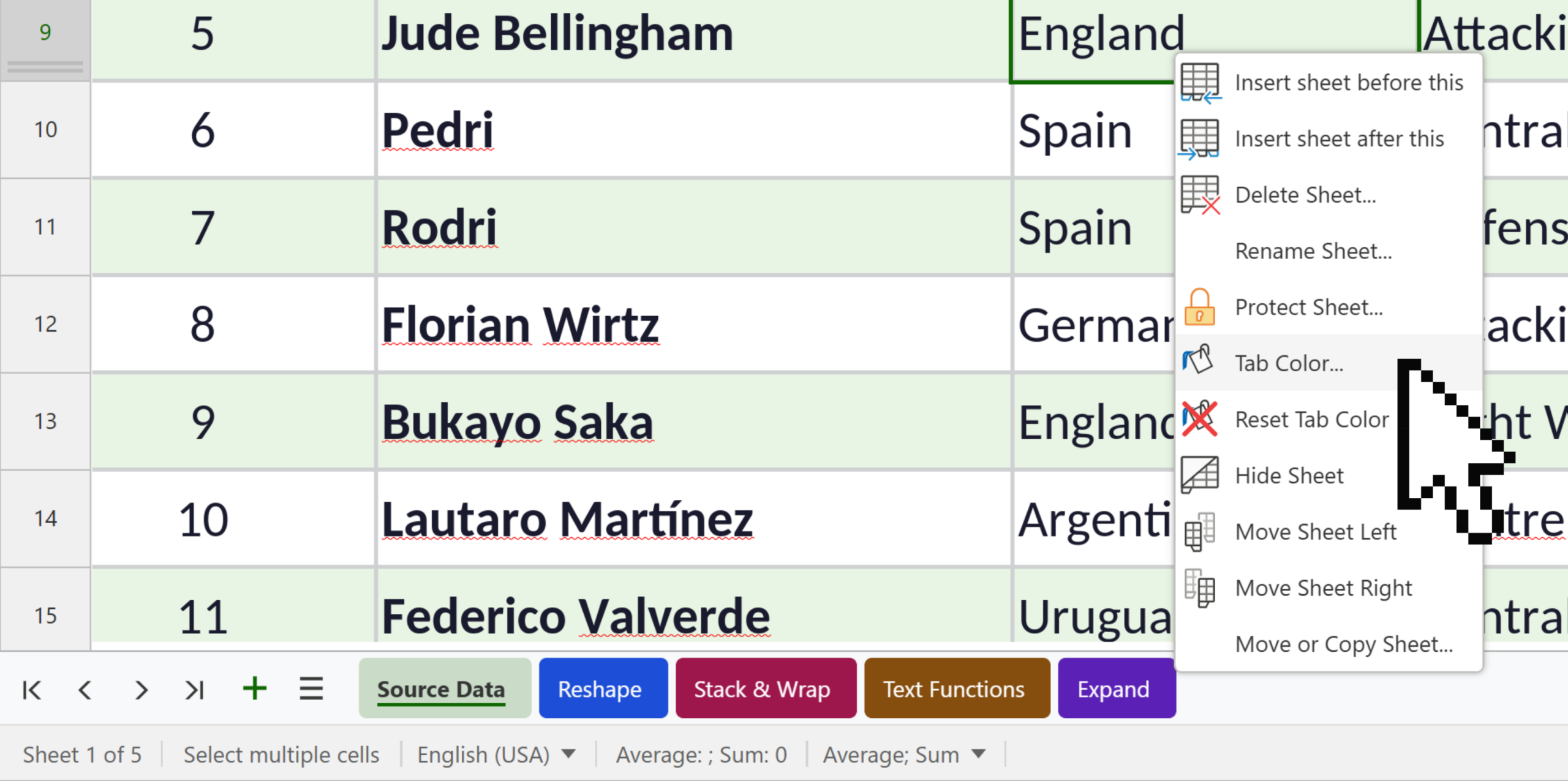
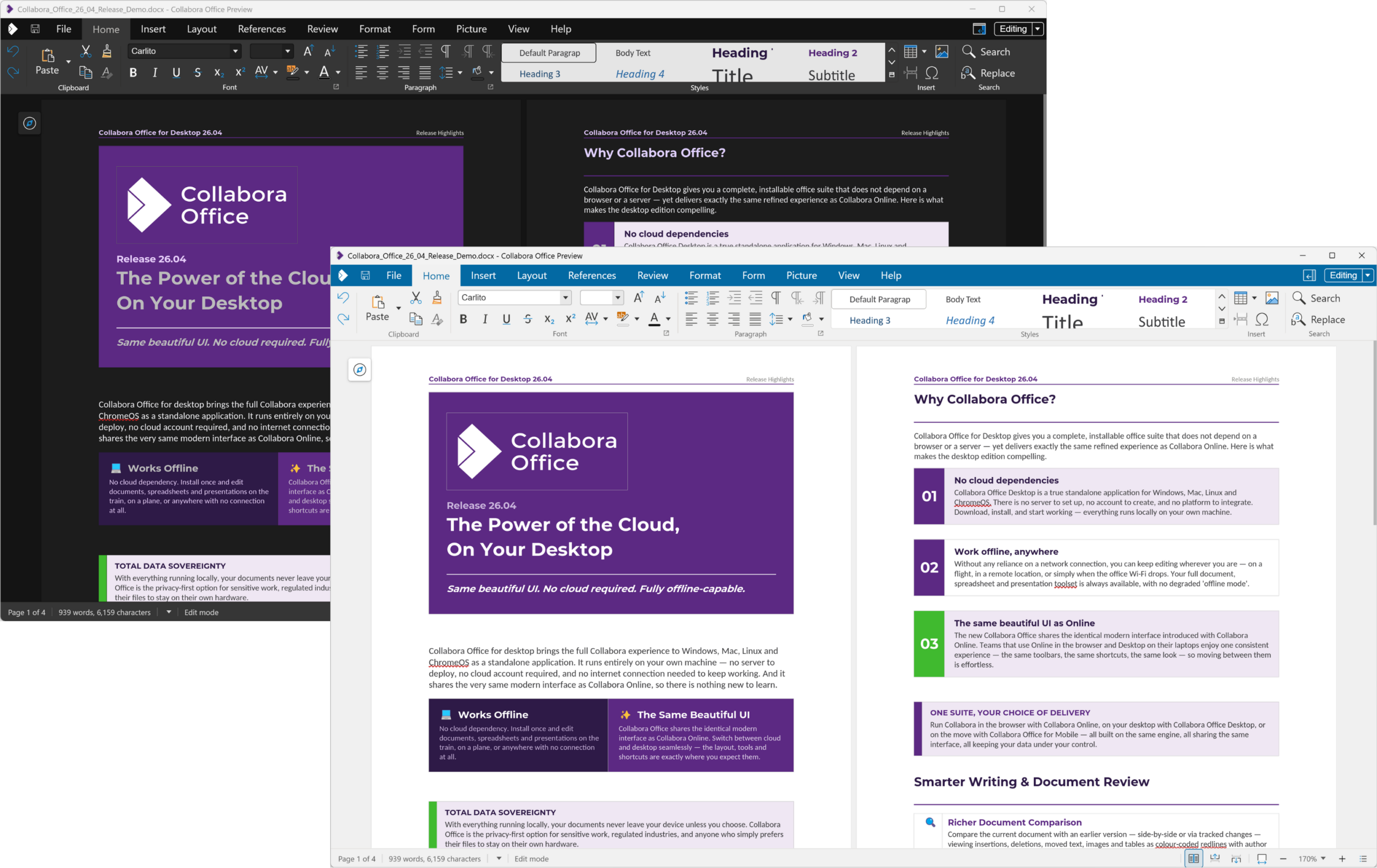
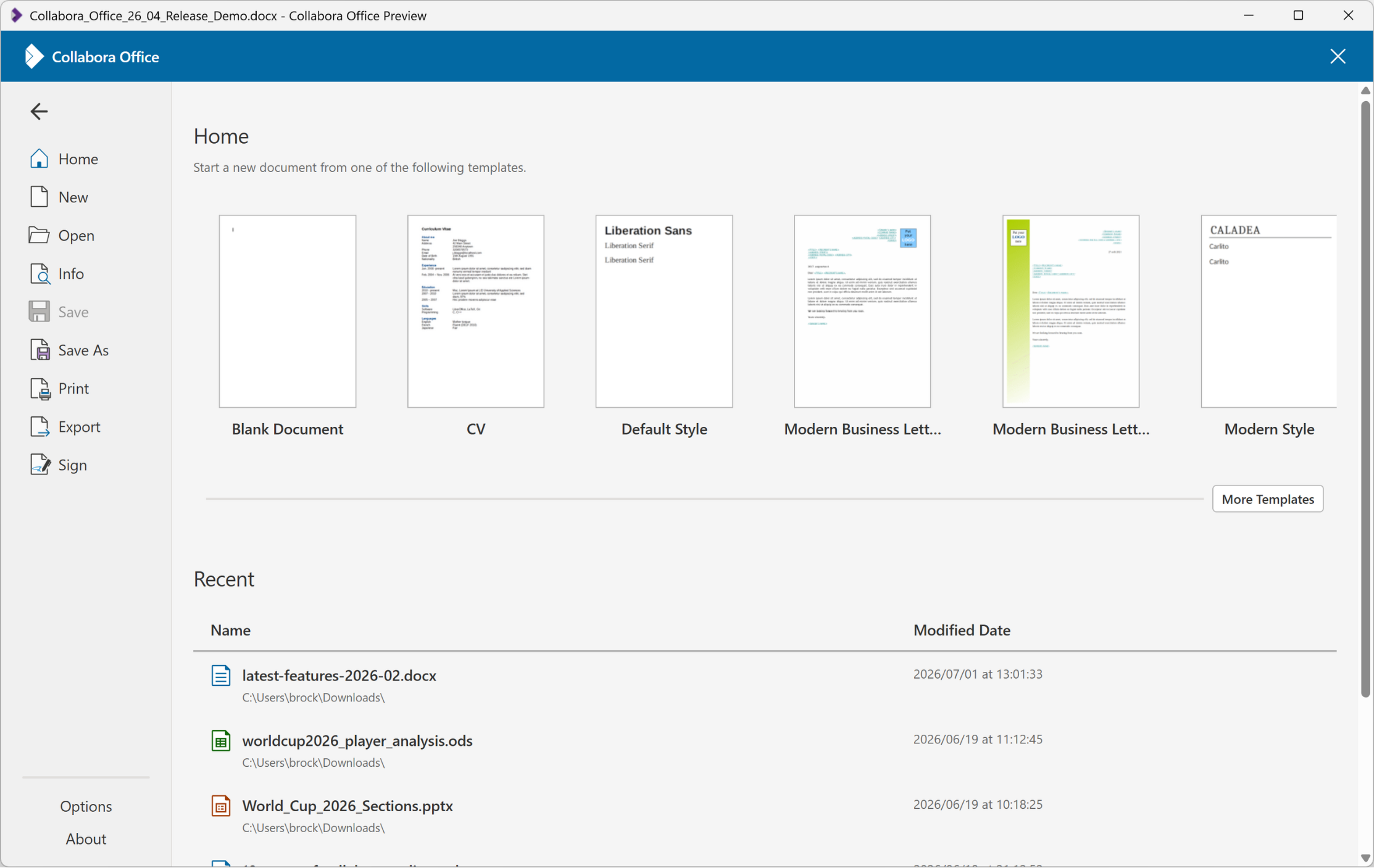
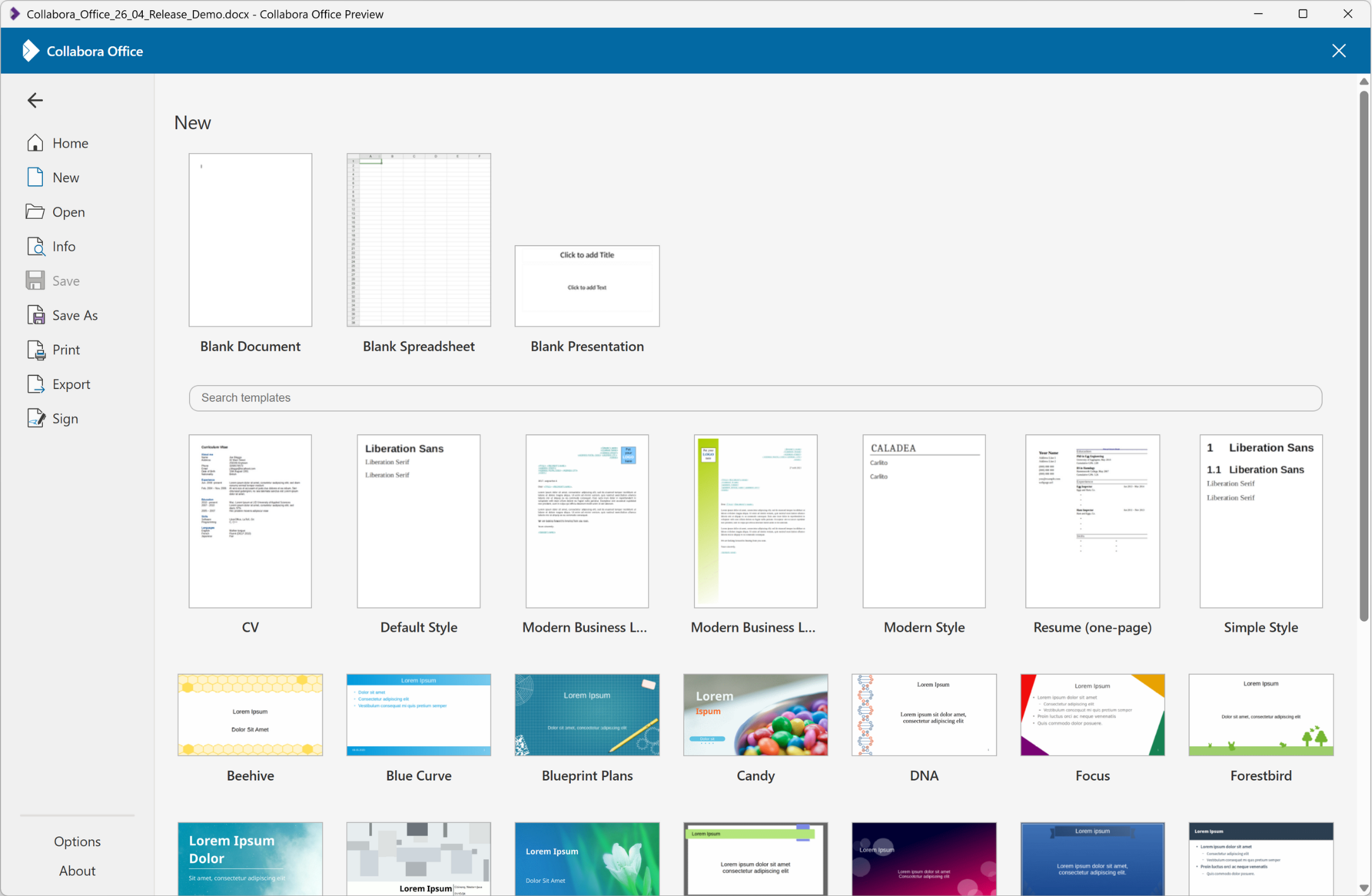
Open any of the apps with no document, and you’re greeted by the new start screen – your recent documents (with per-type icons for Writer, Calc, Impress, Draw and PDF), a template gallery, and once a document is open – quick access to AI, Zotero, and document signing options. There’s still a friendly welcome slideshow on first launch (accessibly from “Latest Updates” button to see it again), and native dark mode that follows your system preference across every window.
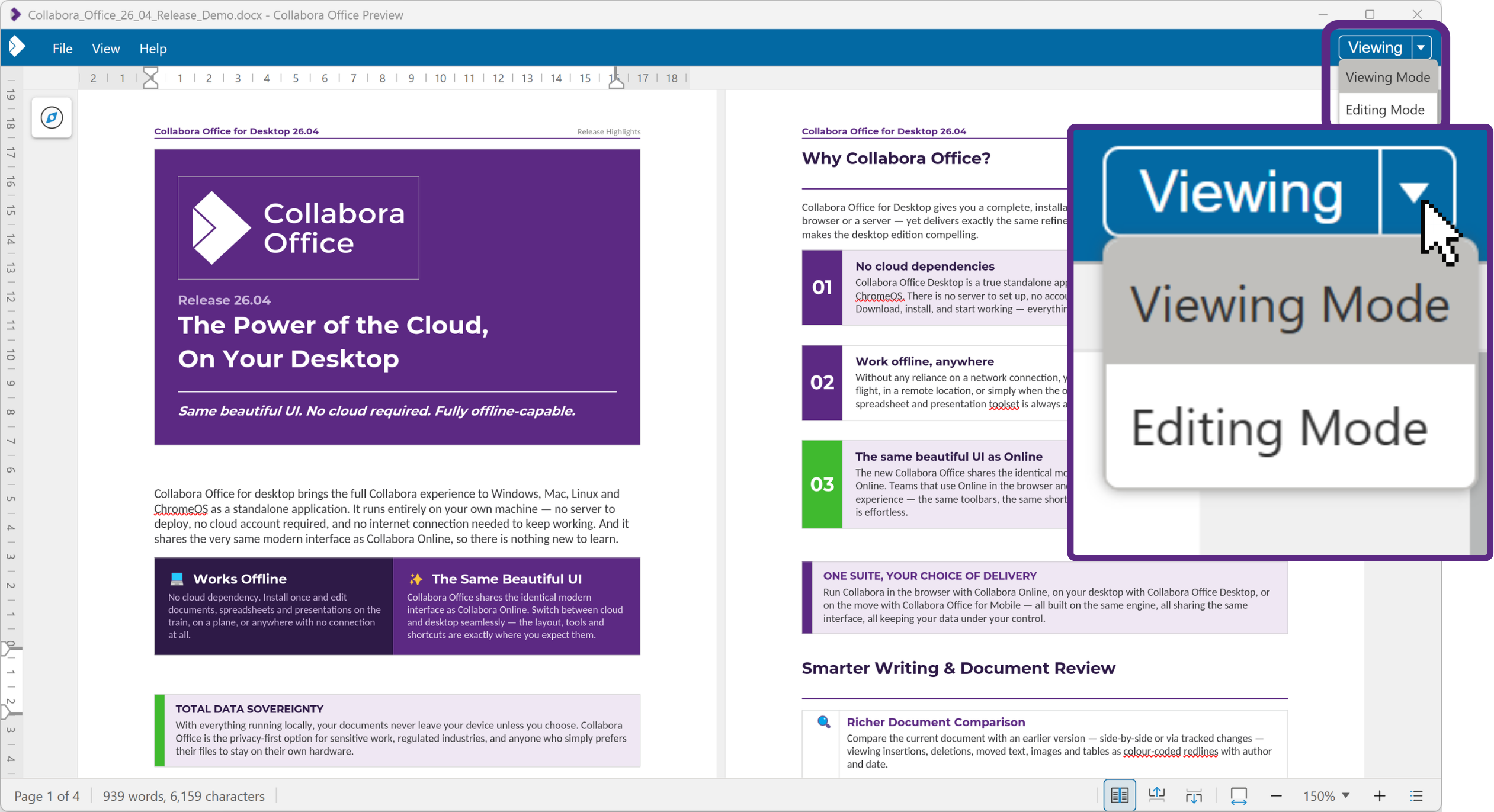
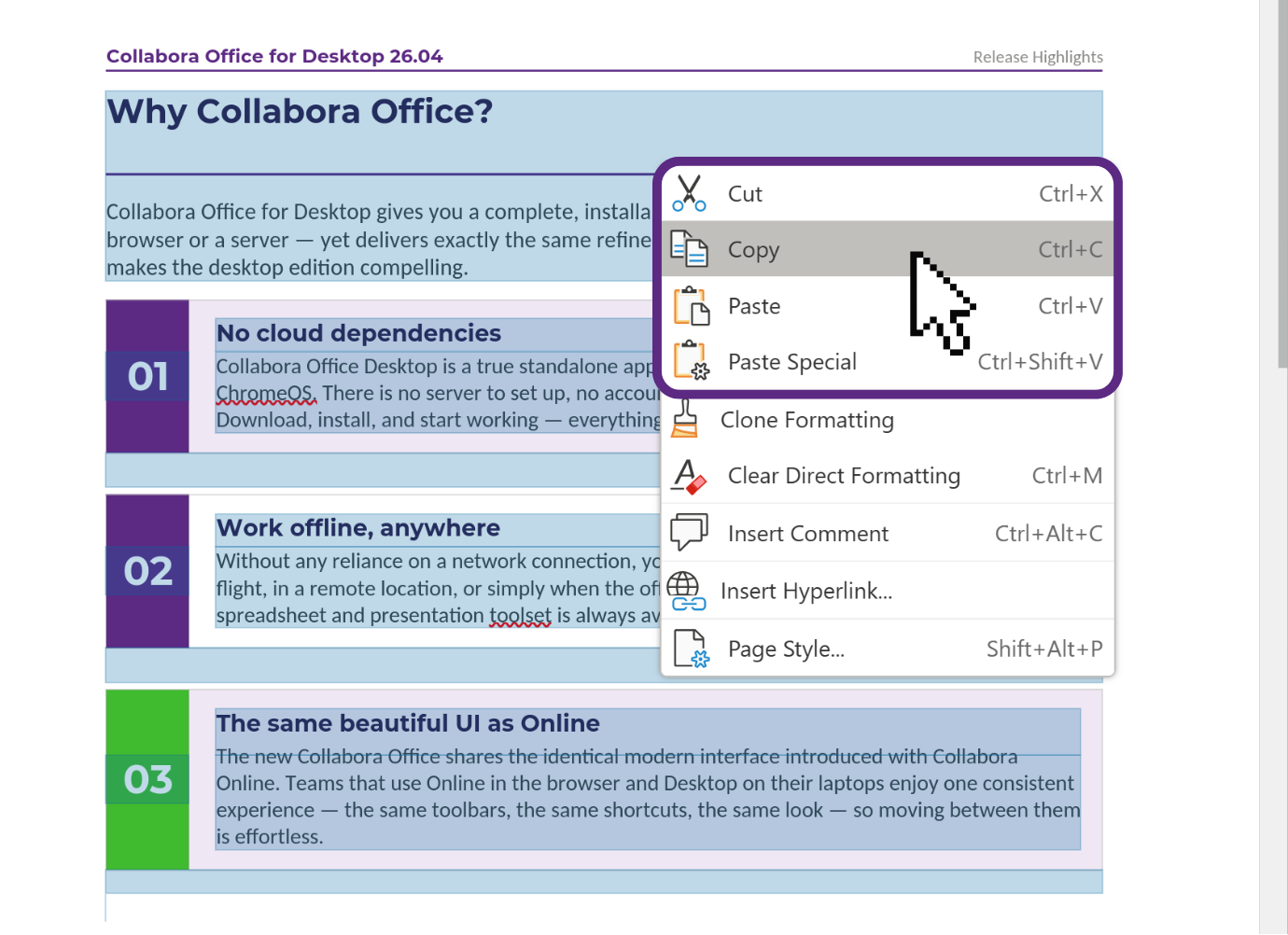
A few extra touches round out the offering nicely: cross-platform keyboard shortcuts you’d expect (Ctrl+N for a new document, Ctrl+O to open, Ctrl+W to close, F7 for spellcheck), and documents that open read-only by default with a newly discoverable quick “Editing Mode” button in the top right of the toolbar.
Get it now
Collabora Office 26.04 for desktop is available for free through the channels you already use:
A note on early releases – exciting, new, and not yet supported
Let’s be clear and upfront, just as we were the first time: while this is improving rapidly, this is not yet enterprise-supported software. It’s new, it’s moving fast, and it’s a preview of where we’re headed. There will be bugs. Performance may vary. Some features are still being polished, and translations may be patchy in places.
That’s not a warning so much as an invitation. Enterprise support is on the way – and in the meantime this is your chance to get a real preview, kick the tyres, and help shape the direction. We’d love our customers and partners to evaluate it and tell us what they find.
Get involved – it's more fun together
This release exists because of a growing, friendly community pulling in the same direction and we’re hugely grateful to everyone who tests, translates, documents, files bugs and writes patches: thank you for making Open Souce Rock!
So: try it out, share it with your friends, send us your feedback, and get stuck in. If you have JavaScript, CSS, C++, testing, translation or documentation skills – and you love working with others to change the world – there’s a place for you.
Together, we’re building a privacy-respecting, open and elegant office suite for everyone – online and on your desktop. We can’t wait to see what you think.
About Collabora Productivity
Collabora Productivity delivers Collabora Office, a business-hardened, open-source office suite providing seamless document editing and collaboration across web, desktop, and mobile platforms. By supporting all major file formats and integrating directly into your own infrastructure, it ensures total data sovereignty and GDPR compliance for modern distributed teams. Backed by the largest team of Open Source Office productivity engineers globally, Collabora Productivity, alongside a global network of trusted partners, offers a secure, high-performance alternative to big-brand solutions for organisations at scale.