
TL;DR
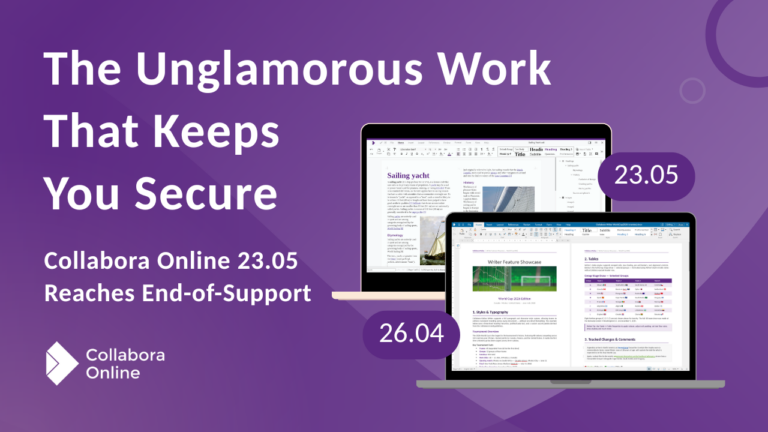
Collabora Online 23.05 has reached end-of-support. Over its lifetime we did the quiet, unglamorous work that matters most – backporting fixes, hardening dependencies and shipping security patches so that our customers stayed safe.
In the same period we also shipped more than 19,000 commits across three major releases at an even faster pace than the 22.05 era, including the latest AI assistant inside Writer, Calc and Impress. If you’re still on 23.05, upgrading keeps the safety net you rely on, and lands you a smarter, faster, more interoperable and more accessible suite!
23.05 Commit Log Stats
Mentions of:
*Mentions in commit log are not all commits for an app or feature. Only those that specifically had the keyword in the commit message. These statistics also do not count pseudonyms such as A11y for accessibility.
23.05 served you well
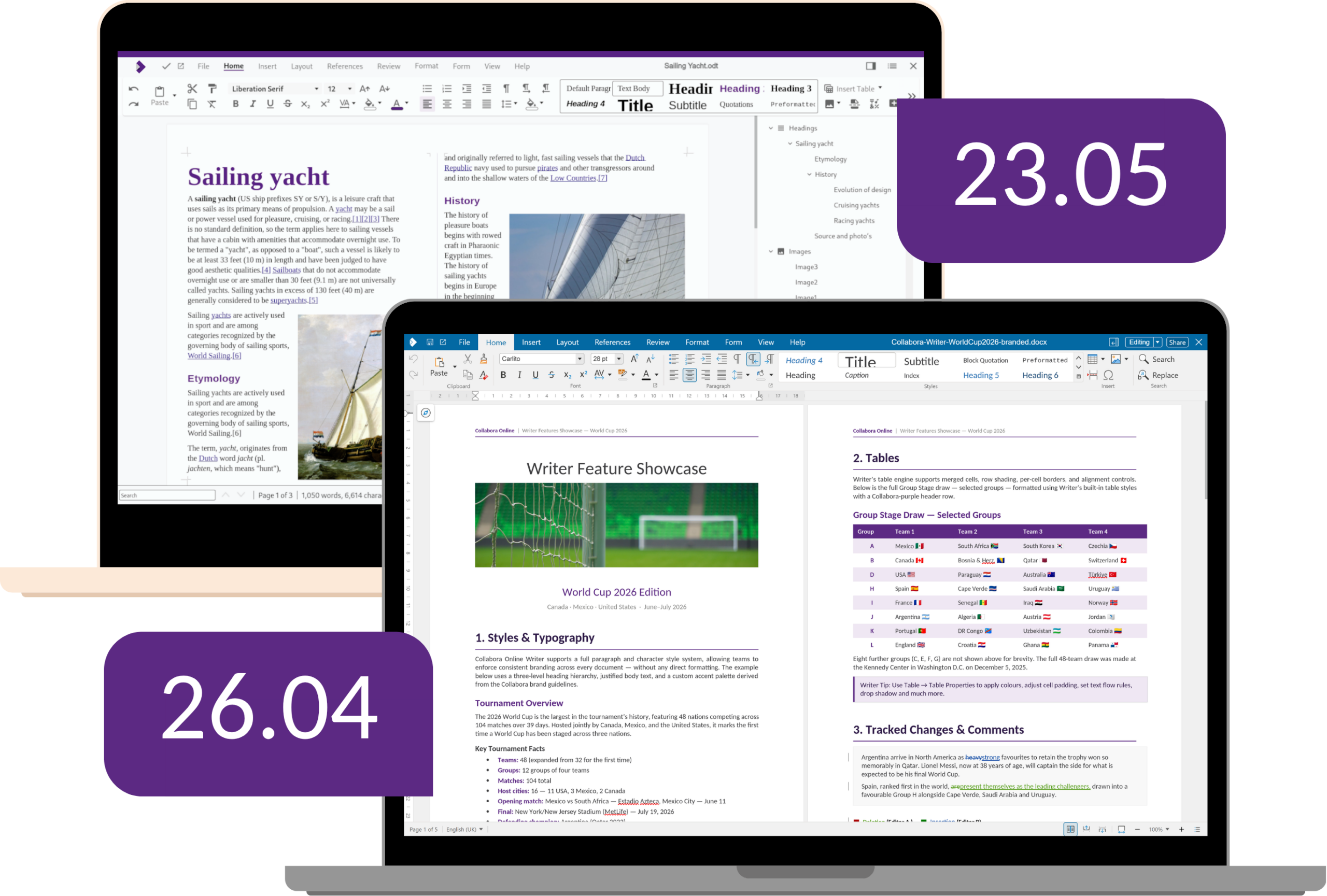
Collabora Online 23.05 introduced a sleeker, more intuitive interface, our first dark mode, a major accessibility push, Zip64 support for working with enormous spreadsheets, multi-page floating tables, multi-stop gradients for richer graphics, and content controls that export to fillable PDFs. It has helped thousands of teams collaborate with confidence.
But all good releases eventually hand over the baton. End-of-support means no further fixes or security updates will come for that line. Your documents will of course still open – but you won’t enjoy any further updates, or the considerable polish we’ve added to the suite since. And we’ve added a lot.
Above all, peace of mind
It’s natural to judge a release by what’s new – and as you’ll see, there’s plenty. But for most organisations running Collabora Online at scale, the headline capabilities aren’t the real reason to stay on a supported version. The real reason is quieter: knowing that someone is looking after the foundations, every single day, so you don’t have to think about them.
That work is anything but glamorous. Backporting fixes to an older codebase, hardening dependencies, running down obscure edge cases, and shipping security patches the moment they’re needed – this is the painstaking, behind-the-scenes engineering on an old source tree that excites few community contributors. It’s precisely what you need when you choose a supported release, and it’s what we’ve been doing throughout the life of 23.05.
The result speaks for itself: no major problems, and zero live exploits that we’re aware of across the entire life of the release.
Your documents won’t stop opening – what ends is the steady stream of fixes and safeguards working silently on your behalf. For many of our largest customers, that’s the whole point of upgrading: not chasing the latest feature, but holding on to the peace of mind they’ve come to depend on.
Since then, we've done even more for everyone
Smarter workflows, on your terms
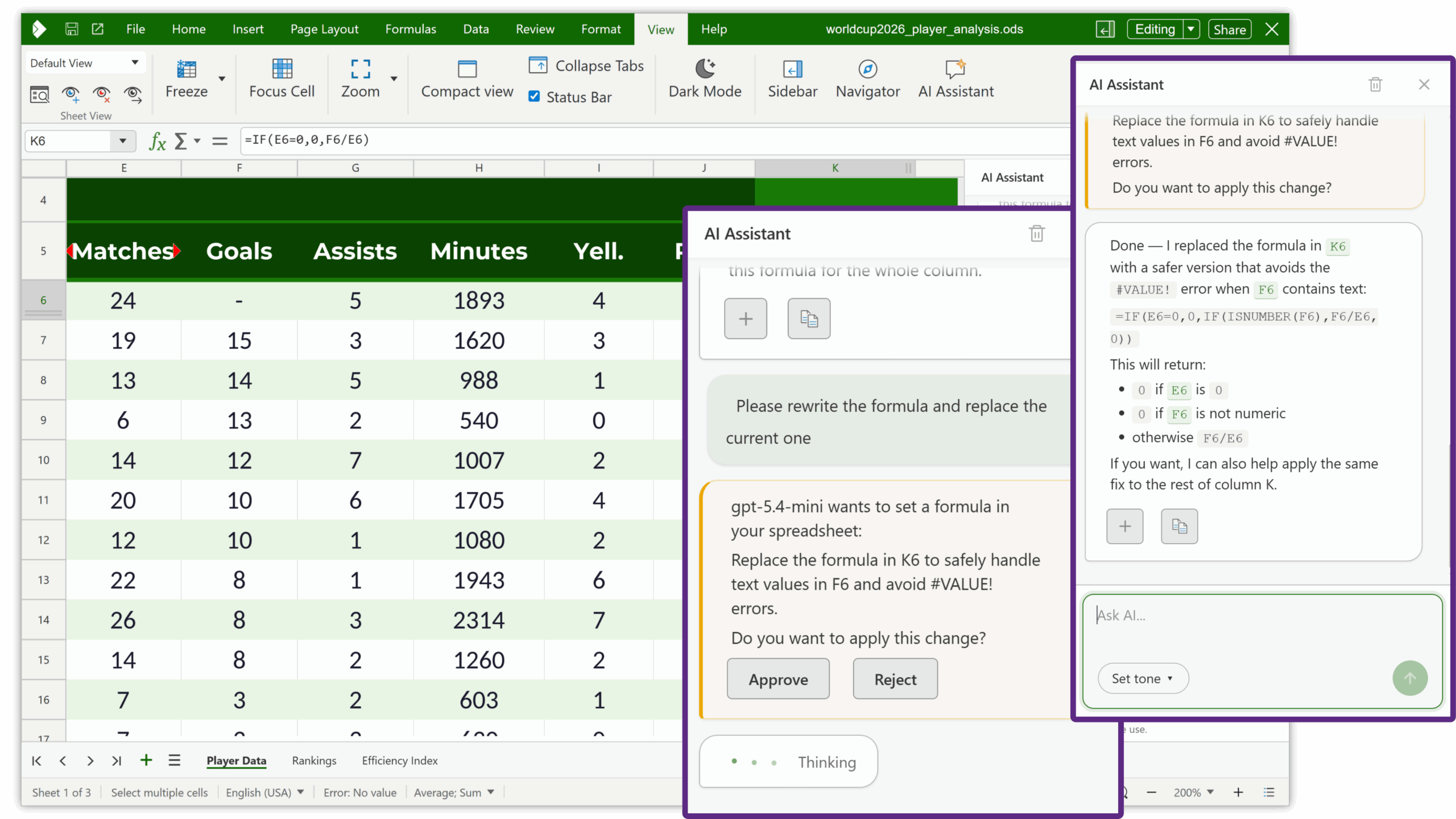
The biggest leap of all: now available in CODA, and coming soon to Collabora Online – enjoy AI assistance directly from Writer, Calc and Impress. Draft and refine text, analyse spreadsheet data, troubleshoot formula errors, and turn rough notes into structured slides – all without leaving your document. Crucially, this is AI on your terms, so your documents and data don’t go anywhere without your say so. New Markdown import and export filters round this out, making it effortless to move styled, AI-generated content in and out of your documents.
A user interface that reduces friction
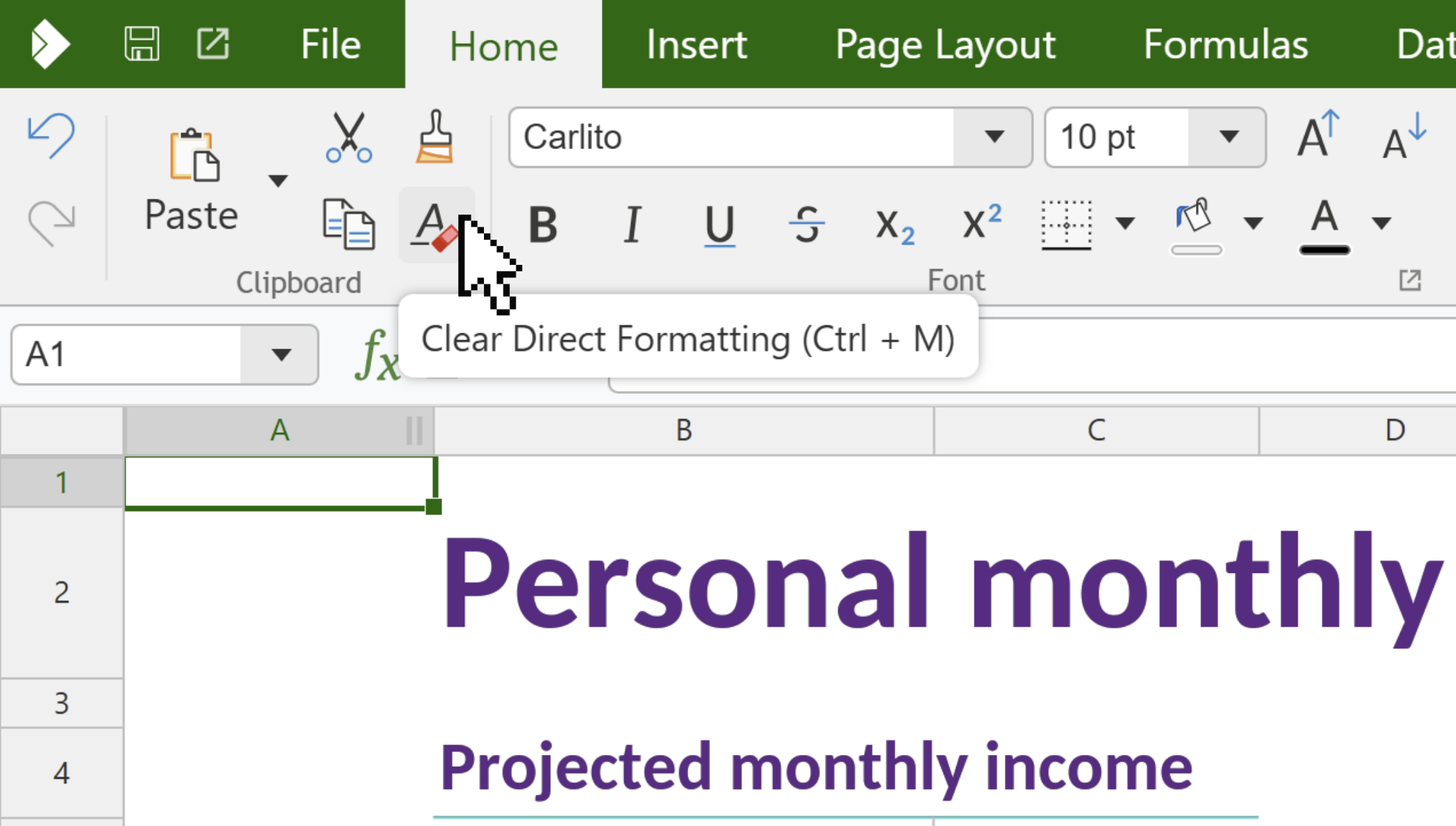
The modern interface prioritises discoverability and familiarity. Searchable help and keyboard shortcuts, a Styles Sidebar with Spotlight, a relocated and searchable Navigator, refreshed comment cards, visual style previews, an in-app settings dialog, more flexible dark mode, and the ability to filter fonts simply by typing – every update chips away at friction. Accessibility has advanced just as far, with more than 100 improvements and recent BITV 2.0 pass for Writer from the German accessibility regulator.
Performance you can feel
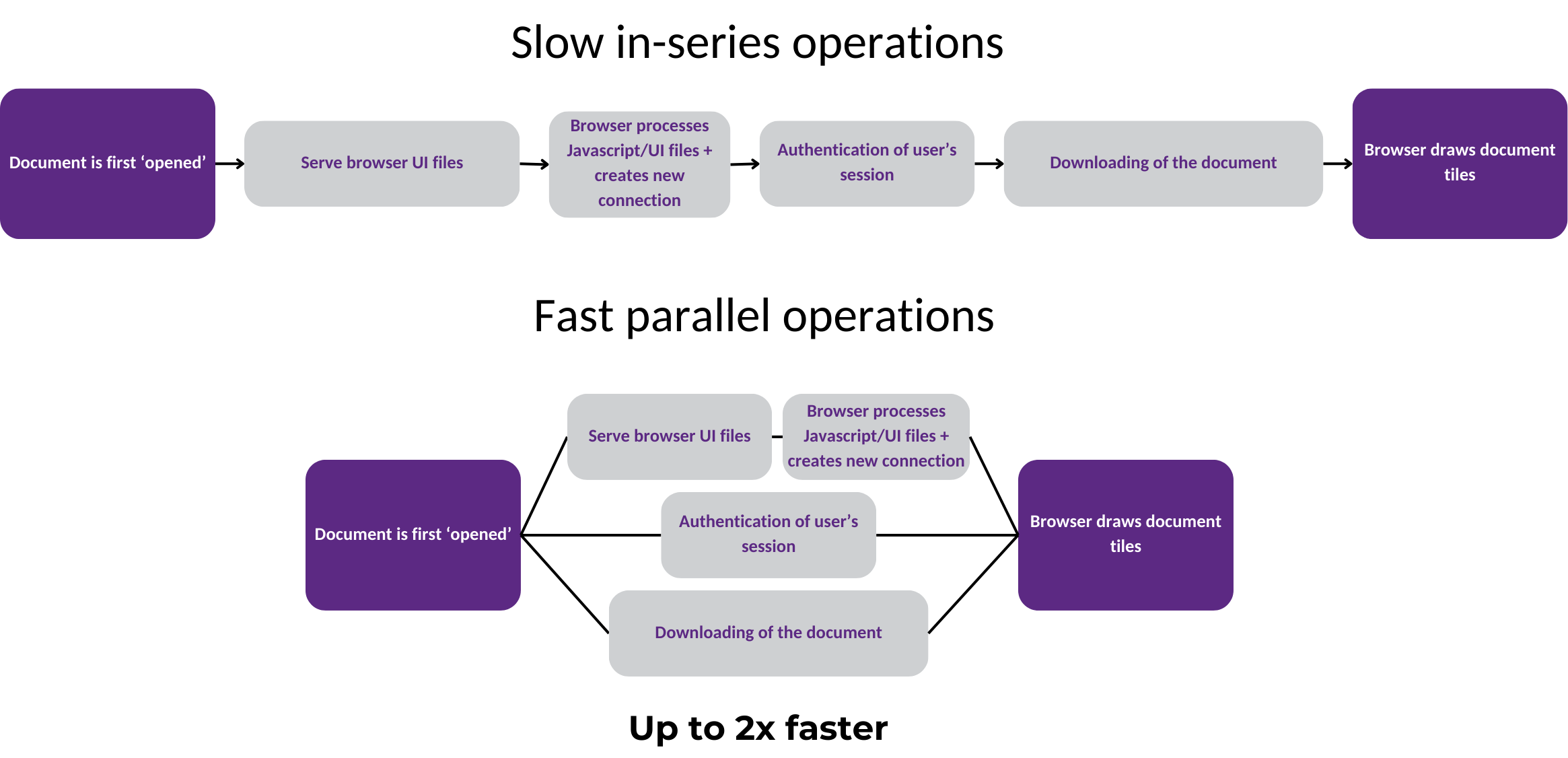
We can’t list every speed-up here, but the highlights are striking: up to 50% faster document opening through parallel setup, an 18× faster tile-compression pipeline, client-side rendering lifted from as slow as 11fps to 60fps on demanding documents, viewport-based preloading for large files, ZSTD compression cutting presentation open times by around 40%, and PDF rendering that adapts to your zoom level to stay sharp while using memory more efficiently. Large documents, 4K displays and heavy scrolling all feel smoother and more consistent.
Reviewing, authoring & collaboration
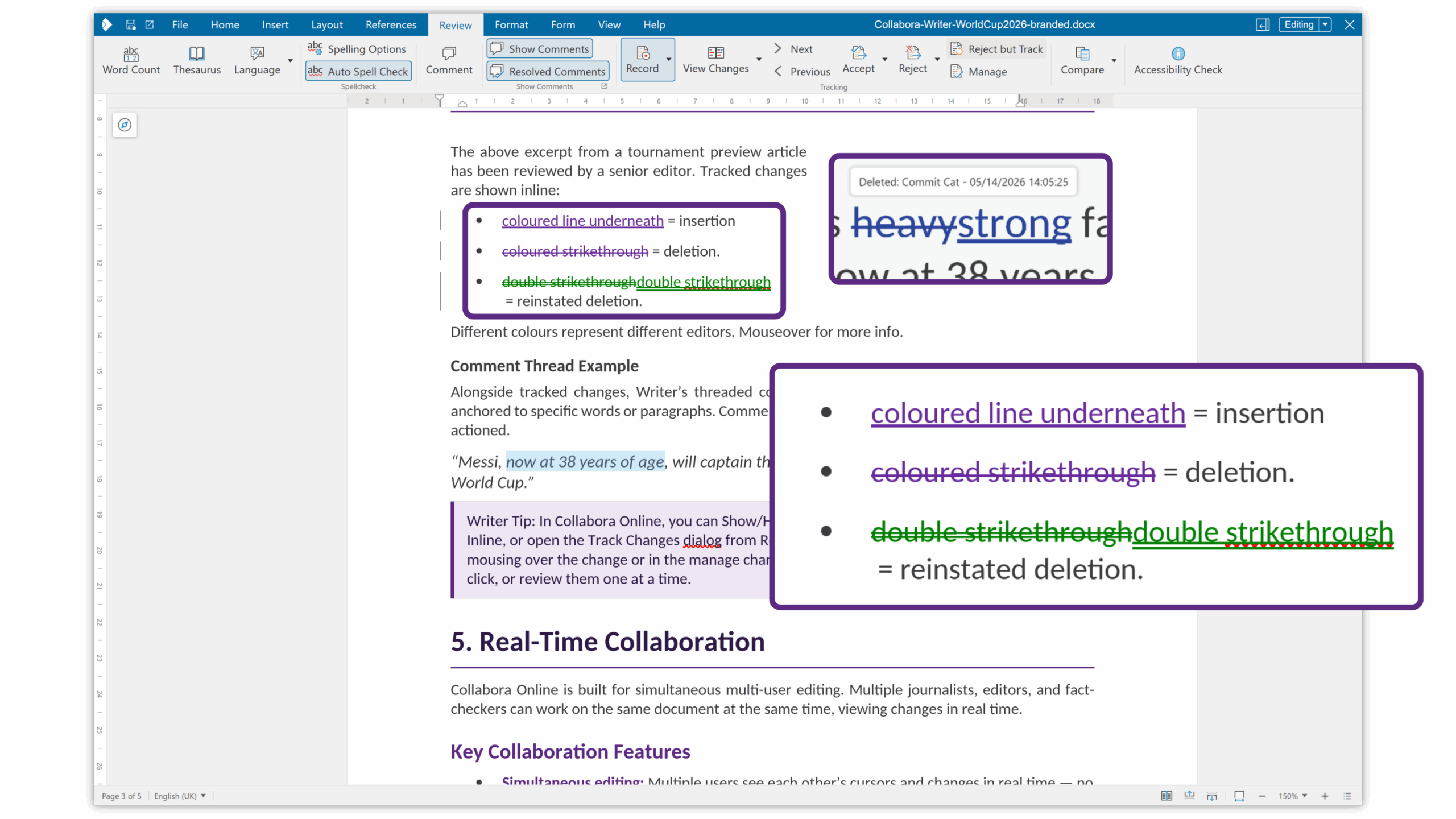
Serious review workflows are far better served. Now in Collabora Online Development Edition, you can even compare document versions with colour-coded redlines showing who changed what and when, use multi-page view for long documents, and rely on smarter, more robust tracked changes. Added per-user change tracking, the “reinstate” deletion record, @mentions in comments, and tightly-scoped review modes – comment-only, or accept/reject redlines without broader editing privileges – controlled collaboration has never been easier.
Stronger spreadsheets & data
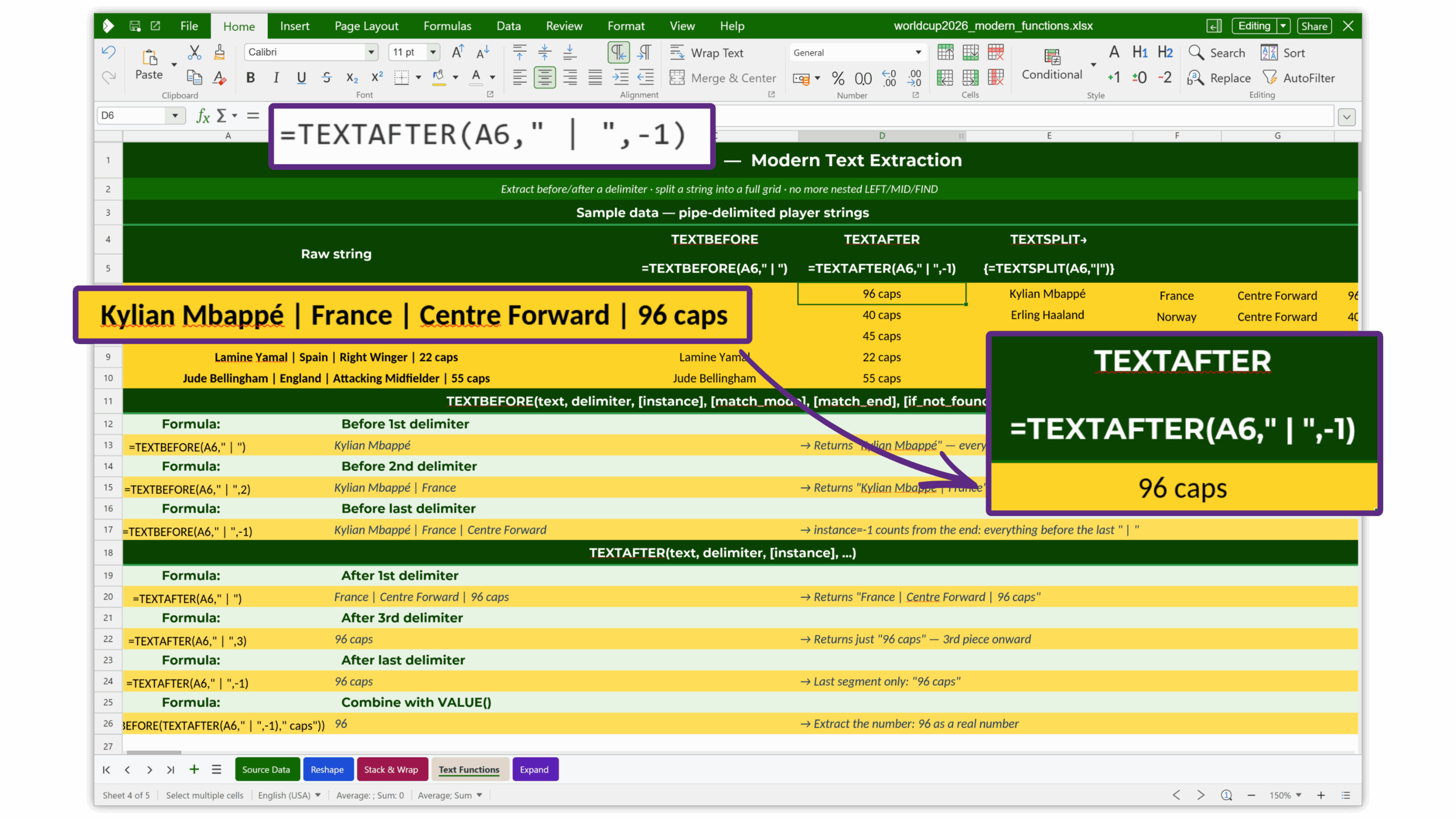
Calc gains a wave of modern capability: XLOOKUP, XMATCH and dynamic-array functions (FILTER, SORT, UNIQUE and more), plus the latest additions like CHOOSECOLS, VSTACK, TEXTSPLIT and TAKE. Per-user sheet views let teammates filter the same spreadsheet independently; calculated pivot-table fields, ready-made table styles, focus-cell highlighting, coloured sheet tabs, and an elegant new way to diagnose and fix formula errors make data work faster and clearer.
Presentations that land
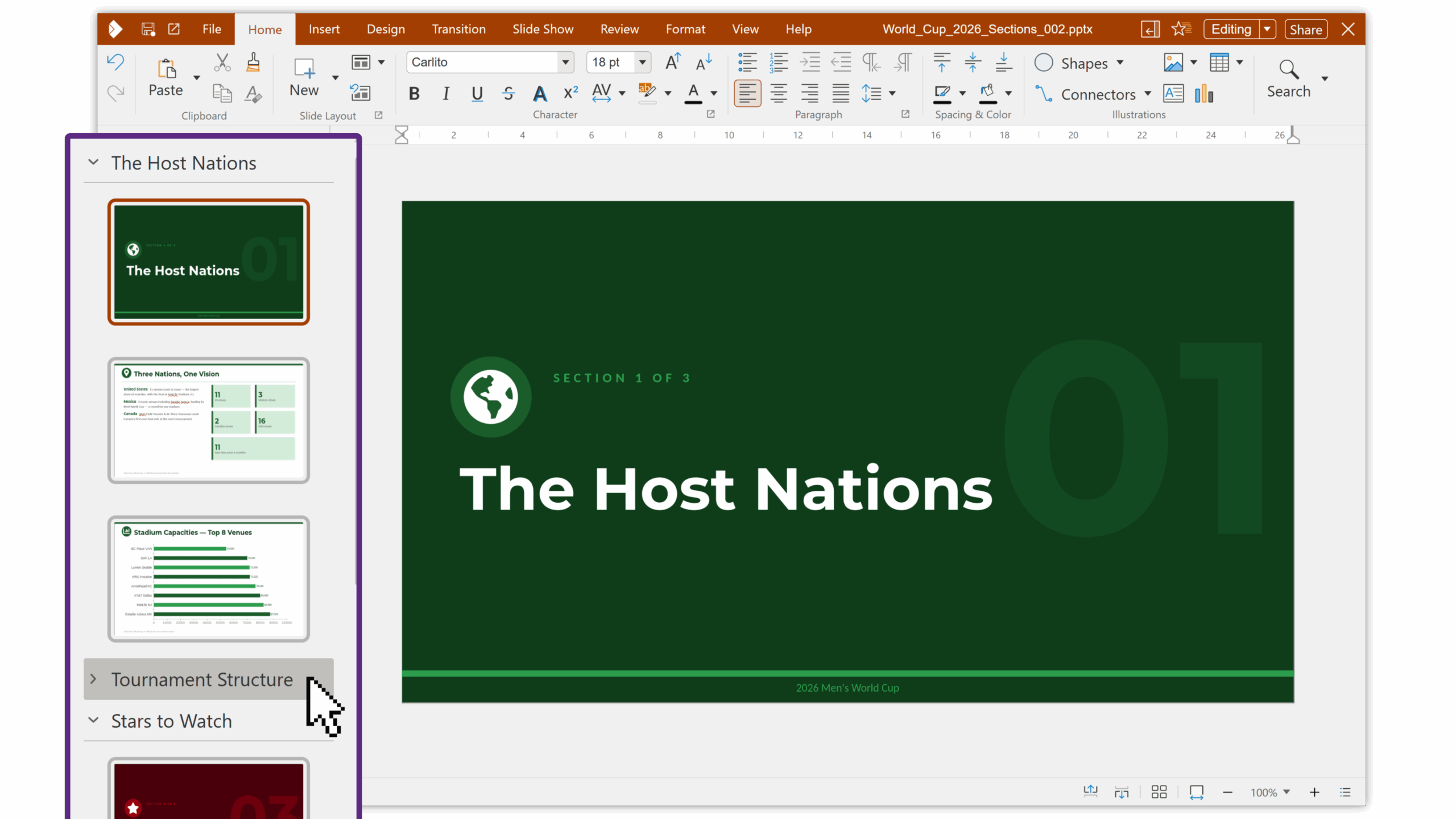
Impress is better than ever for presenting and building decks: a full Presenter Console with notes, previews and a timer; Present-to-All / follow-me slideshows for classrooms and boardrooms; slide grouping into sections; font embedding in PPTX for pixel-perfect sharing; and support for multiple slide sizes in a single presentation.
Interoperability, security & compliance
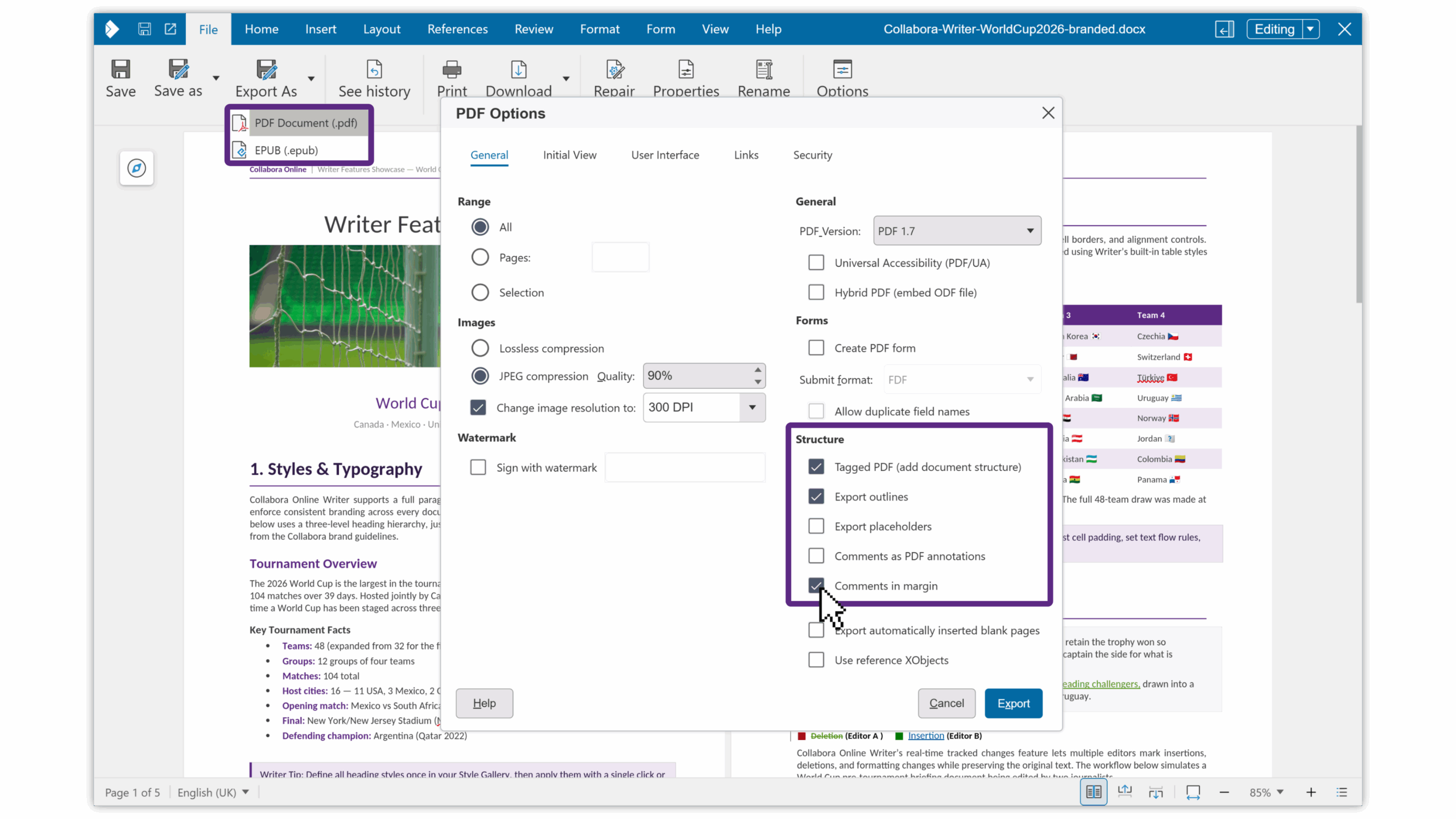
Our already-excellent OOXML interoperability keeps improving – over the past three years we’ve been validity-testing around 243,000 documents converted to between ODF and OOXML formats, driving issues towards zero. On security and compliance, recent additions include Qualified Electronic Signatures (QES) via eID Easy, PDF 2.0 support, rootless containers using Linux namespaces, server-signature hiding to avoid advertising exact versions, and OOXML templates that now open for editing rather than read-only.
Time to upgrade
Collabora Online 23.05 has reached end-of-support, but the steady stream of fixes, security patches and safeguards that worked silently on your behalf doesn’t have to. At the same time our usability, performance and intelligence has continued rising. If you’ve been waiting for the right moment to upgrade, this is it. Your users will feel the difference on day one, your admins will appreciate the modern safeguards and controls, and you’ll have a faster, safer, more beautiful and smarter Collabora Online that’s easier to support and ready for whatever comes next.