Intermesh

Intermesh is a Dutch software development company that builds business applications, best known for creating and maintaining GroupOffice — a web-based groupware, CRM, and document management platform. The company was founded in 2003 and is headquartered in ’s-Hertogenbosch, the Netherlands. Its main focus is developing, producing, and delivering software that helps organizations manage contacts, projects, files, email and collaboration tools from a single integrated platform.

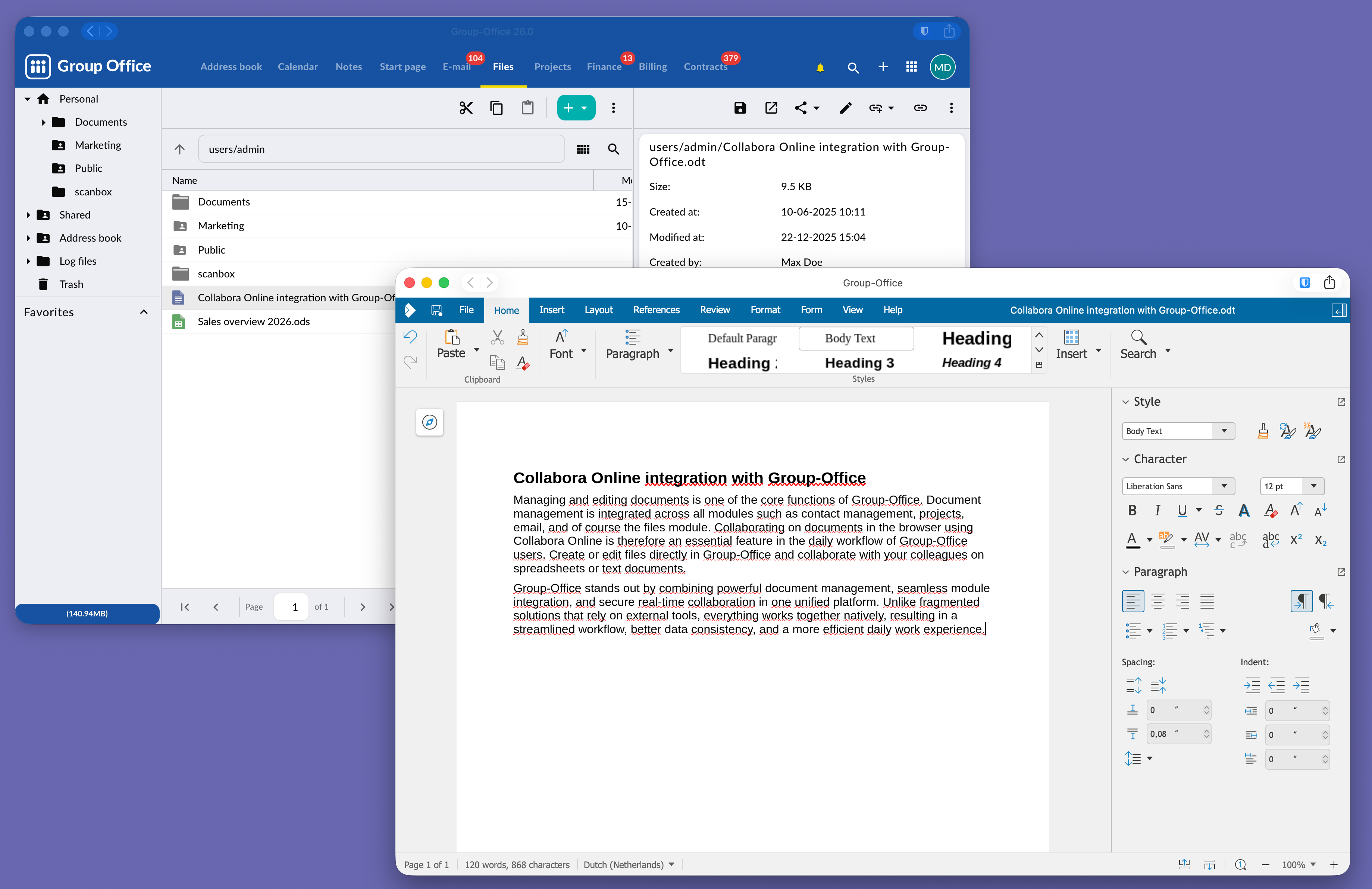
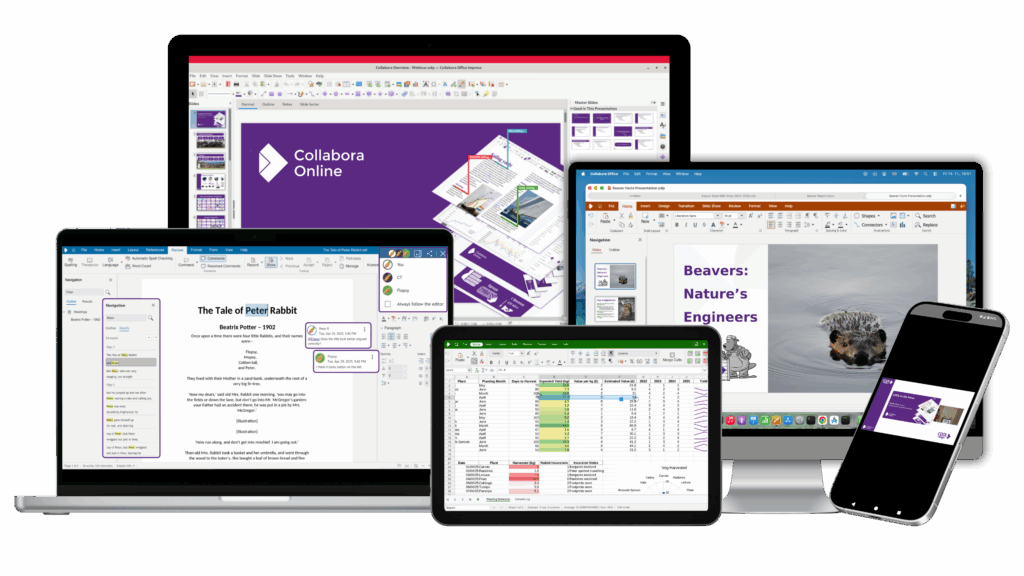
Managing and editing documents is one of the core functions of GroupOffice. Document management is integrated across all modules such as contact management, projects, email, and the files module. Collaborating on documents in the browser using Collabora Online is therefore an essential feature in the daily workflow of GroupOffice users. Create or edit files directly in GroupOffice and collaborate with your colleagues on spreadsheets or text documents.

GroupOffice stands out by combining powerful document management, seamless module integration, and secure real-time collaboration in one unified platform. Unlike fragmented solutions that rely on external tools, everything works together natively, resulting in a streamlined workflow, better data consistency, and a more efficient daily work experience.
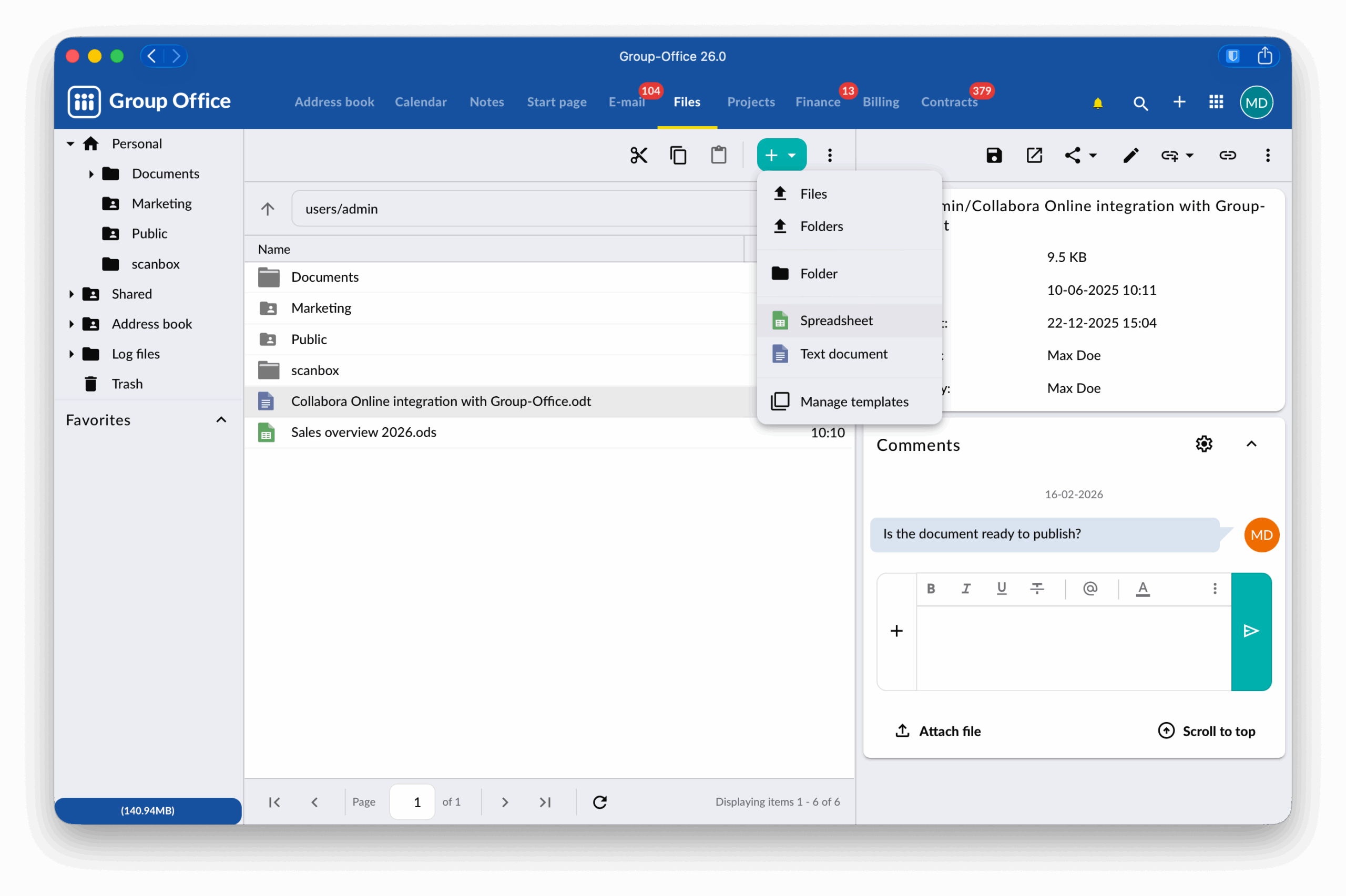
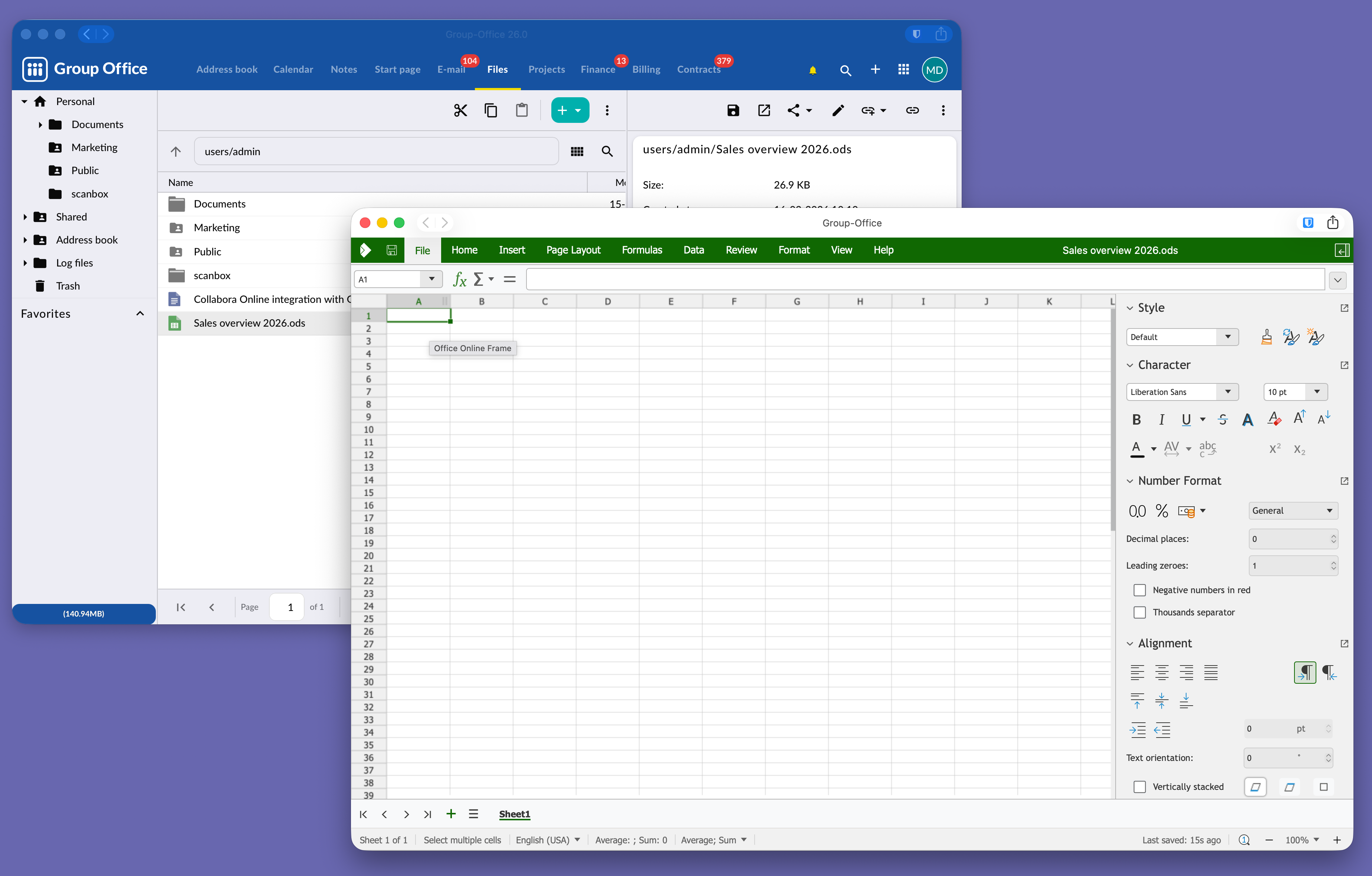
GroupOffice is an open-source groupware and CRM platform. Collaborate with integrated file sharing, video conferencing, E-mail, calendar and contact management, project and time tracking, quoting and invoicing, support ticketing and collaborative document editing. By combining all these tools in a single platform, GroupOffice eliminates the need for multiple separate systems and streamlines your workflow. GroupOffice is easily extensible with custom modules, allowing you to tailor the platform to your specific needs.

Try the Collabora Online Demo

How to Install and Test CODE

Setting up and configuring native CODE packages on Linux

Collabora provide native Linux packages in deb and rpm formats. For the deb format 3 platforms are supported: amd64, ppc64, and arm64. For the rpm format only amd64 is supported.

1. Import the signing key:

CODE packages are digitally signed by Collabora Productivity Ltd. First step is to import the signing key.

On deb based distributions use the following command:

mkdir -p /etc/apt/keyrings && cd /etc/apt/keyrings
sudo wget -O collaboraonline-release-keyring.gpg https://collaboraoffice.com/downloads/gpg/collaboraonline-release-keyring.gpg

On rpm based distributions use the following command:

wget https://www.collaboraoffice.com/repos/CollaboraOnline/CODE-rpm/repodata/repomd.xml.key && sudo rpm --import repomd.xml.key

2. Add CODE package repositories:

On deb based distributions create /etc/apt/sources.list.d/collaboraonline.sources with the following contents:

Types: deb
URIs: https://www.collaboraoffice.com/repos/CollaboraOnline/CODE-deb
Suites: ./
Signed-By: /etc/apt/keyrings/collaboraonline-release-keyring.gpg

On rpm based distributions use the following commands:

RHEL, CentOS, Fedora, etc.:

sudo yum-config-manager --add-repo https://www.collaboraoffice.com/repos/CollaboraOnline/CODE-rpm

SUSE:

sudo zypper ar 'https://www.collaboraoffice.com/repos/CollaboraOnline/CODE-rpm' 'CODE'
sudo zypper mr -r 'CODE' # enable auto refresh

3. Install packages:

On deb based distributions use the following command:

sudo apt update && sudo apt install coolwsd code-brand

On RHEL, CentOS, Fedora, etc. use the following command:

sudo yum install coolwsd CODE-brand

On SUSE, use the following command:

sudo zypper ref && sudo zypper in coolwsd CODE-brand

This is the minimal installation, without localizations. For full installation install ‘collaboraoffice*’ packages.

4. Configuration:

Edit /etc/coolwsd/coolwsd.xml. Collabora Online (coolwsd) service runs via systemd. After editing the configuration file, you have to restart the service:

sudo systemctl restart coolwsd

Collabora Online logs into systemd journal by default. You can check the log with:

sudo journalctl -u coolwsd

The default configuration is looking for an SSL certificate and key, which are not present, so probably it’s the best to disable SSL, and optionally enable SSL termination, then set up the reverse proxy.


It is highly recommended to set up a reverse proxy in front of CODE, either you run CODE from Docker, or you use native packages. It is easy, and this way CODE can be reached on standard HTTP or HTTPS ports. We provide sample configuration files for Apache2 and Nginx. If you want SSL, we recommend certificates from Let’s Encrypt.

Now you can give https://collabora.example.com as the WOPI URL in your preferred File Sync and Share solution. See below for specific examples.

For more detailed and pretty instructions on integrating with various partner solutions please see (in alphabetical order):

We use cookies to help our website work and improve your experience.
Read our Privacy Policy for more details.

We use cookies

We use cookies to improve your experience on this website. You may choose which types of cookies to allow and change your preferences at any time. Disabling cookies may impact your experience on this website. You can learn more by viewing our Cookie Policy.