We don’t just work from a desk. We work from trains, coffee shops and waiting rooms. And yet for many, mobile document apps are a compromise. Perhaps useful to quickly open a file, check a detail, or make a small change, but often falling short when it comes to faithfully displaying the document you created elsewhere.
That matters more than it might seem, and means mobile apps are often ignored. When a document is part of a real workflow – a contract, a report, a spreadsheet, a presentation, a policy paper, a flow diagram, a bid, or a briefing – you need to trust that what you see on your phone or tablet is the same document your colleagues see on desktop or in the browser. Not an approximation. Not a simplified version. The same document.
That is where Collabora Office for Mobile comes in.
A common code base for desktop and mobile
Collabora Office for Mobile is not a separate, cut-down document viewer built around different assumptions. It uses the same core rendering engine as Collabora Office for desktop and Collabora Online in the browser.
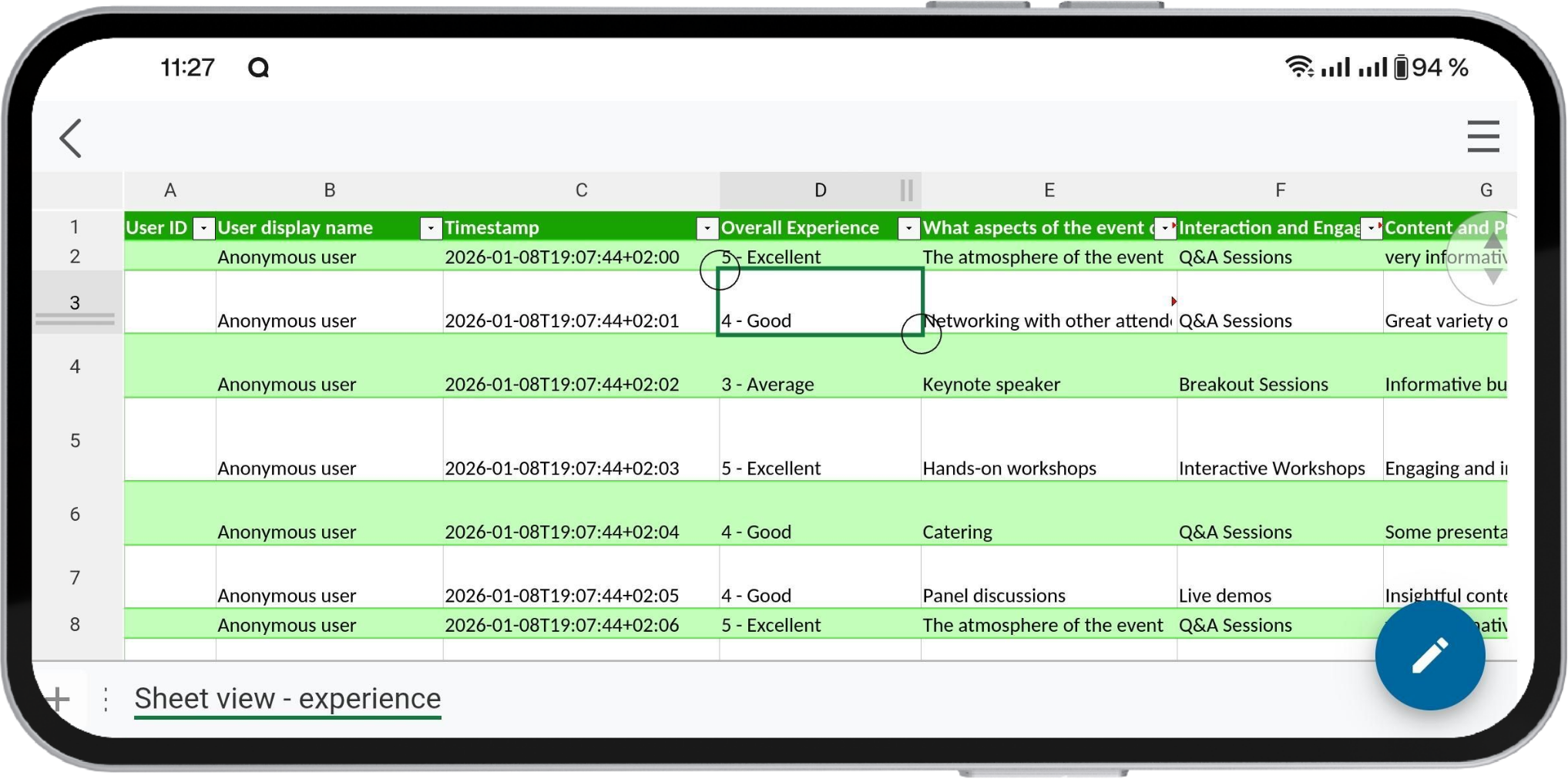
That means documents are rendered consistently across the full Collabora Office suite. Whether you open a file on your desktop, in your browser, or on your phone while travelling, you are working from the same foundation. Layout, formatting, tables, images, charts, styles, and document structure are handled by the same underlying engine.
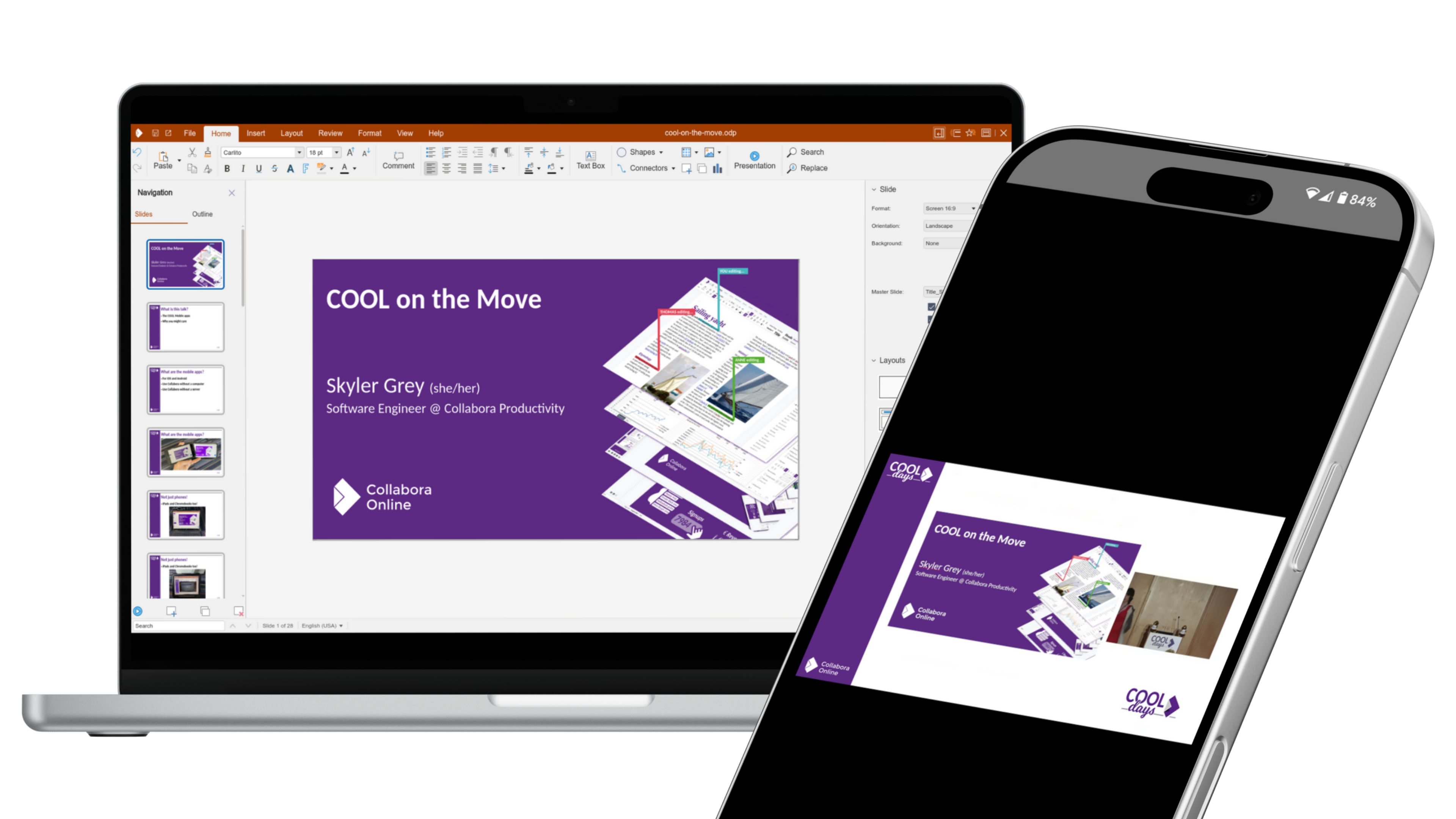
You can review a document on your phone and know that you are seeing the document as it really is. You can check a presentation before a meeting, review a spreadsheet while travelling, or read a report in the field without worrying that the mobile app has shifted something, hidden something, or interpreted it differently. When documents move between devices, that consistency matters.
Many document apps on the market prioritise convenience, but can introduce rendering differences depending on format, feature support, or the platform you are using. That may be acceptable for casual notes or lightweight editing. It is not acceptable when the document itself carries real operational, legal, or organisational importance. Collabora Office for Mobile is designed for those moments where accuracy matters just as much as access.
Why rendering consistency matters
Collabora Office for Mobile is especially valuable because it fits into a wider document workflow rather than sitting outside it. It works as the perfect accompaniment to Collabora Online and Collabora Office on desktop, helping form a complete and rounded office suite across devices.
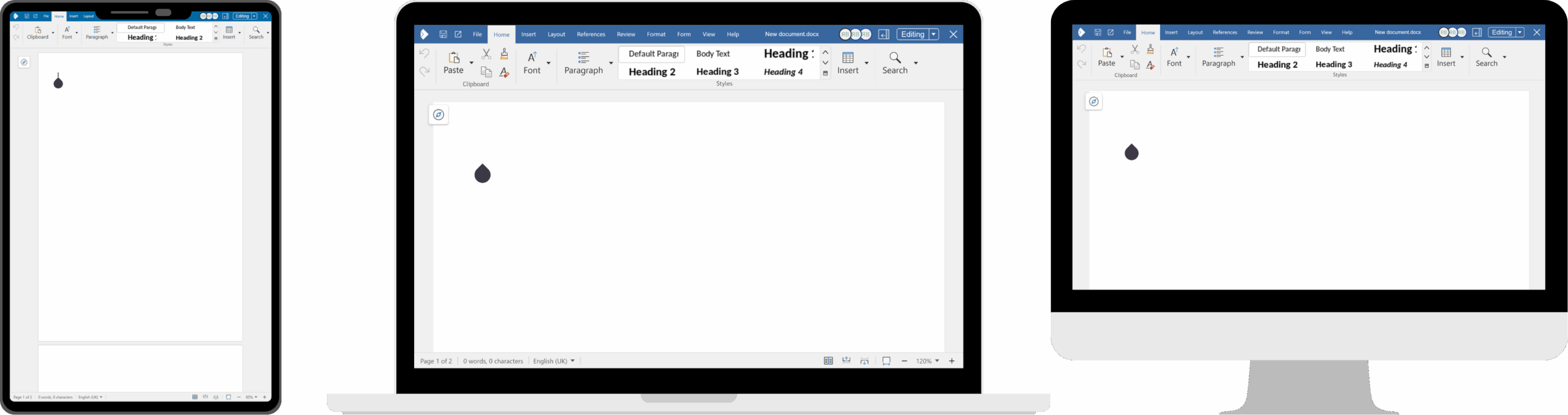
This makes it particularly useful for people who are frequently away from their desks. Travelling employees can review meeting materials on the move. Field staff can access documents in operational environments. Engineering teams, logistics workers, consultants, inspectors, and public-sector teams can all open the documents they need with greater confidence that what they are viewing is accurate. In some contexts this is simply about convenience. In others, it is about mistakes.
A different UI for a different device
Of course, a mobile app cannot simply copy a desktop interface onto a phone screen and call it done.
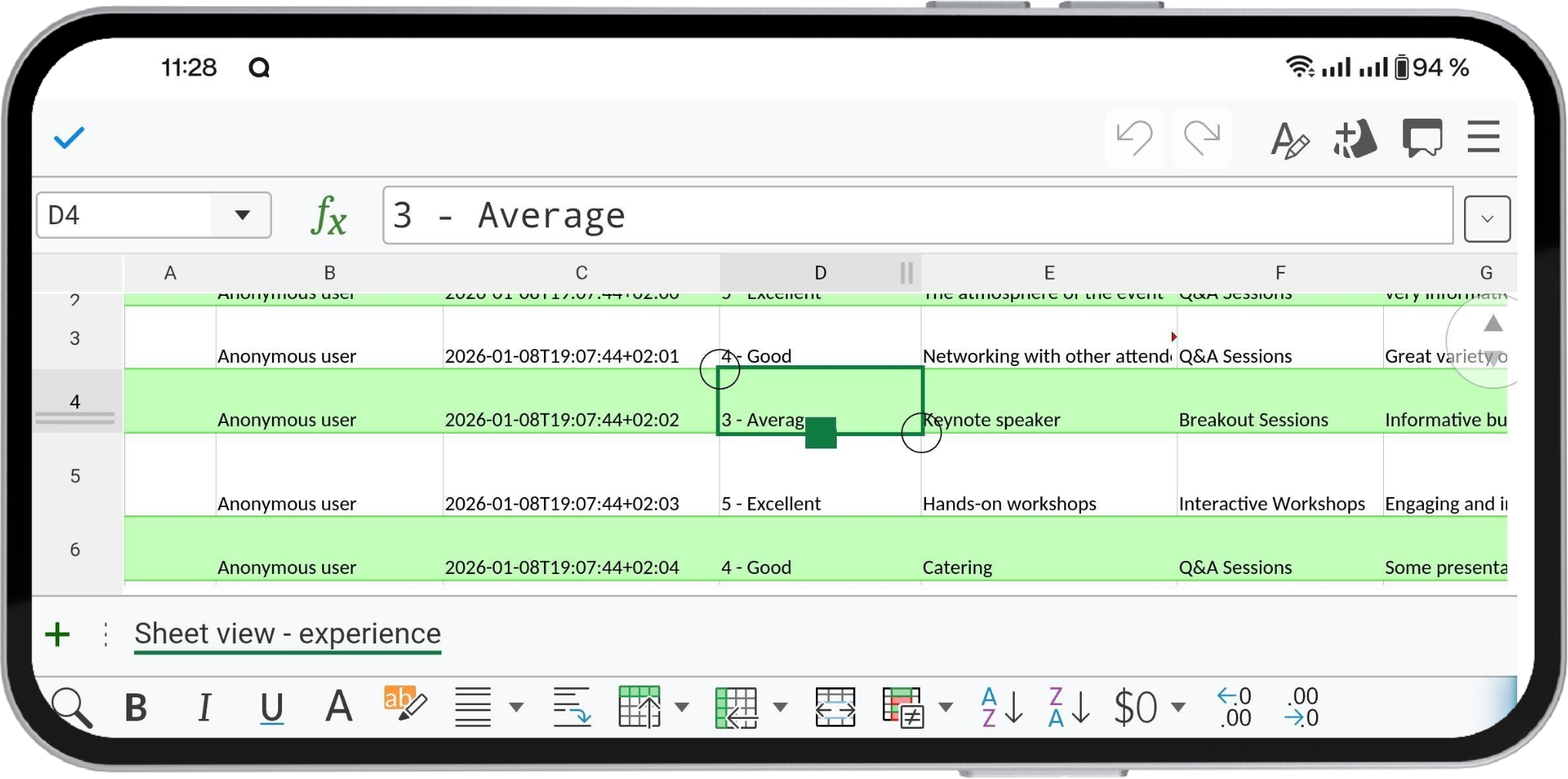
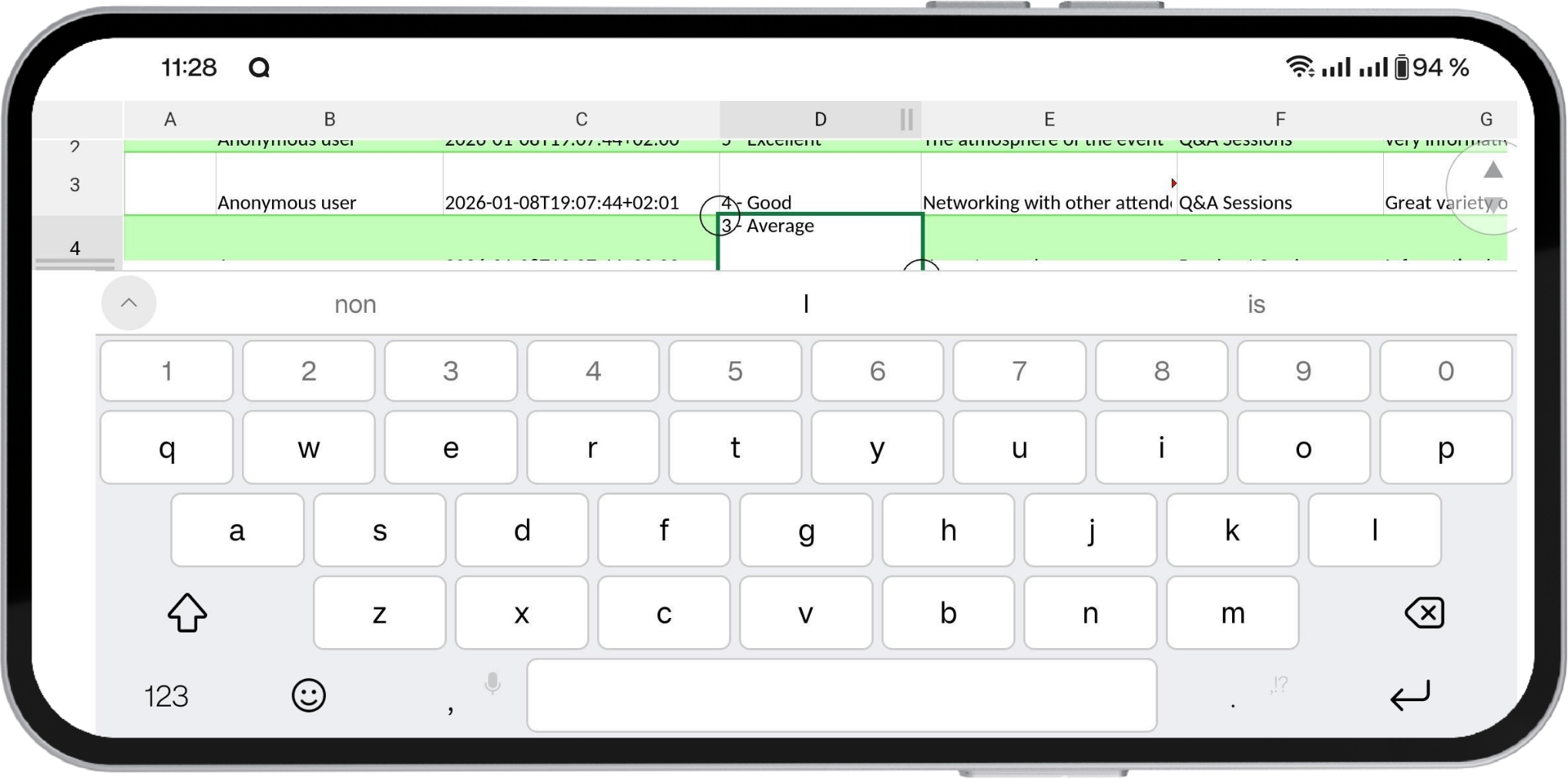
Phones and tablets are very different environments. On a small display, screen space is limited, touch is your main input method, and the on-screen keyboard immediately competes for room with menus, toolbars, and document content. Designing a good office experience for mobile is difficult precisely because documents themselves have not become simpler, even if the screen has become smaller.
That is why we have invested heavily in optimising the mobile user experience.
It is also worth distinguishing between using Collabora Online on a mobile phone or tablet browser, and using the dedicated mobile app. In a mobile browser, users are still working through their EFSS or integration platform, so they will retain access to platform-specific features such as granular user-based permissions, @ing users in documents or comments, version-history lgging, etc. The dedicated mobile app on the other hand offers the same beautiful Collabora editing interface, but cannot include all of these integration-specific controls. This is not a limitation of the Collabora Office for Mobile app, but is because mobile apps operate within highly sandboxed environment. In practice, that means the app delivers the same document rendering and editing experience, while the browser remains the route to the wider EFSS workflow around the document.
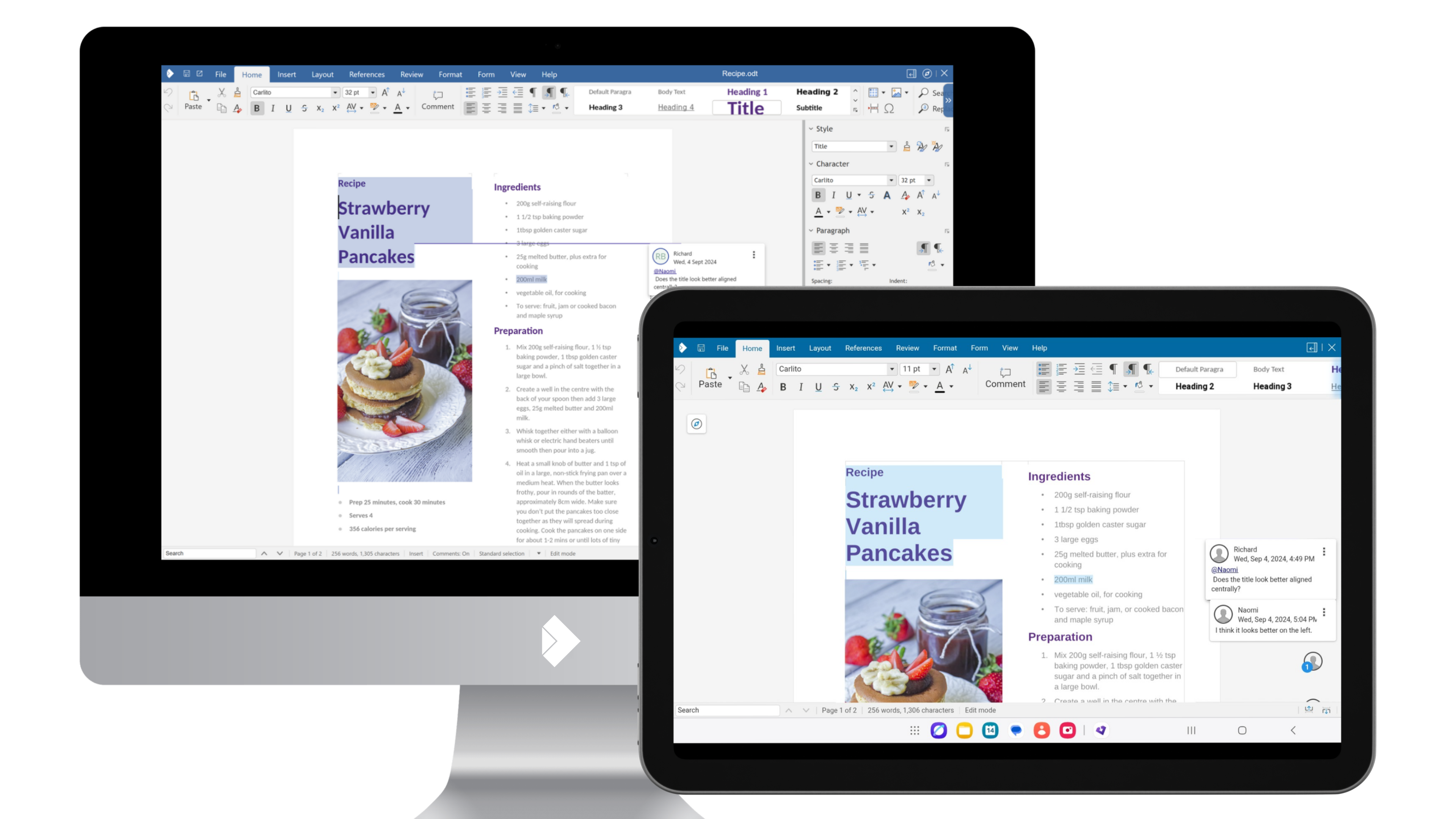
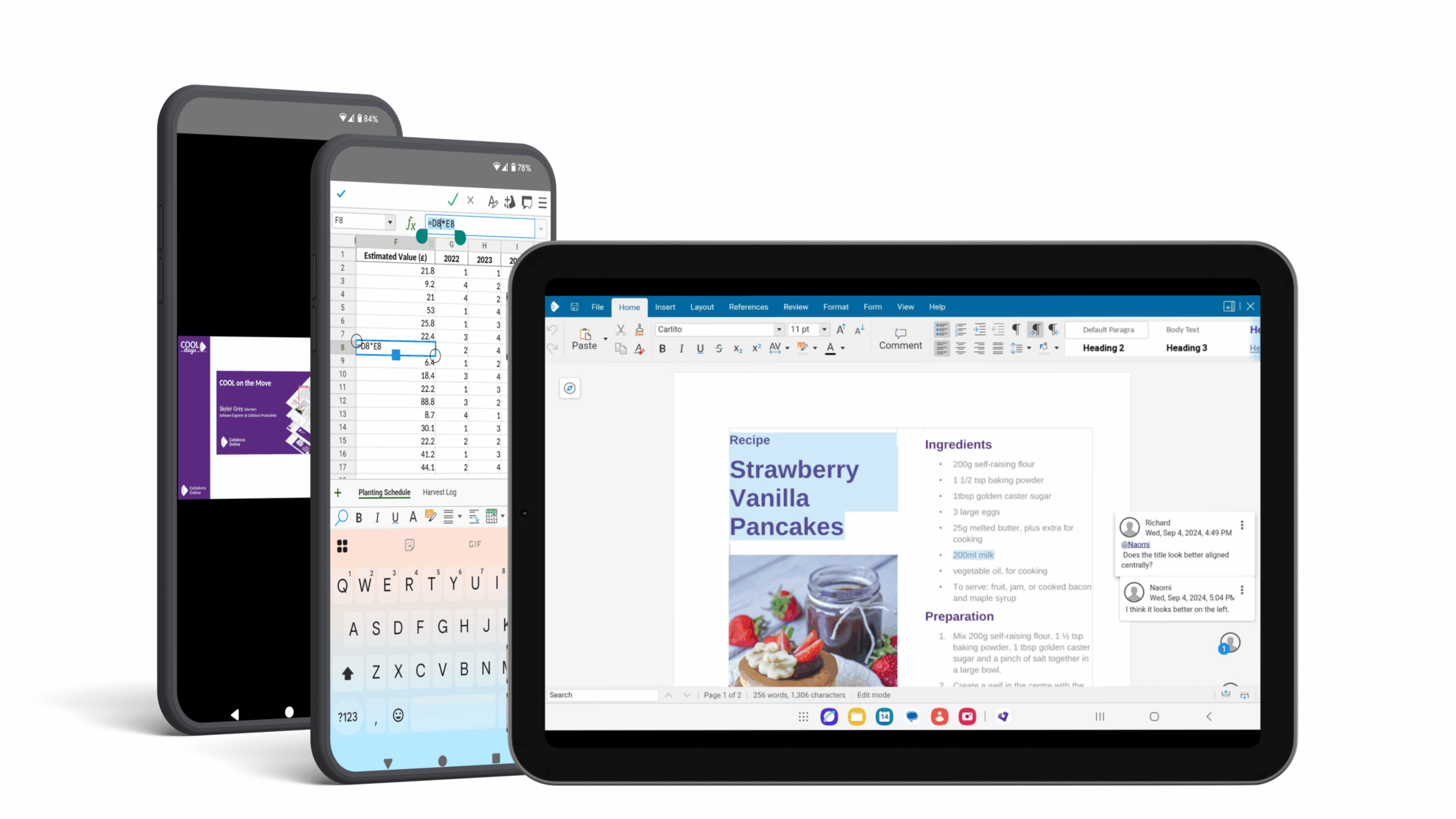
On tablets, Collabora Office for Mobile provides a much more desktop-like interface, giving users more familiar controls and a layout that makes better use of the larger screen. This is particularly important for users who want continuity between desktop and tablet workflows, or who use a tablet as a serious work device rather than just a companion screen.
On phones, the interface becomes more responsive and adaptive. Menus and controls can step back when needed so that the document itself gets more space, especially once the keyboard is open and the user is typing. That sounds simple, but getting the balance right is not easy. Too many controls on screen, and the document becomes cramped and frustrating to use. Too few, and editing becomes awkward. A good mobile office app needs to know when to stay visible and when to get out of the way.
The goal is not to pretend that a phone is a desktop replacement in every scenario. The goal is to make sure that when you do need to act on a document from your mobile device, the experience is clear, capable, and dependable.
Accessibility matters too
A modern office suite also has to work well for everyone. That includes users who rely on accessibility tools and assistive technologies.
Collabora Office for Mobile includes strong accessibility support, including screen reader functionality, helping more users work with documents effectively on mobile devices. That is important not only from an inclusion perspective, but also from a practical one. Mobile access should not come at the expense of usability.
One suite, across every screen
The real value of Collabora Office for Mobile is not just that it works on phones and tablets. It is that it fits into a larger picture.
Desktop, browser, and mobile should not feel like separate worlds with different document behaviour and different levels of trust. They should be different ways of accessing the same office experience, adapted sensibly for each device.
That is what Collabora Office for Mobile helps deliver – the same document engine, thoughtful mobile design, practical editing, strong accessibility, and a natural companion to the rest of the Collabora Office suite.
Ready for document editing in your pocket? Try it out today!