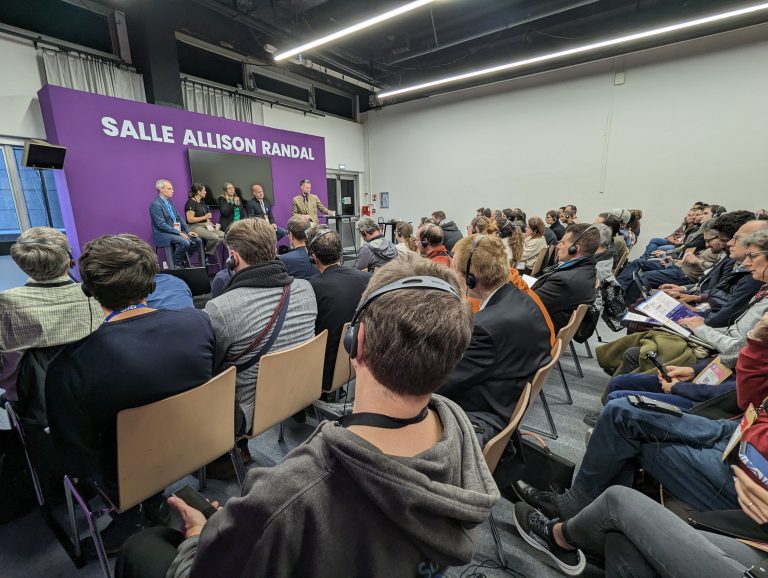
With partners and users around the world, Collabora Online is a global solution, allowing any and all to take control of their documents and data. In December alone, we attended three international conferences, in two continents – the Open Source Experience (OSXP) in Paris, the Nextcloud Enterprise Day also in...
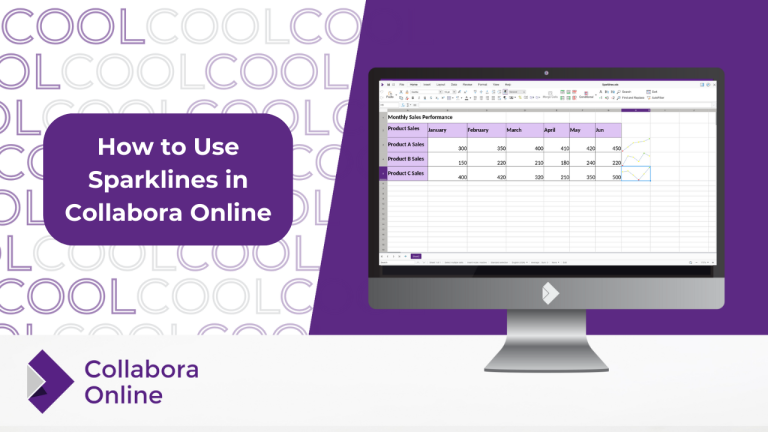
What are Sparklines? Sparklines are miniature charts that are heavily simplified and typically fit into a line of text or a cell on a spreadsheet. Their first appearances date back to 18th century chivalric novels and the display of barometric signatures of the notorious 19th century Krakatoa eruption. Unlike classic...
With Collabora Online Impress, users enjoy a seamless, professional presentation experience that stands as a secure and quality alternative to other proprietary office suites. Taking a look at just a few recent developments to our presentation offering, we hope you will enjoy seeing not only feature improvements – but a...
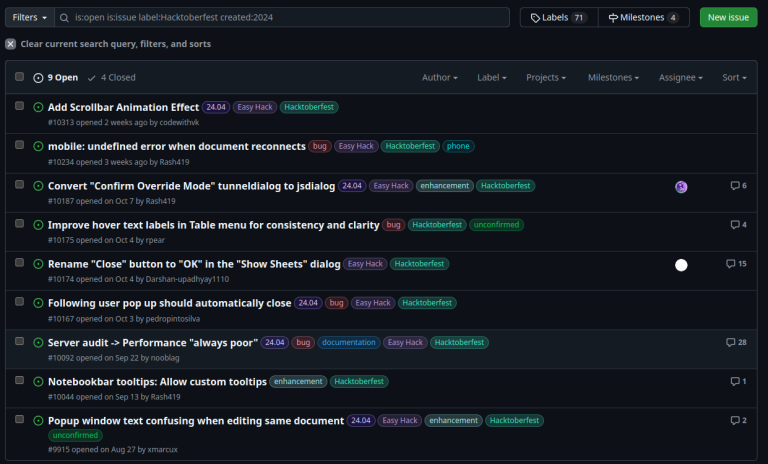
This October, Collabora Productivity were thrilled to be involved once again in Hacktoberfest, the global open-source hacking festival. Having started this initiative in 2022, we’re excited to say that this year’s event brought together a fantastic community of contributors who tackled over 20 Hacktoberfest-tagged issues, along with numerous other beginner...
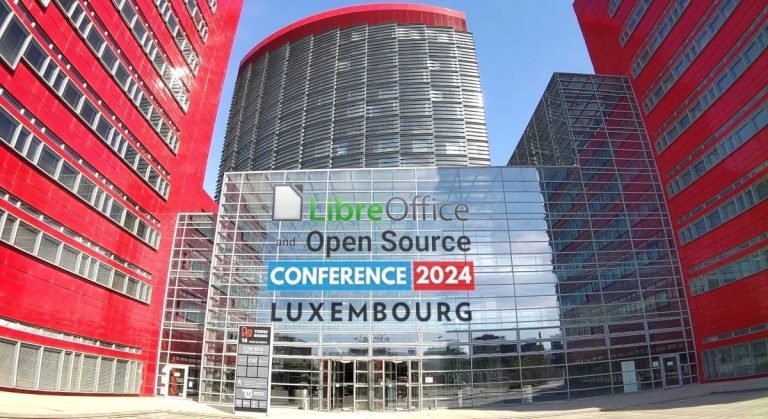
The LibreOffice Conference 2024 took place from 9th – 12th October in Luxembourg. Collabora was one of the key sponsors of this event and contributed a significant number of talks on different topics relating to LibreOffice technology. You will find a list of these contributions, including the video recordings and available slides, inside...
TL;DR: Together with Adfinis, we are celebrating a decade of partnership rooted in providing high-quality, privacy-respecting, open-source solutions. Our collaboration has led to significant achievements, such as developing an iOS document-editing app, as well as integrating LanguageTool and DeepL into Collabora Online. The partnership has also driven key projects like...