

Click here if you’re looking for Collabora Office Classic 25.04 release notes
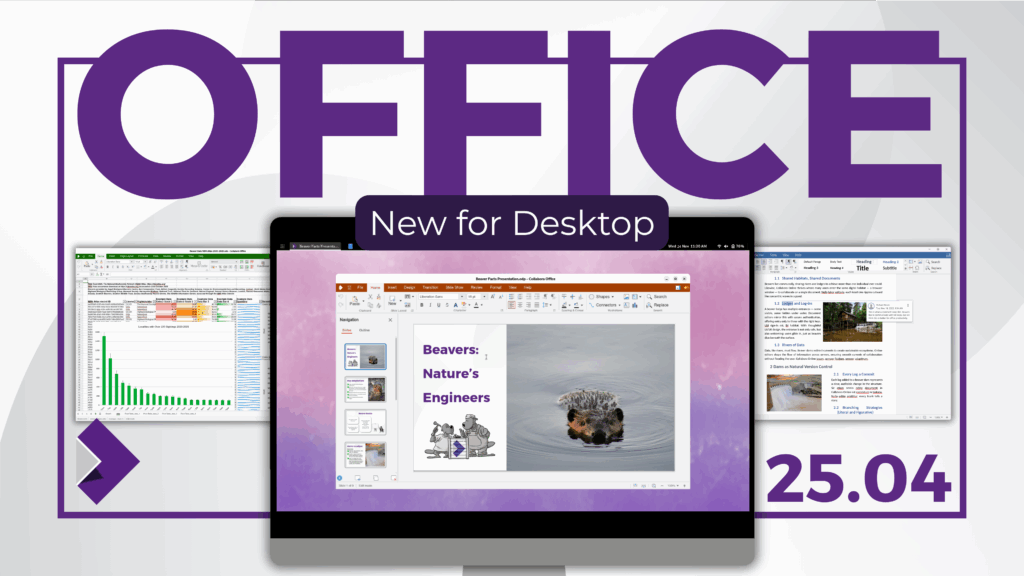
Collabora Office brings the familiar Collabora Online experience to your computer – so you can create, edit, and present with a beautiful, modern UI. As with Collabora Online, Collabora Office is based on LibreOffice technology and backed by the largest team of LibreOffice developers worldwide, it delivers excellent interoperability with ODF and Microsoft Office formats (DOCX/XLSX/PPTX), and exports to PDF with ease. Your documents stay on your device unless you choose to share them – privacy by design.
Collabora Office 25.04.9.2
Released 19/03/2026
General fixes for the desktop app
- Writer ruler now visible by default
- show language selector on the status bar after switching to edit mode
- F7 invokes the spell checker as it does in classic desktop app
- template names are now translatable
- welcome slideshow no longer saved in the Recent Files list
- fixed the UI not being RTL for right-to-left languages
- guard against extensionless template filenames
- translation updates: Spanish, French, German, Ukrainian, Czech, Albanian, Estonian, Lao
- enable tile worker threads for desktop apps for more performant document rendering
Platform specific fixes
- Windows
- handle UNC paths (network shares) for opening, saving and command-line arguments
- fixed “access denied” error when printing
- improved clipboard handling: use separate memory blocks for each format, fixed index error
- macOS
- Save As from the backstage now shows the native Save As panel
- fixed intermittent HiDPI blurriness on WKWebView
- fixed the Copy button (copy version information to clipboard) in About box
- fixed localization of About, Hide and Quit menu items
- Linux (Qt)
- fixed clipboard copy and paste
- fixed the Copy button (copy version information to clipboard) in About box
- corrected StartupWMClass in .desktop file to match actual window class
- improved D-Bus communication using QDBusMessage
- improved logging defaults and added fine-grained controls
Under the hood
- 6 weeks of development on core (stability fixes, interoperability fixes — 371 commits, 65 bug fixes)
- security updates of 3rd party libraries: NSS 3.121, OpenSSL 3.0.19, expat 2.7.4, libpng 1.6.55, harfbuzz CVE-2026-22693 fix
- faster opening of large XLSX files
- paste Markdown content from clipboard via Paste Special
- many OOXML interoperability improvements: pivot tables, charts, form controls, formulas, DOCX section and page break export, connector shapes, data validation
- many crash fixes
- Writer: per-line paragraph properties matching Word behavior
- Writer: fixed comments in margin width on print and PDF export
- Calc: sheet views feature improvements
- Calc: TRUNC function accepts larger values
- Impress: improved rendering of multiline hyperlinks
- Impress: fixed text margin rotation for vertical/rotated text
- Impress: fixed crash when activating embedded Calc spreadsheet
Collabora Office 25.04.8.1-1
Released 29/01/2026
Bug Fixes
- macOS
◦ Fixed “Insert Image”
◦ List of recently opened files in backstage
◦ Fixed ReadOnly mode in Calc
◦ Added document icons in multi-tab headers - Windows
◦ List of recently opened files in backstage
◦ Initial document name, avoiding SaveAs dialog
◦ Implemented SaveAs to work properly - Linux
◦ Implemented “Save As” with reloading
◦ List of recently opened files in backstage
◦ Initial document name, similar to Windows
flatpak: coda-25.04.7.3-2 tag
New features and fixes in this release:
- Built for aarch64 and x86_64 architectures
- Support of presenter console and multi monitor setups
- Use the new “backstage view” to create new files from templates
- Updated localizations
Windows: coda-25.04.7.3-2 tag + 1 patch
New features and fixes in this release:
- Support of presenter console and multi monitor setups
- Use the new “backstage view” to create new files from templates
- Use system and user fonts
- Updated localizations
- Fixed a copy&paste issue
macOS: coda-25.04.7.3-2 tag Build 106
New features and fixes in this release:
- Support Intel platform as well
- Support of presenter console and multi monitor setups
- Use the new “backstage view” to create new files from templates
- Use system and user fonts
- Updated localizations
Collabora Office 25.04
Released on: 26 November 2025
We’re excited to share the first release of the all new Collabora Office for desktop – bringing the familiar, powerful Collabora Online experience, to run locally on Windows, macOS, and Linux. Open it and feel instantly at home: ODF or DOCX, quick edits or deep dives, a clean, beautiful interface that helps you get work done without getting in the way.
Find more details on the new features in the official announcement.