The Uncomfortable Truth About Microsoft Customer Lockbox
There is a question that every organisation storing data in Microsoft 365 should be asking, but most never do: can Microsoft access your files, emails, and documents without your knowledge or consent?
The answer, by default, is yes – and Microsoft will even sell you a feature to do something about it.
What Is Customer Lockbox?
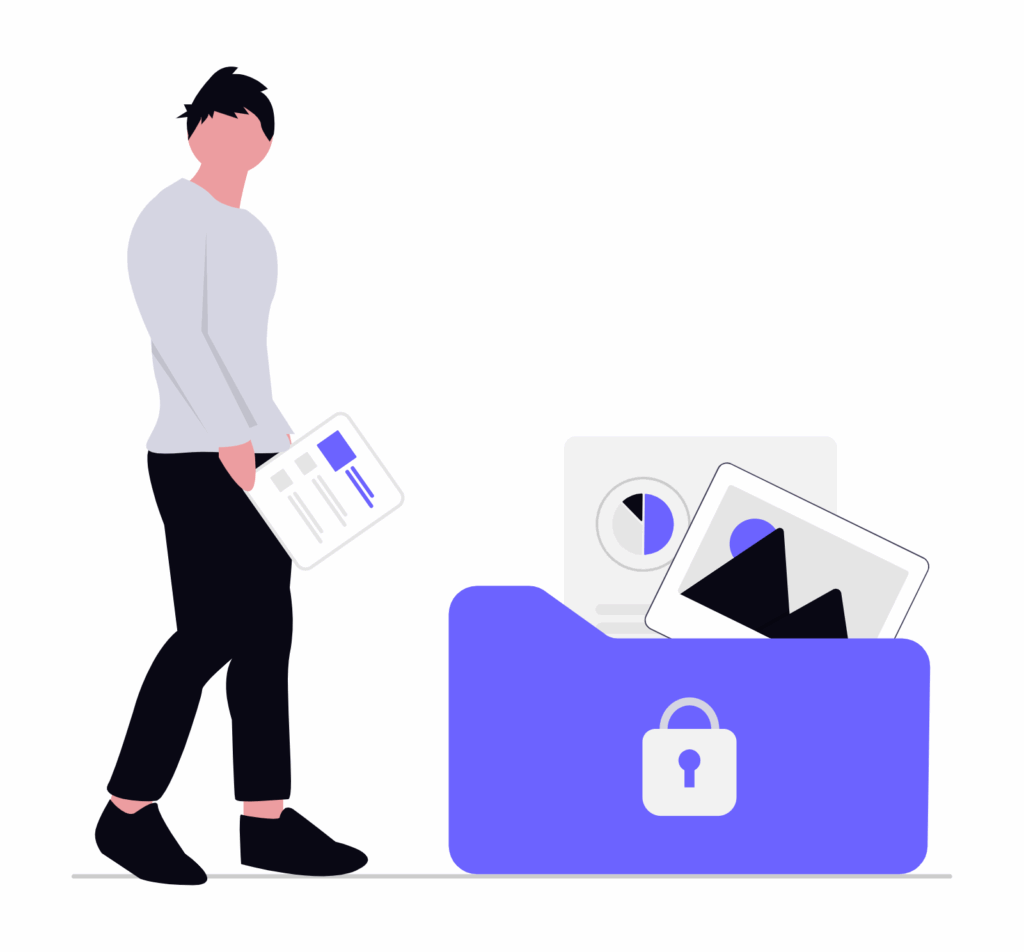
Customer Lockbox is a Microsoft 365 feature that gives organisations the ability to explicitly approve or deny access requests from Microsoft support engineers before they can view customer content. When a Microsoft engineer needs access to your data to investigate a support issue, a notification is sent to your administrators, who must approve the request. If they don’t respond within the time window, access is denied.
On the surface, this sounds perfectly reasonable. But step back for a moment and consider what this feature’s very existence implies.
The Feature That Should Never Have Been Necessary
Customer Lockbox exists because, without it, access to your data is governed entirely by Microsoft’s own internal policies and processes – not by you.
Microsoft’s standard position is that it operates on a “Zero Standing Access” principle: engineers don’t have persistent access to customer data, and access is granted on a just-in-time, least-privilege basis. That sounds reassuring. But here is the critical distinction: those controls are Microsoft’s controls, not yours. The gatekeeper is the same organisation that also wants access to your data. You are not in the room when that decision is made. You may not even be notified that it happened.
Customer Lockbox changes this by adding the customer as a required approver. It shifts the control point from Microsoft’s internal process to your organisation’s administrators. In other words, it gives you the ability to consent.
Consent however shouldn’t be a premium feature.
That Microsoft has packaged the ability to approve access to your own data as an optional add-on – available only to customers willing and able to pay for it – tells you a great deal about how the company thinks about data privacy.
Who Can Afford Privacy?
Customer Lockbox is bundled with Microsoft 365 E5, the highest and most expensive enterprise licensing tier, or available as part of the Microsoft 365 E5 Compliance add-on. For the vast majority of organisations – small and medium businesses, schools, non-profits, public sector bodies operating on constrained budgets – it is simply out of reach.
This creates a two-tier privacy landscape. Large, well-resourced enterprises can buy some oversight* of their own data. Everyone else accepts whatever Microsoft’s internal policies happen to say on any given day.
This should be deeply uncomfortable. Data sensitivity is not proportional to the size or wealth of the organisation holding it. Healthcare providers, legal services, schools small and large and everything in between all handle highly sensitive and personal data. They should be accessing the same level of control over their data as a Fortune 500 company. The idea that of data sovereignty as a luxury good is not a neutral business decision. It is a statement about whose privacy matters.
*The Lock Microsoft Will Always Open
- The CLOUD Act (Clarifying Lawful Overseas Use of Data Act), passed in the US in 2018, allows US law enforcement to compel US-headquartered companies – including Microsoft – to produce data stored on their servers, regardless of where in the world that data physically resides.
- Customer Lockbox does not protect against this. Customer Lockbox governs Microsoft engineer access for support and operational purposes. It has no bearing on legally compelled government disclosure. Microsoft can be required to hand over your data without notifying you, without your consent, and potentially under a gag order that prevents them from telling you it happened.
- Microsoft is a US company. No matter where your data is hosted – including EU data centres – it remains subject to US jurisdiction through the CLOUD Act.
Privacy Should Be the Default, Not a Product
The deeper issue here is one of design philosophy. A company that genuinely places privacy at the centre of its product decisions builds oversight, transparency, and consent into the default experience. It does not reserve these things for paying subscribers.
Our approach at Collabora Productivity is rooted in a different set of assumptions. Our products are built on open-source foundations, designed for self-hosted deployment, and architected so that your data stays where you put it – on infrastructure you control, with access policies that you define. We don’t provide a back-door support channel through which a third party can request access to your documents. There is no premium tier required to retain meaningful sovereignty over your files.
Because that is what software should look like when the organisation building it genuinely thinks privacy matters.
What You Can Do
If you are using Microsoft 365, it is worth understanding exactly what tier you are on and whether Customer Lockbox is available to you.
More broadly, we would encourage organisations to ask harder questions of any cloud platform they use:
- Who can access our data, and under what circumstances?
- Do we receive notification when that access occurs?
- Do we have the ability to approve or deny it?
- Is that ability included as standard, or is it something we have to pay for?
And if you’re not sure about any of the answers, get in touch with us to experience a truly customer-centric, privacy-respecting office suite.