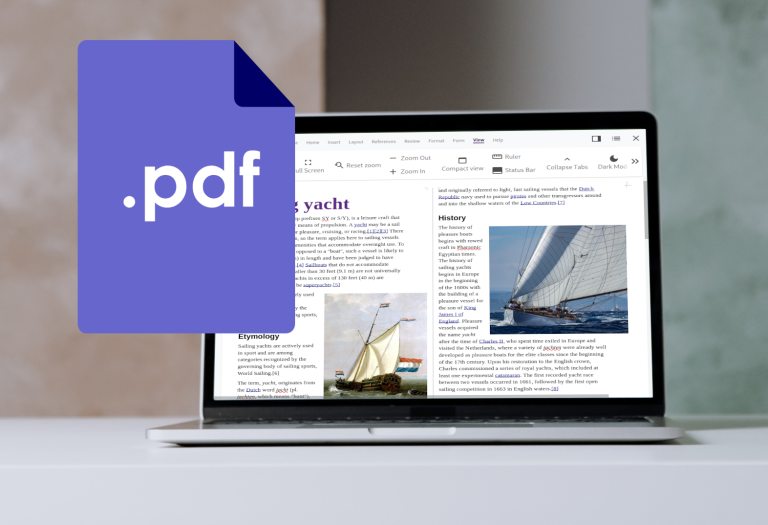
Professional PDF Export Features in Collabora Online PDF, the Portable Document Format, is currently the most important exchange format for finalised documents. Its major advantages include platform independence and consistency in the presentation of content. A significant proportion of the text documents created in Collabora Online (and of course a...
They say time waits for no man, and that’s certainly the case at Collabora. Our latest update to Collabora Online Development Edition has now been released, with a number of exciting new features and improvements, including font previews, QR and barcode generators, as well as a number of bug fixes...
Accessibility isn’t just a matter of compliance, it’s a commitment to fairness. When content is accessible, it becomes a bridge that connects people, regardless of their circumstances. For instance, individuals with visual impairments can have text read aloud to them through screen readers, while keyboard shortcuts enable those with mobility...
If you’ve been looking for a secure, privacy-respecting, and feature-rich alternative to Microsoft Office 365, there’s never been a better time to try Collabora Online. With the latest Collabora Online 25.04 release, your browser is a high-performance, enterprise-ready online office suite – faster, more accessible, and more capable than ever...
Writing grammatically correct and stylistically beautiful texts in the browser has now become much more convenient. LanguageTool, known to desktop users of Collabora Office and LibreOffice as a powerful grammar checker extension, is now also available for Collabora Online. In this article you can find out how to use it...
The ability to easily share data is at the very heart of personal and corporate productivity – it’s what helps develop competitive advantage and success, but, arguably, it’s never been more of a challenge. In a modern distributed work environment, outside of the traditional office setting, it’s vital to closely...