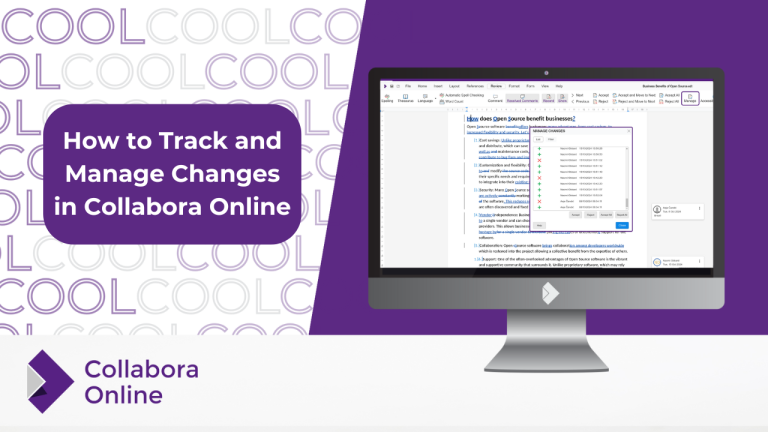
When working on a shared document, tracking changes is essential to ensure smooth collaboration and keep track of the process. Collabora Online’s Track Changes feature allows you to easily record, review, and manage edits made by multiple users. In this article, we will explore how to efficiently track and manage...
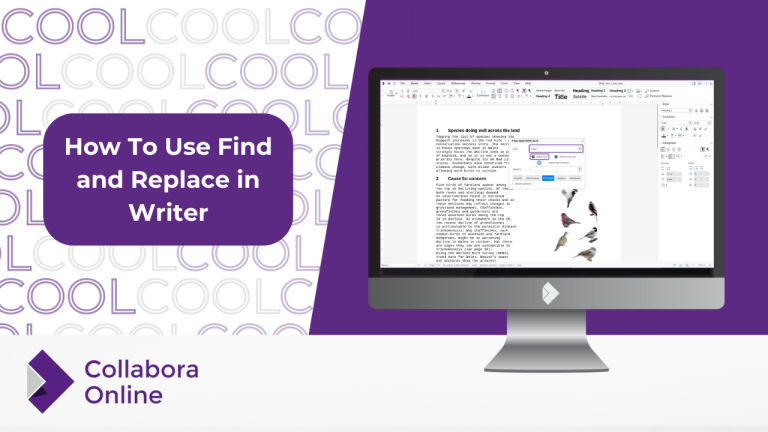
Efficient text management is a key part of any word processing workflow, and one of the most powerful tools to help with this is the Find and Replace feature. Whether you’re looking to replace specific words, phrases, or even paragraph styles, Collabora Online Writer has got you covered. In this...
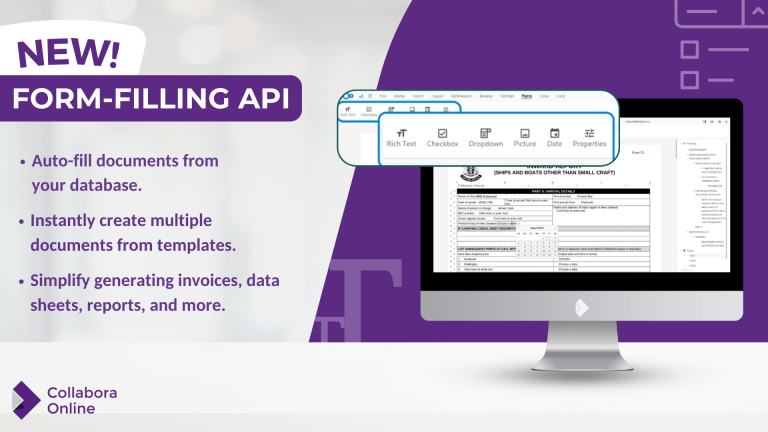
Responding to the needs of one of our partners, we have created a new API to read and populate fields in documents without the need to open the document. This means that certain fields can either be automatically detected and extracted from a document for an end user to fill...
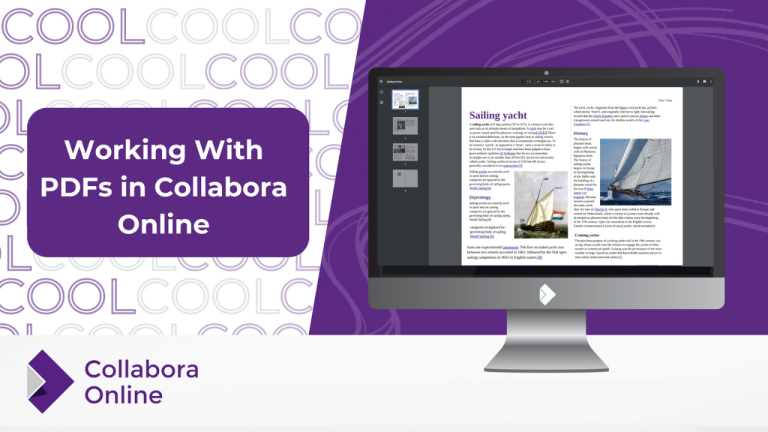
The PDF format, short for Portable Document Format, has become one of the most widely used file types across various industries and for good reason. The consistency of this document format, combined with its universal compatibility, security features, and ease of use, makes it the go-to choice for both professionals...
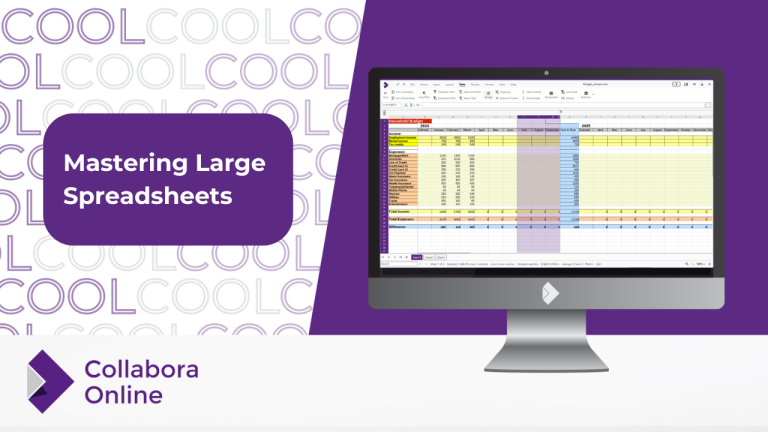
Hiding rows and columns is an important feature, especially when it comes to handling large amounts of data, allowing you to conveniently tailor your spreadsheets’ layout according to your own needs. In this article, we will walk you through the process of using Collabora’s hiding tools to enhance your data...
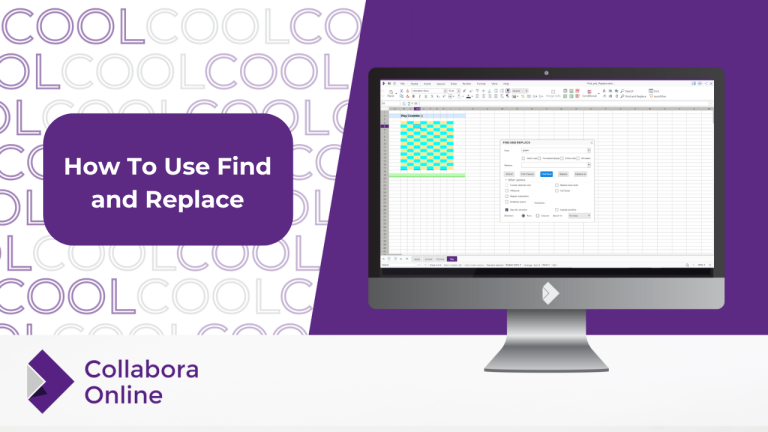
Find and replace is a powerful tool in Collabora’s Calc spreadsheets. Starting from the Home tab, you can access features such as wildcards, regular expressions, similarity search, formatted display, and many, many more. In this article, we will guide you through the many different ways you can use this feature...