Same look. Same code.Your files, your device. We’re excited to share the first release of the new Collabora Office for desktop – bringing the familiar, powerful Collabora Online experience, to run locally on Windows, macOS, and Linux. Open it and feel instantly at home: ODF or DOCX, quick edits or...
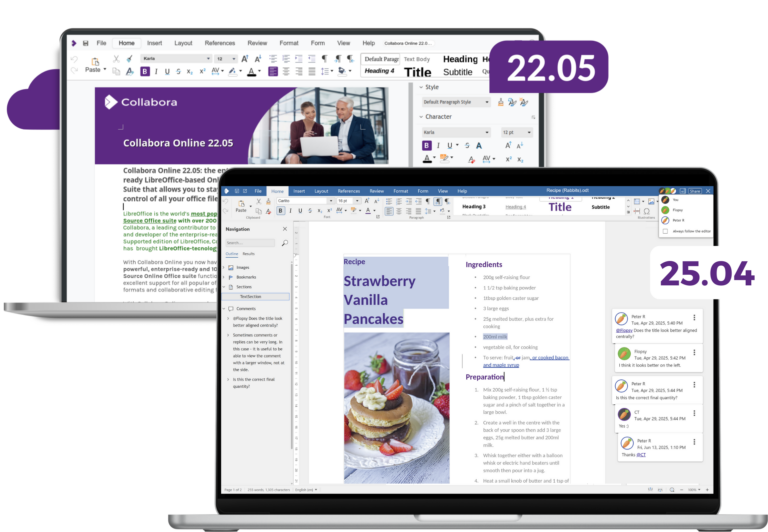
When we released Collabora Online 22.05, it marked a major step forward – a new design, LanguageTool integration, and a performance boost across the board. Since then, we’ve delivered new major releases: 23.05, 24.04 and 25.04 each bringing hundreds of improvements and a refreshed user experience. But the story didn’t...
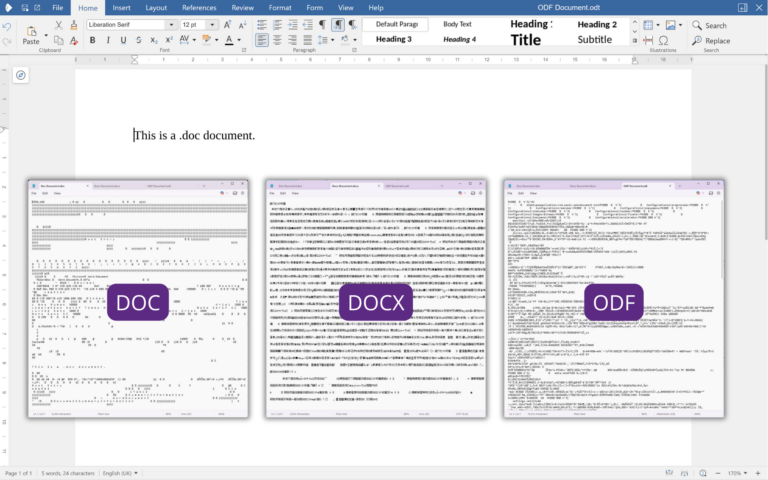
Save As? TL;DRWhen you click “Save As” in your favourite word processor, you probably don’t think too much about the file format. Yet file formats like .doc, .docx, and .odt shape how we create and share documents—but they can also create headaches. Here’s a quick guide to their history, differences,...
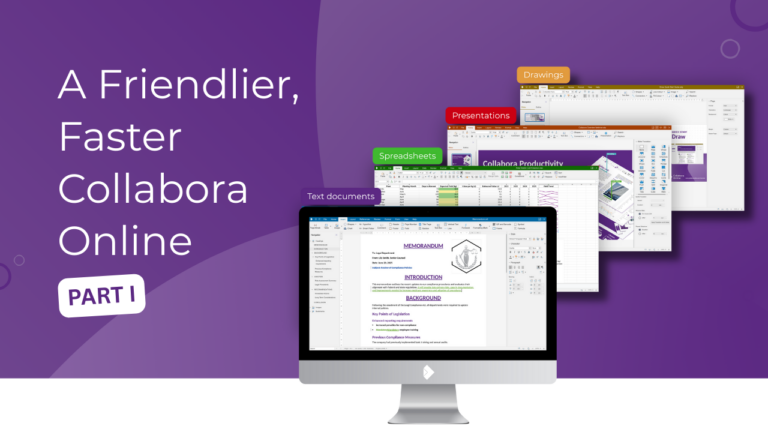
1,000,000 Data Points for an Update? Check out Part I here TL;DRIn response to user feedback, we’ve made the Collabora Online interface more discoverable and learnable, with extra power on tap: context-aware menus, progressive disclosure, responsive toolbars, presenter controls, and clearer icons, so your team can move faster with less...
Our Biggest UI/UX Refresh Yet Check out Part II here TL;DRWe’re shipping some serious UI/UX improvements designed to feel intuitive, reduce menu-diving, and help you move faster. Think contextual toolbars, smart tabs that appear exactly when you need them, responsive layouts that adapt to any window size, presenter controls, and...
We’ve just worked through the CMA’s 637-page Final decision report (and a few appendices!) on the UK cloud infrastructure market. It’s packed with genuinely interesting data and analysis — the kind of numbers you rarely see in public (even if some of the juiciest bits are, inevitably, redacted). This post...